Zoegi Theme
A port of Moegi theme for Zed. Light and dark variants.
Themes
How to install
With Forge Super installed, the button above opens the app on this extension, where you press Install. Nothing is installed until you do.
You can also open the Extensions panel in the app and search for Zoegi Theme. The extension's id is zoegi-theme.
Don't have Forge Super yet? Download it here.
README
From the extension's repository, written by its authors and not by Mentenaz. See the source.
Zoegi Theme
Zoegi is a visually pleasing and polished theme for Zed. It's based on the beautiful Moegi theme for VS Code created by Diu.
Preview
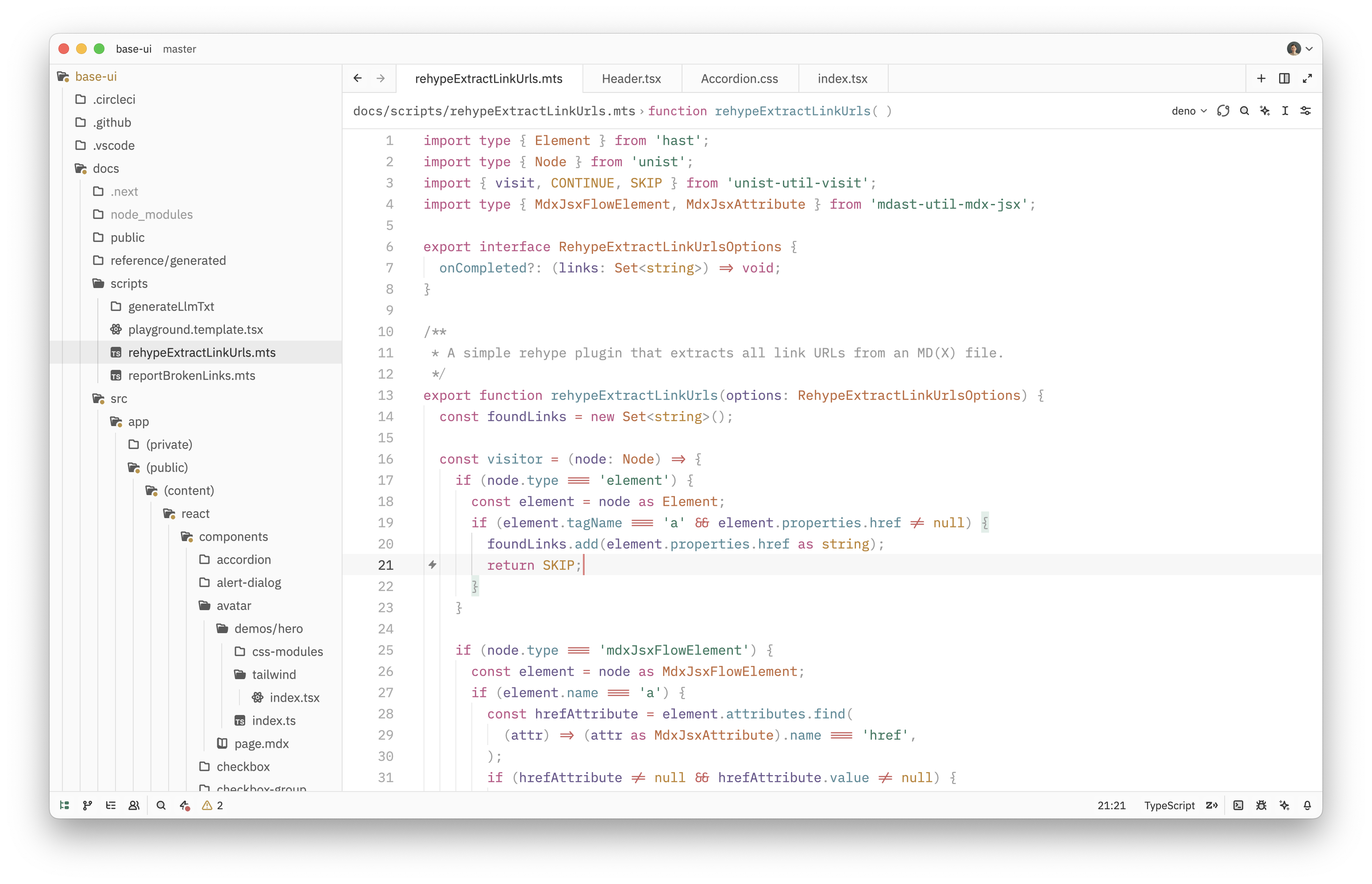
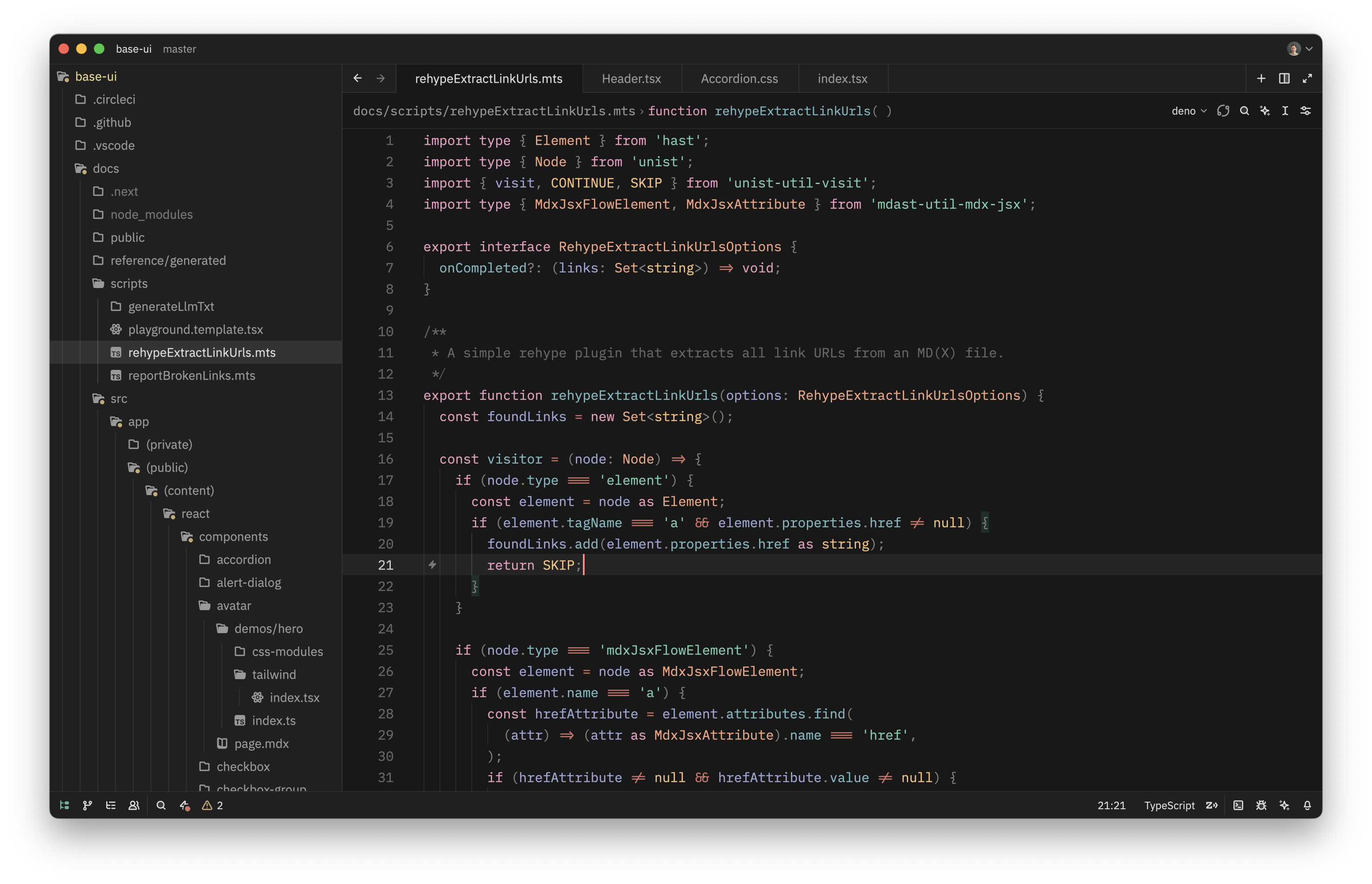
Zoegi currently includes light and dark variants.
Zoegi Light
TypeScript
Zoegi Dark
TypeScript
How to install
Extension Gallery
- Launch the Zed Extension Gallery by pressing ⌘⇧X, opening the command palette and selecting
zed: extensionsor by selecting "Zed > Extensions" from the menu bar. - Search for "Zoegi Theme" and click "Install"
Manual installation
Drop zoegi.json into the themes/ subdirectory inside the Zed config:
~/.config/zed/themes/
Credits
- Based on the Moegi theme for VS Code by Diu.
- Font used in wordmark is Space Grotesk.