Vercel Theme
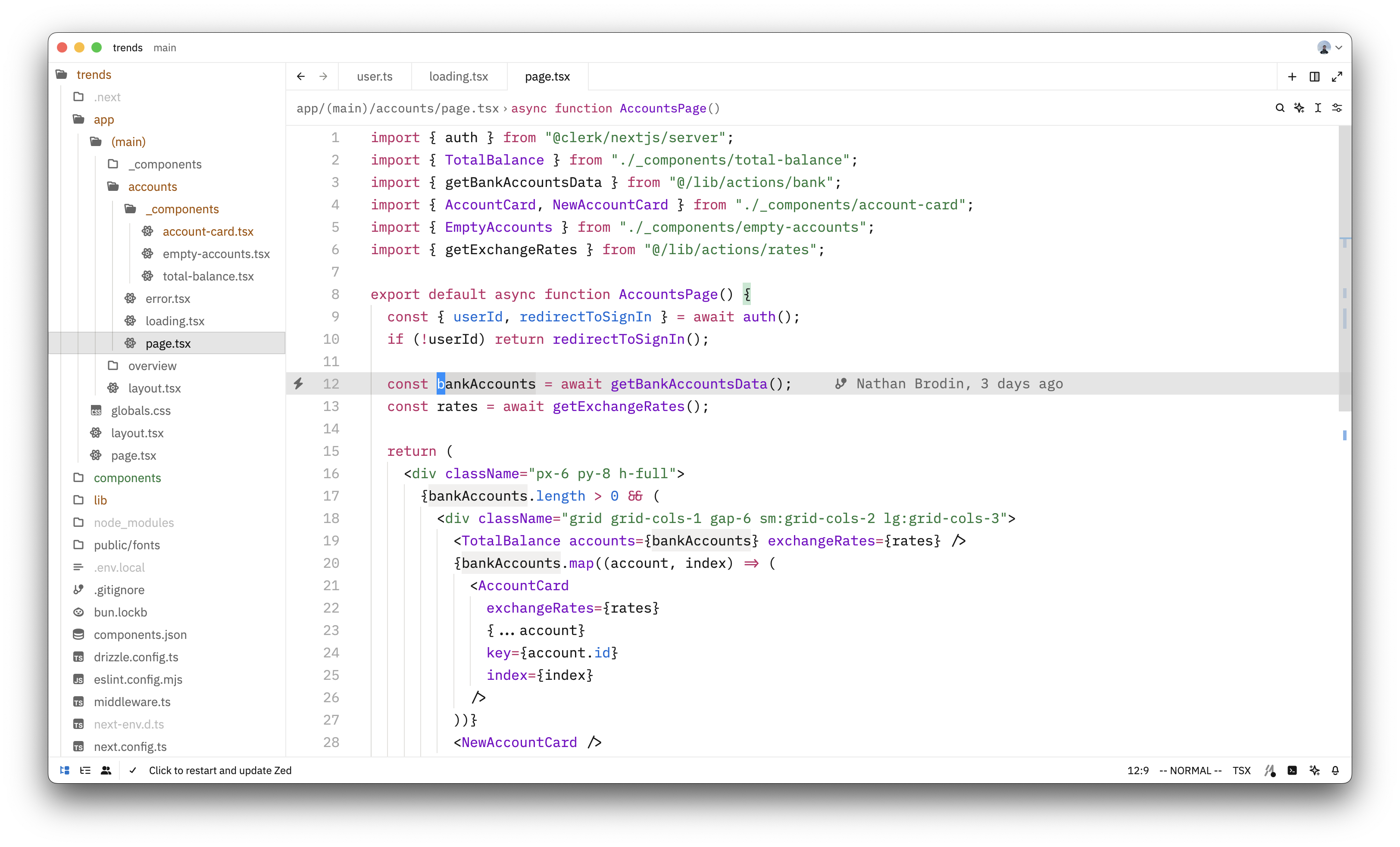
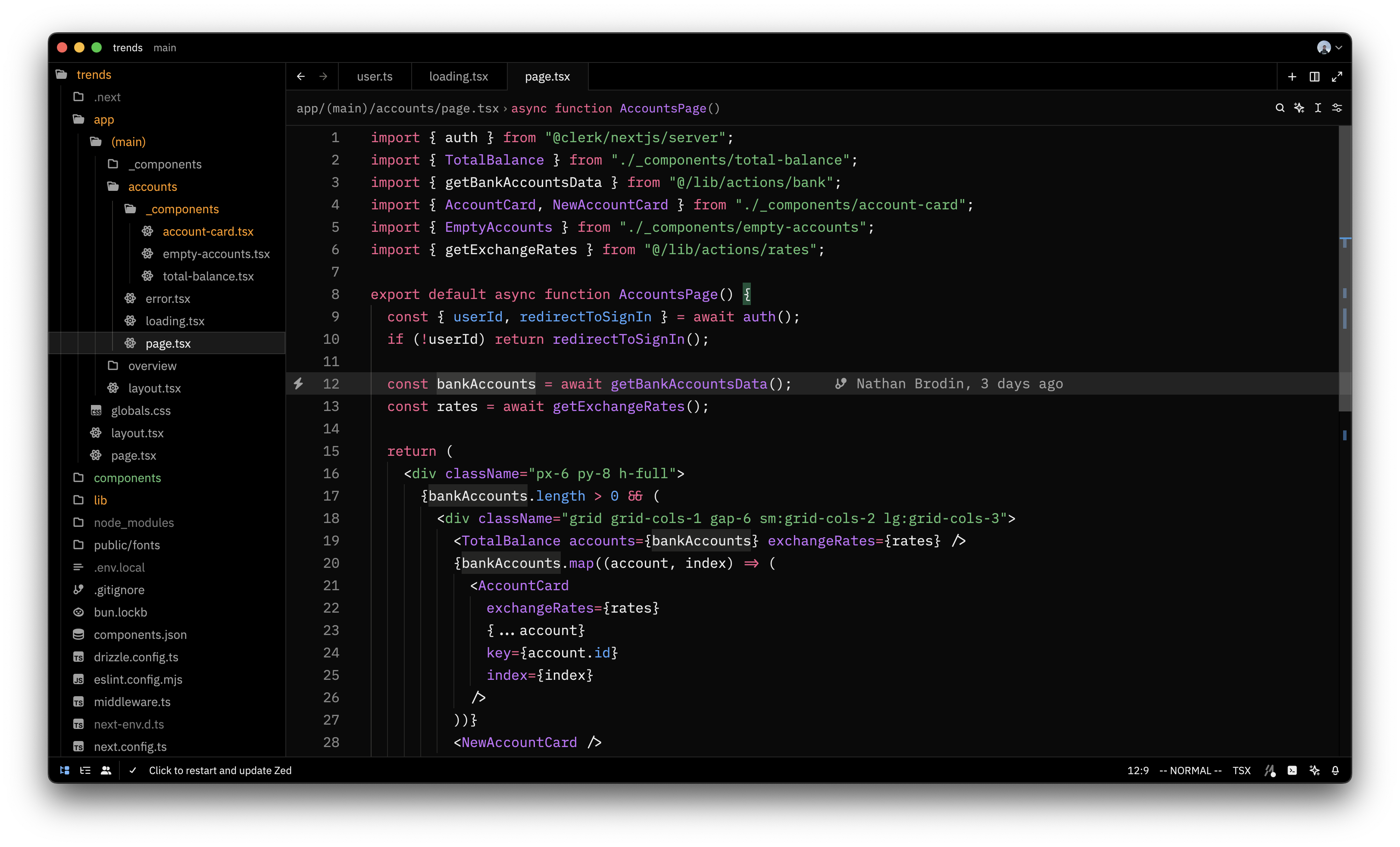
▲ Vercel light and dark theme, like in Vercel's docs.
Themes
How to install
With Forge Super installed, the button above opens the app on this extension, where you press Install. Nothing is installed until you do.
You can also open the Extensions panel in the app and search for Vercel Theme. The extension's id is vercel-theme.
Don't have Forge Super yet? Download it here.
README
From the extension's repository, written by its authors and not by Mentenaz. See the source.
zed-vercel-theme
Light
Dark
How to update the extension
-
navigate to extenstion.toml and bump version
-
Commit and push
git add .
git commit -m ""
- Create a tag and push it
git tag v0.0.x
git push origin v0.0.x
Acknowledgment
Made by converting this VSCode theme made by @gantoreno using Zed theme importer, and tweaking a few colors.