Solitude
Dark theme ported from the Omarchy Solitude theme: near-monochrome slate UI with warm ember syntax highlighting.
How to install
With Forge Super installed, the button above opens the app on this extension, where you press Install. Nothing is installed until you do.
You can also open the Extensions panel in the app and search for Solitude. The extension's id is solitude-theme.
Don't have Forge Super yet? Download it here.
README
From the extension's repository, written by its authors and not by Mentenaz. See the source.
Solitude for Zed
Dark theme ported from the Omarchy Solitude theme.
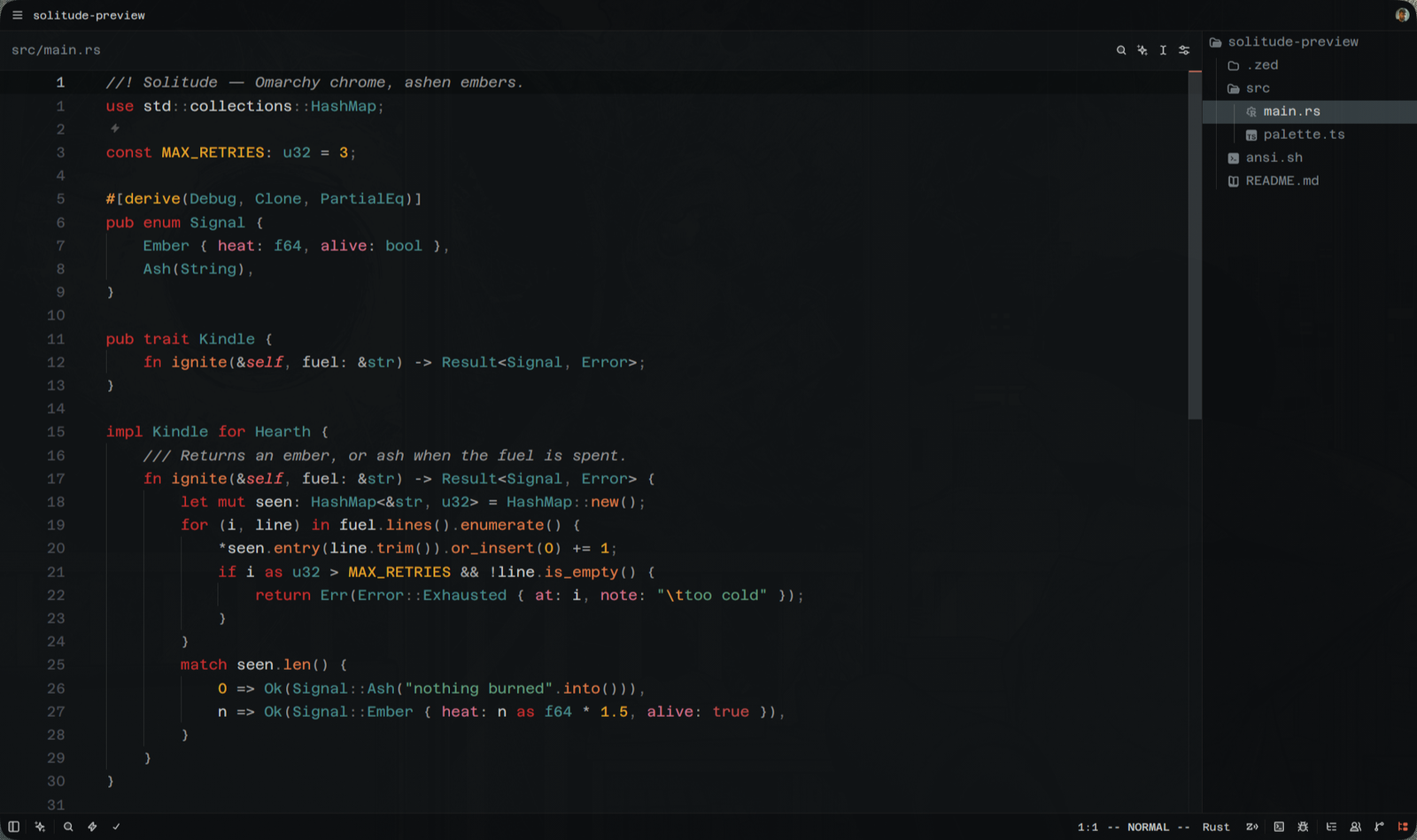
UI chrome is Solitude verbatim — near-monochrome slate, #101315 background,
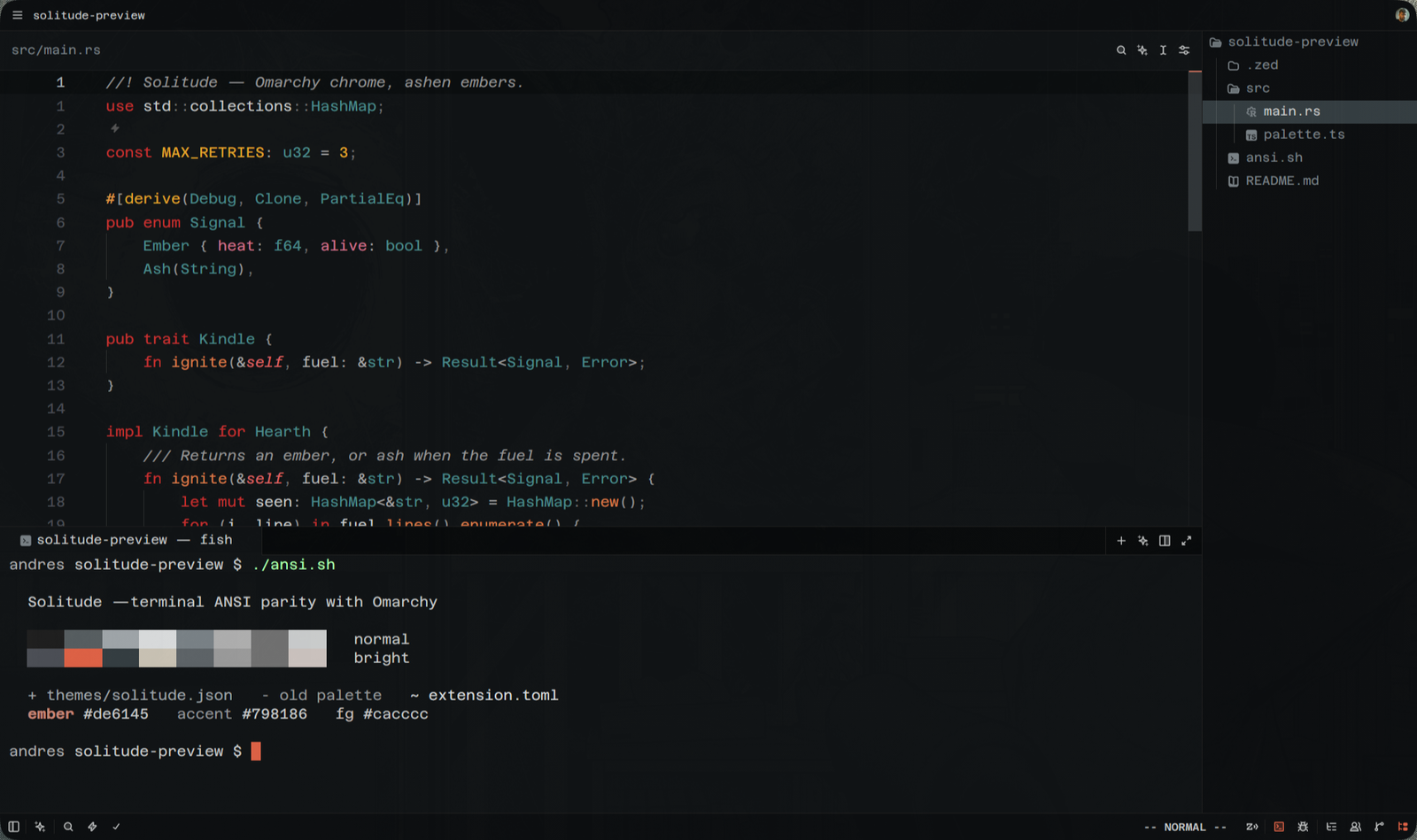
#798186 accent — including the terminal ANSI palette, so Zed's built-in
terminal matches Alacritty/Ghostty under the same Omarchy theme.
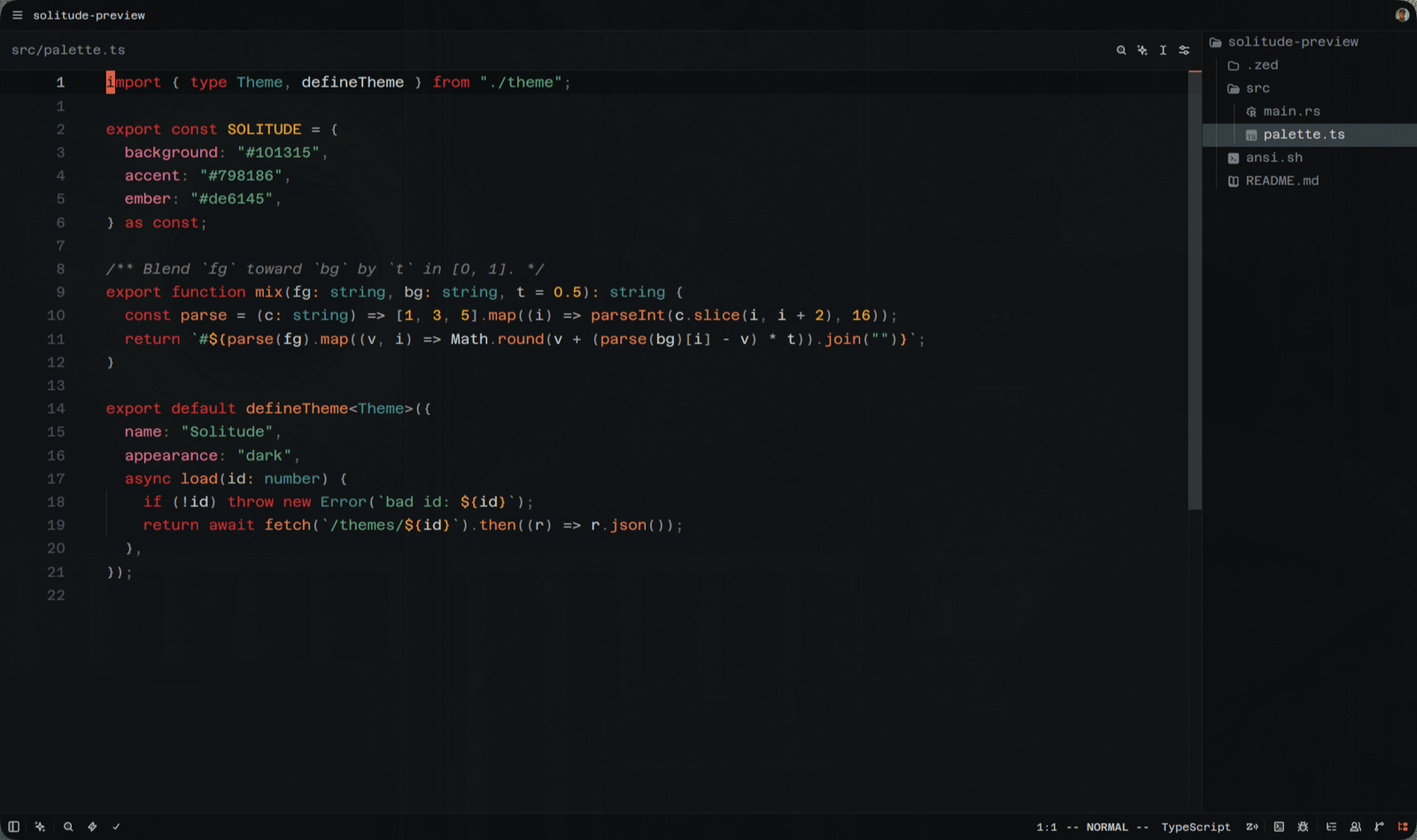
Solitude's own palette is almost entirely greyscale, which is fine for a terminal and unreadable for syntax highlighting. Syntax colors therefore come from ashen.nvim, the Neovim colorscheme Omarchy pairs with Solitude: warm embers over the same near-black background.
Palette
| Role | Color | Source |
|---|---|---|
| Background | #101315 | Solitude |
| Panels / tab bar | #0c0e10 / #080a0b | Solitude |
| Foreground | #cacccc | Solitude |
| Accent, muted text | #798186 | Solitude |
| Cursor, links, matches | #de6145 | Solitude |
| Selection | #343d41 | Solitude |
| Keywords, tags | #c53030 | ashen |
| Functions, constructors | #d87c4a | ashen |
| Strings, diff added | #629c7d | ashen |
| Numbers, constants, titles | #e5a72a | ashen |
| Types | #4a8b8b | ashen |
| Properties, preproc | #d1728c | ashen |
| Comments | #737373 italic | ashen |
Terminal ANSI colors are taken verbatim from Omarchy's colors.toml, including
the deliberately dim bright_green (#343d41).
Install
From the Zed extension store: zed: extensions → search Solitude.
Then theme selector: toggle → Solitude.
Local development
git clone https://github.com/SomeoneWithOptions/zed-solitude.git
In Zed: zed: install dev extension → pick the cloned directory.
Edits to themes/solitude.json reload live.
Publishing an update
- Bump
versioninextension.toml, commit, push. - In a fork of
zed-industries/extensions: update theextensions/solitude-themesubmodule to the new commit, bump the matching version inextensions.toml, runpnpm sort-extensions. - Open a PR.
Credits
- Omarchy — Solitude theme and palette
- ashen.nvim by ficcdaf (MIT) — syntax palette