Slang
Slang shading language support
How to install
With Forge Super installed, the button above opens the app on this extension, where you press Install. Nothing is installed until you do.
You can also open the Extensions panel in the app and search for Slang. The extension's id is slang.
Don't have Forge Super yet? Download it here.
README
From the extension's repository, written by its authors and not by Mentenaz. See the source.
Slang support for Zed
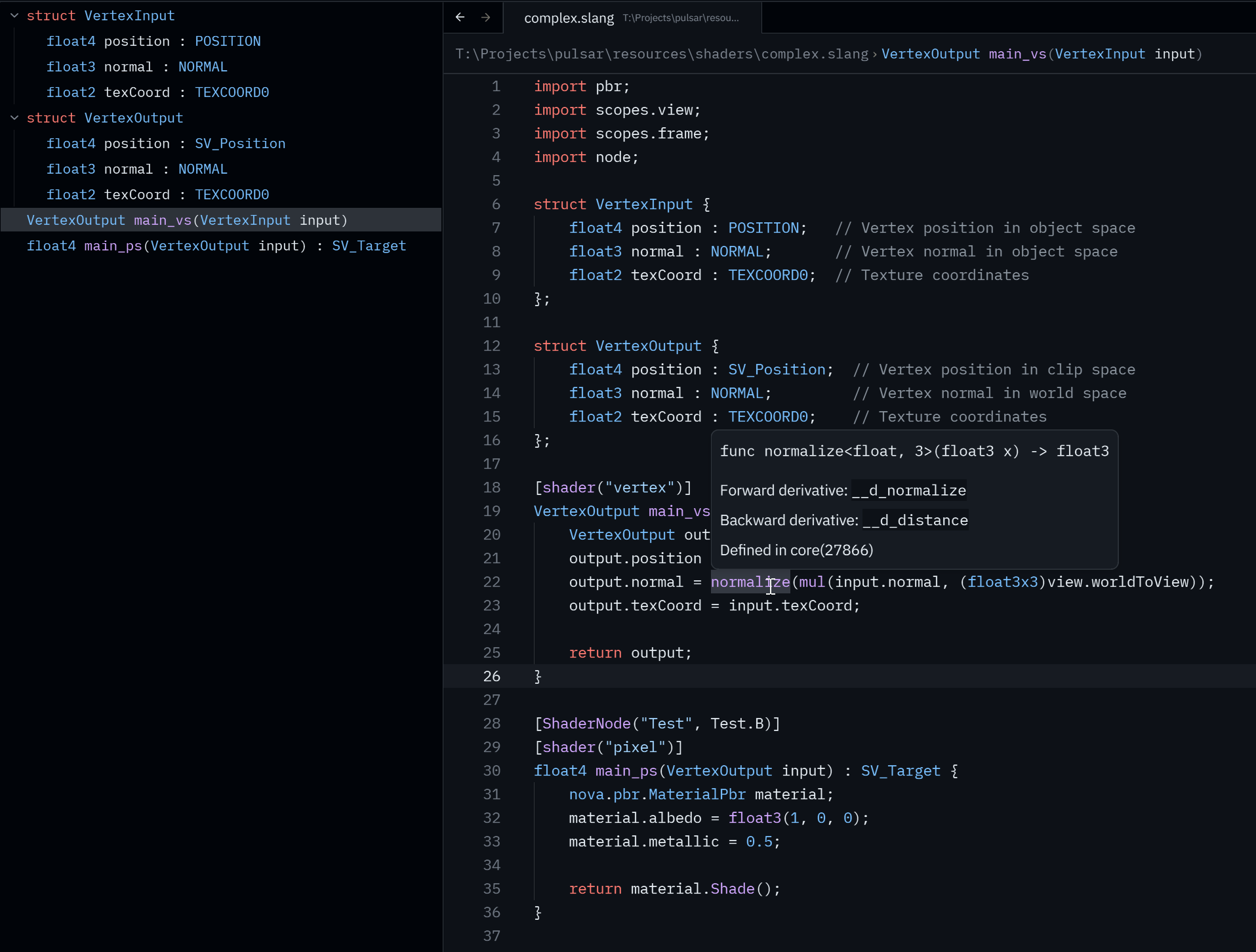
This extension provides LSP and syntax highlighting for the Slang shading language in the Zed editor.
Installation
Currently, this extension requires slangd to be installed and available in your PATH. The easiest way to do this is by installing the LunarG Vulkan SDK.
Configuration
Example:
{
  "lsp": {
    "slangd": {
      "settings": {
        "slang.additionalSearchPaths": ["./resources/shaders", "C:\\some\\library"]
      }
    }
  }
}
For more configuration keys, refer to the Slang VSCode extension
Formatting uses the .clang-format file in the root of the project. (see https://clang.llvm.org/docs/ClangFormatStyleOptions.html)