Siri Theme
🐶 A couple of dark themes based on One Dark and Visual Studio Code dark theme. Also a light theme for bright light coding.
How to install
With Forge Super installed, the button above opens the app on this extension, where you press Install. Nothing is installed until you do.
You can also open the Extensions panel in the app and search for Siri Theme. The extension's id is siri.
Don't have Forge Super yet? Download it here.
README
From the extension's repository, written by its authors and not by Mentenaz. See the source.
Siri

A dark and light theme for the awesome Zed editor. This is a very early version and a work in progress.
Siri Code
This is a theme that is based on Visual Studio Code's dark modern theme. I have made some changes though.
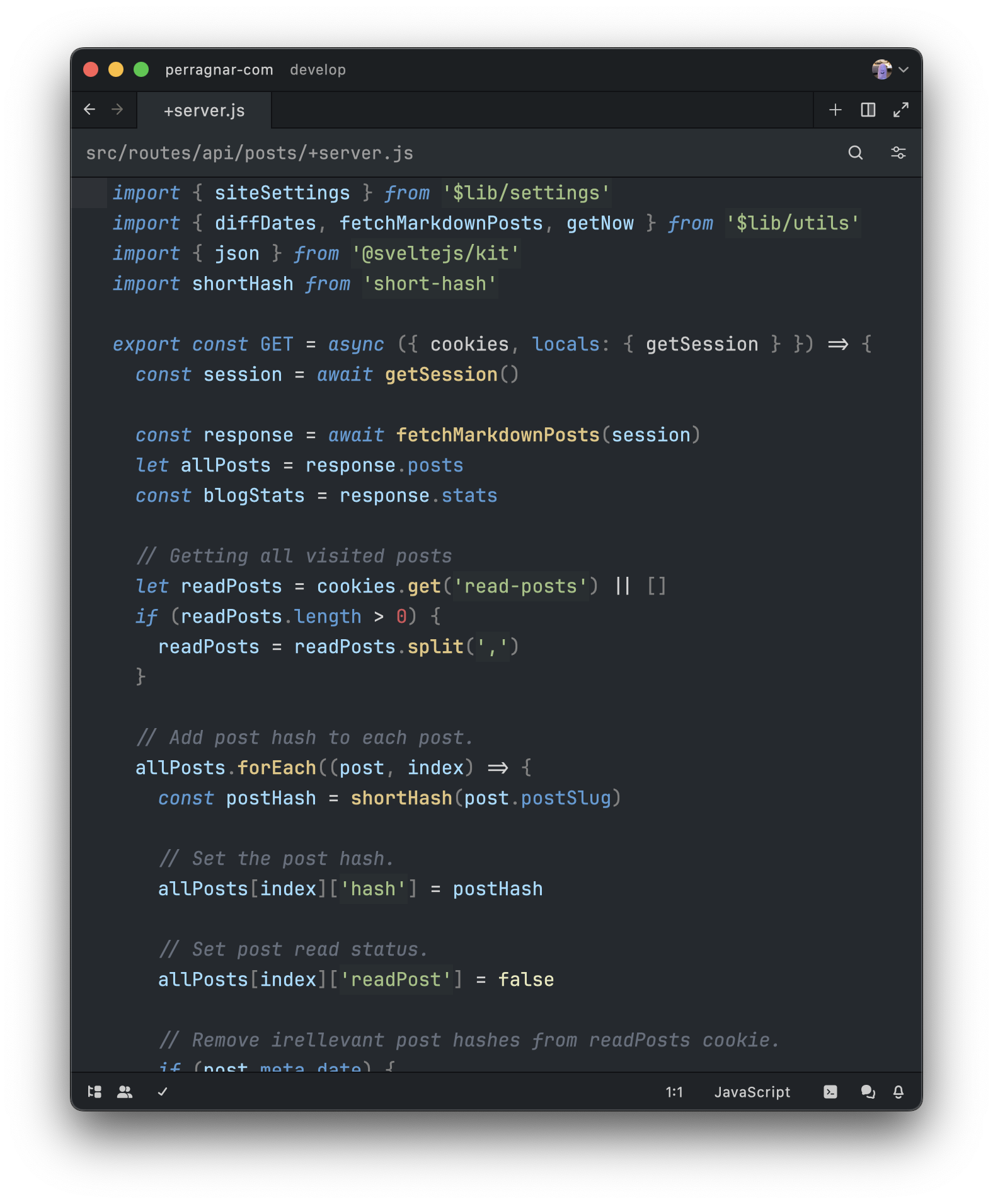
Siri Dark
Siri Dark is basically the default One Dark but with a few tweaks to make it (in my opinion) a little nicer.
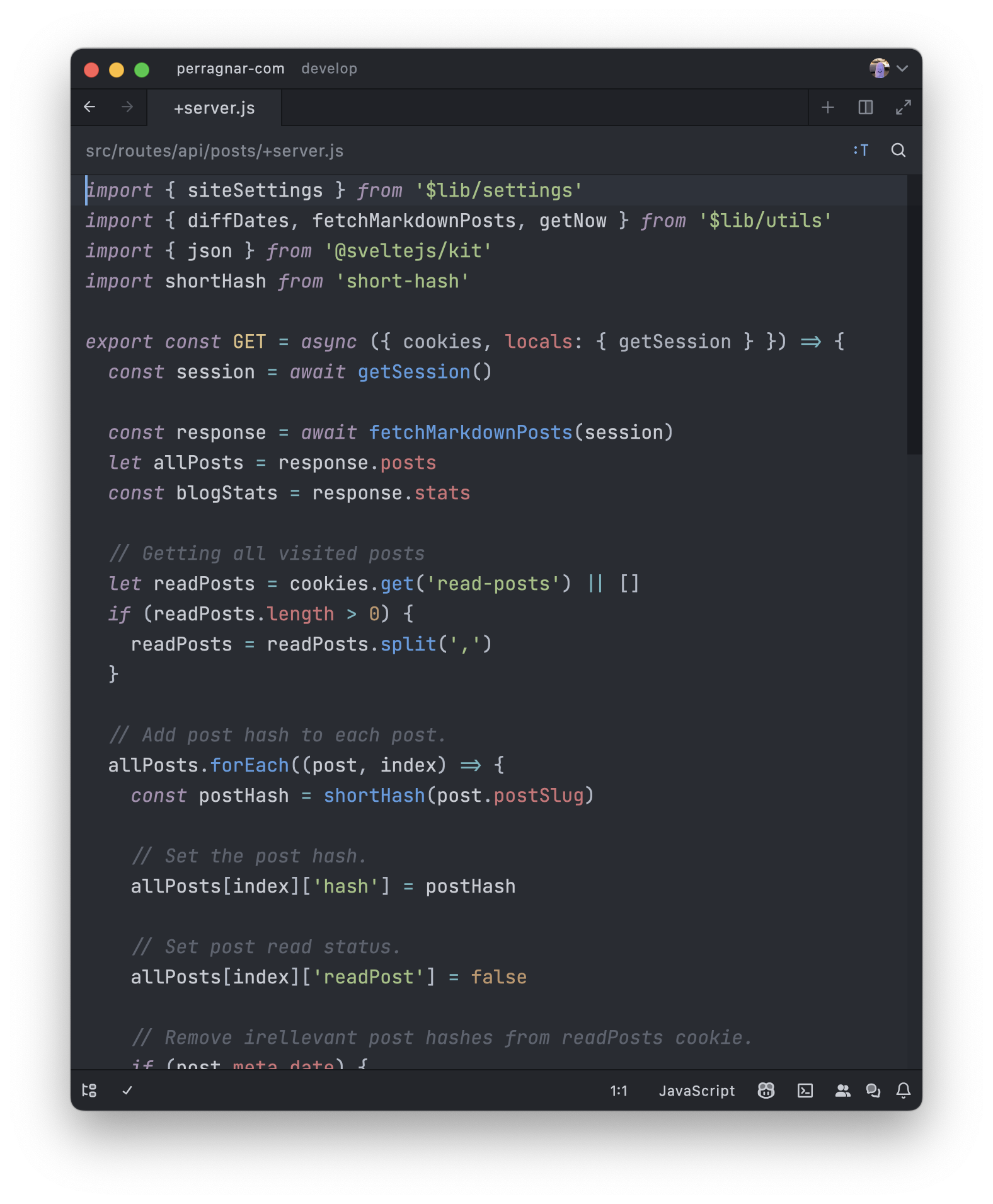
Siri Light
Siri Light is a work in progress. The goal is to make a nice light theme that is not too bright. Right now it has a bluish palette but it might change later on.
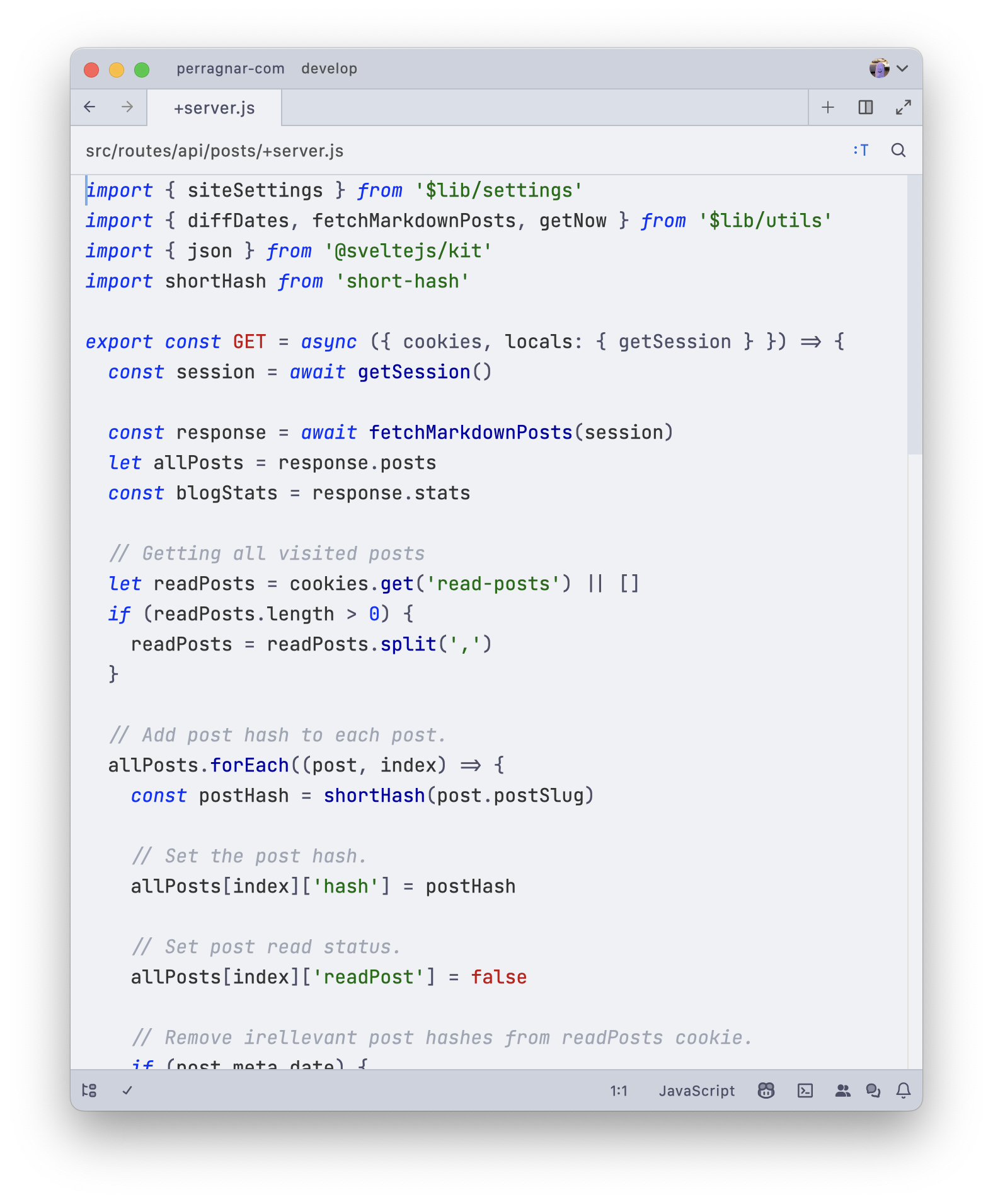
Font
In the screenshot I'm using the font JetBrains mono.
Indent guides
If you also like the indent guide to only show up on the active indent you can add this to your settings file:
"experimental.theme_overrides": {
  "editor.indent_guide": "#88888800",
  "editor.indent_guide_active": "#88888844"
}
It will make all indent guides transparent and the active guide to a semitransparent gray that will work on most dark and light backgrounds. Change the indent_guide_active to a different color if you like.
Siri?
Siri is my dog, btw.