Px to Rem
Converts CSS px values to rem and vice versa via LSP code actions.
How to install
With Forge Super installed, the button above opens the app on this extension, where you press Install. Nothing is installed until you do.
You can also open the Extensions panel in the app and search for Px to Rem. The extension's id is px-to-rem.
Don't have Forge Super yet? Download it here.
README
From the extension's repository, written by its authors and not by Mentenaz. See the source.
Px to Rem
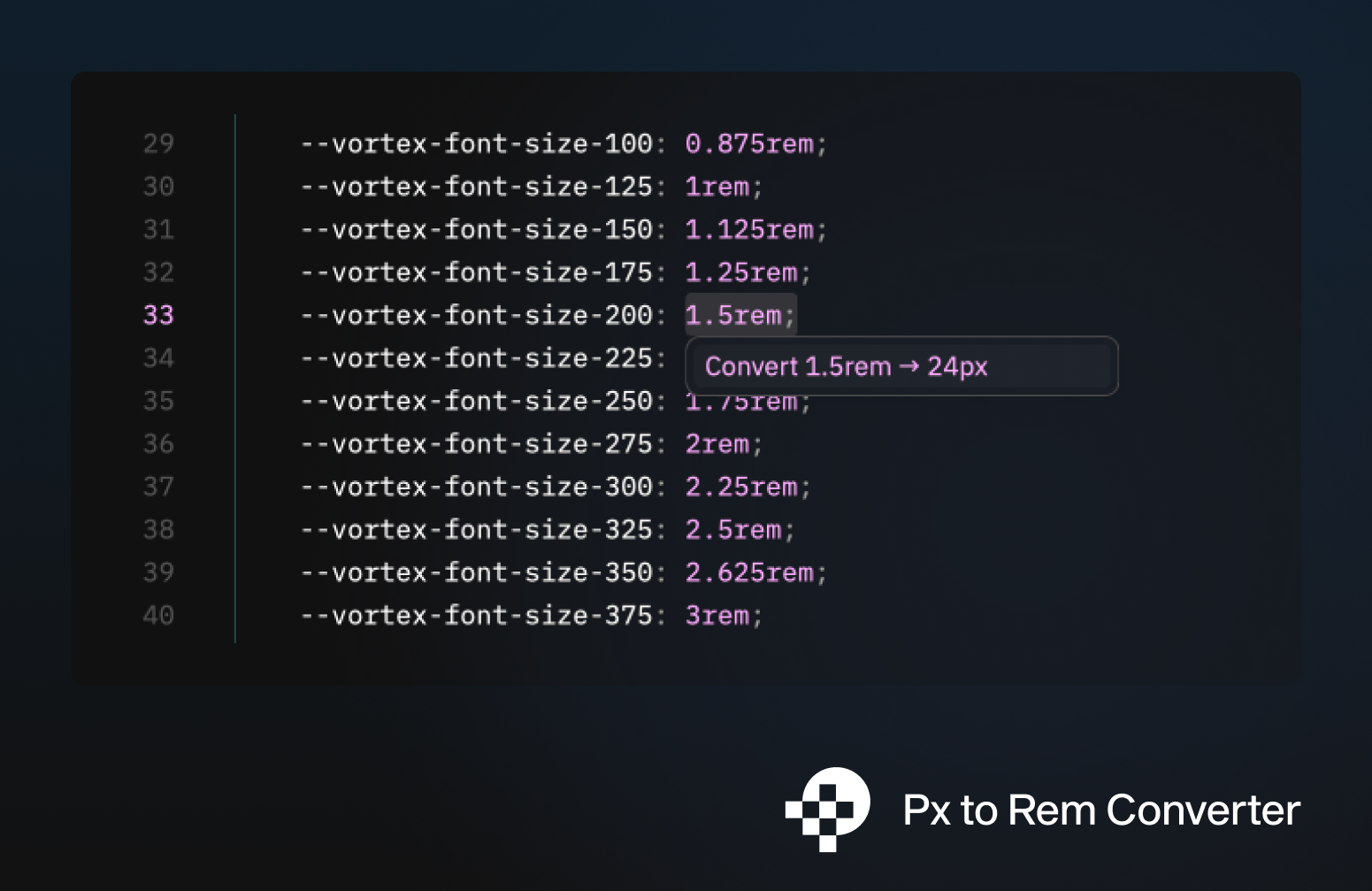
Converts CSS px values to rem and vice versa directly in the editor.
Install
Install the extension in Zed.
The extension will use px-to-rem-lsp from your PATH if it already exists. Otherwise it downloads the correct binary from the latest GitHub release automatically.
Usage
Place the cursor on a px or rem value and open code actions with cmd+shift+z, then choose a conversion.
If you select a range first, the extension also offers batch conversions for all matches in the selection.
Configuration
Add settings in ~/.config/zed/settings.json:
{
  "lsp": {
    "px-to-rem-lsp": {
      "initialization_options": {
        "px_per_rem": 16,
        "decimal_places": 4
      }
    }
  }
}
| Option | Default | Description |
|---|---|---|
px_per_rem | 16 | How many pixels equal 1rem |
decimal_places | 4 | Max decimal places in the result |
Supported File Types
CSS, SCSS, Less, HTML, JavaScript, TypeScript
Build
cargo build -p px-to-rem-lsp --release
cargo build --lib --target wasm32-wasip1 --release