Pace Pro
Pace Dark, Pace Dark Pro OLED and Pace Light Pro themes
How to install
With Forge Super installed, the button above opens the app on this extension, where you press Install. Nothing is installed until you do.
You can also open the Extensions panel in the app and search for Pace Pro. The extension's id is pace-pro-theme.
Don't have Forge Super yet? Download it here.
README
From the extension's repository, written by its authors and not by Mentenaz. See the source.
Pace Pro
A refined theme family for Zed built on the Tailwind CSS color palette — clean, minimal, and easy on the eyes.
Four variants to match your setup and time of day.
Variants
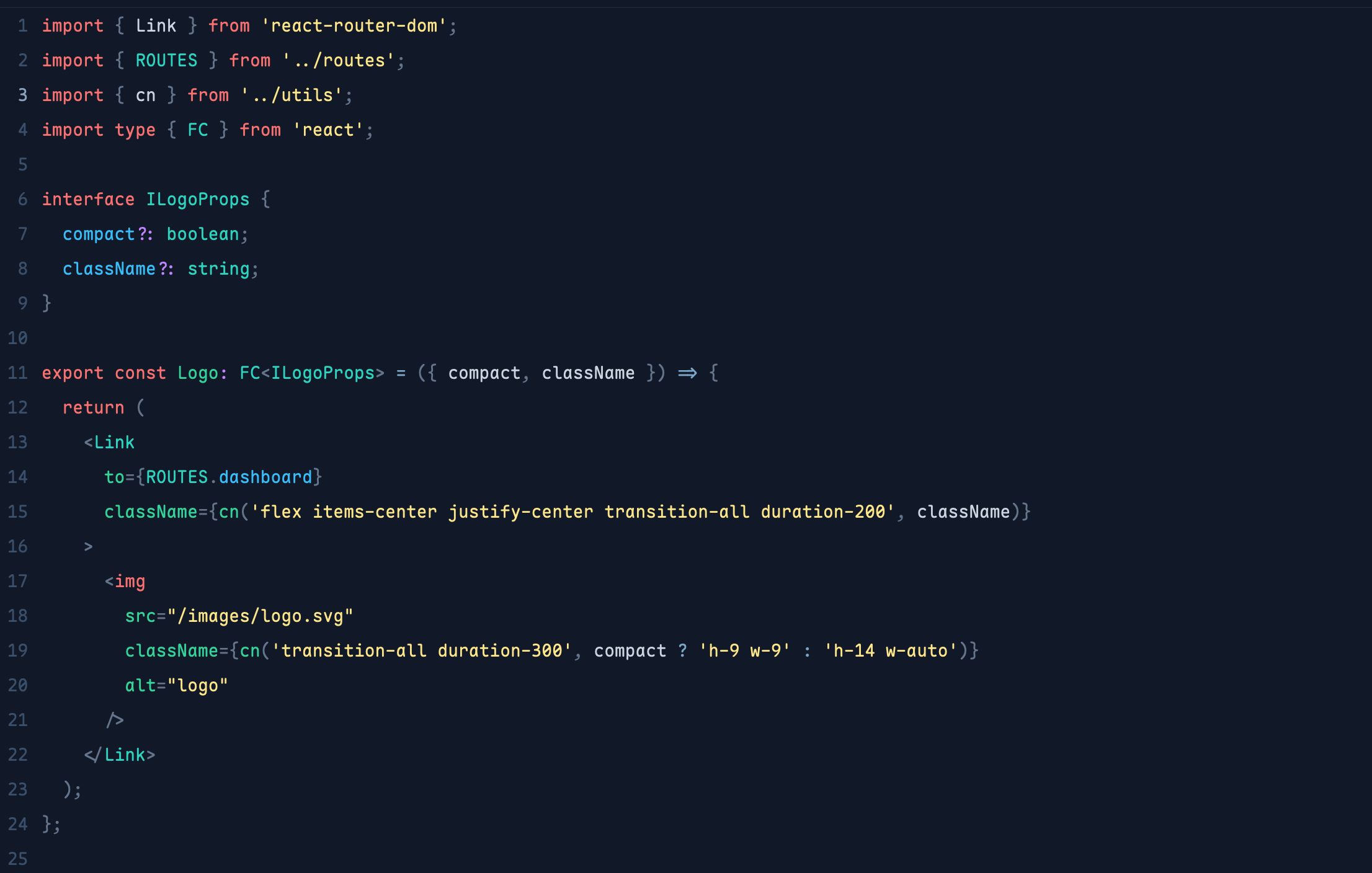
Pace Dark
A deep navy dark theme with warm highlights and clear syntax differentiation.
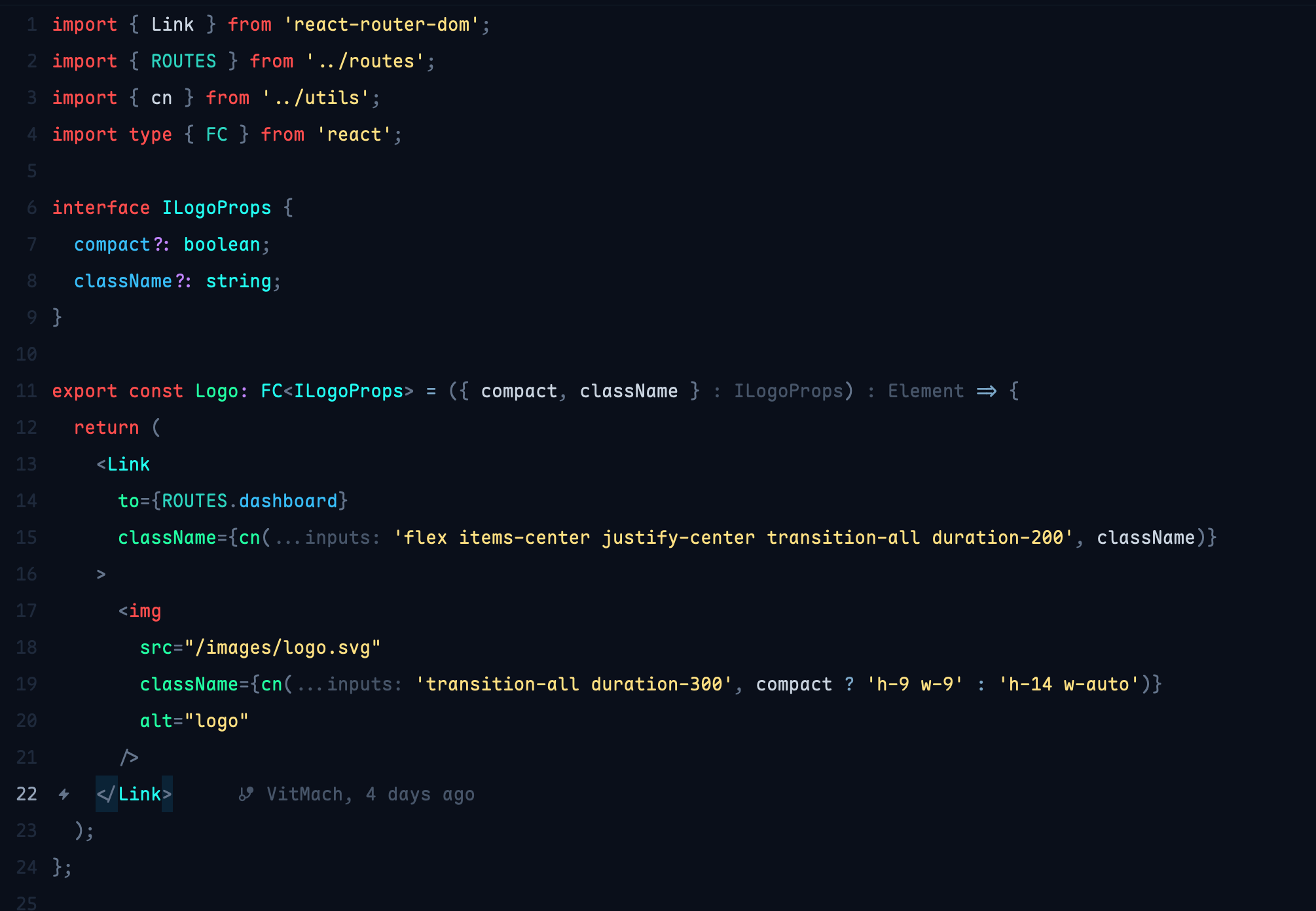
Pace Dark Pro
Between OLED and regular Dark — a very deep blue-black background (#0A0F1A)
with vivid OLED-style syntax colors. The sweet spot for most setups.
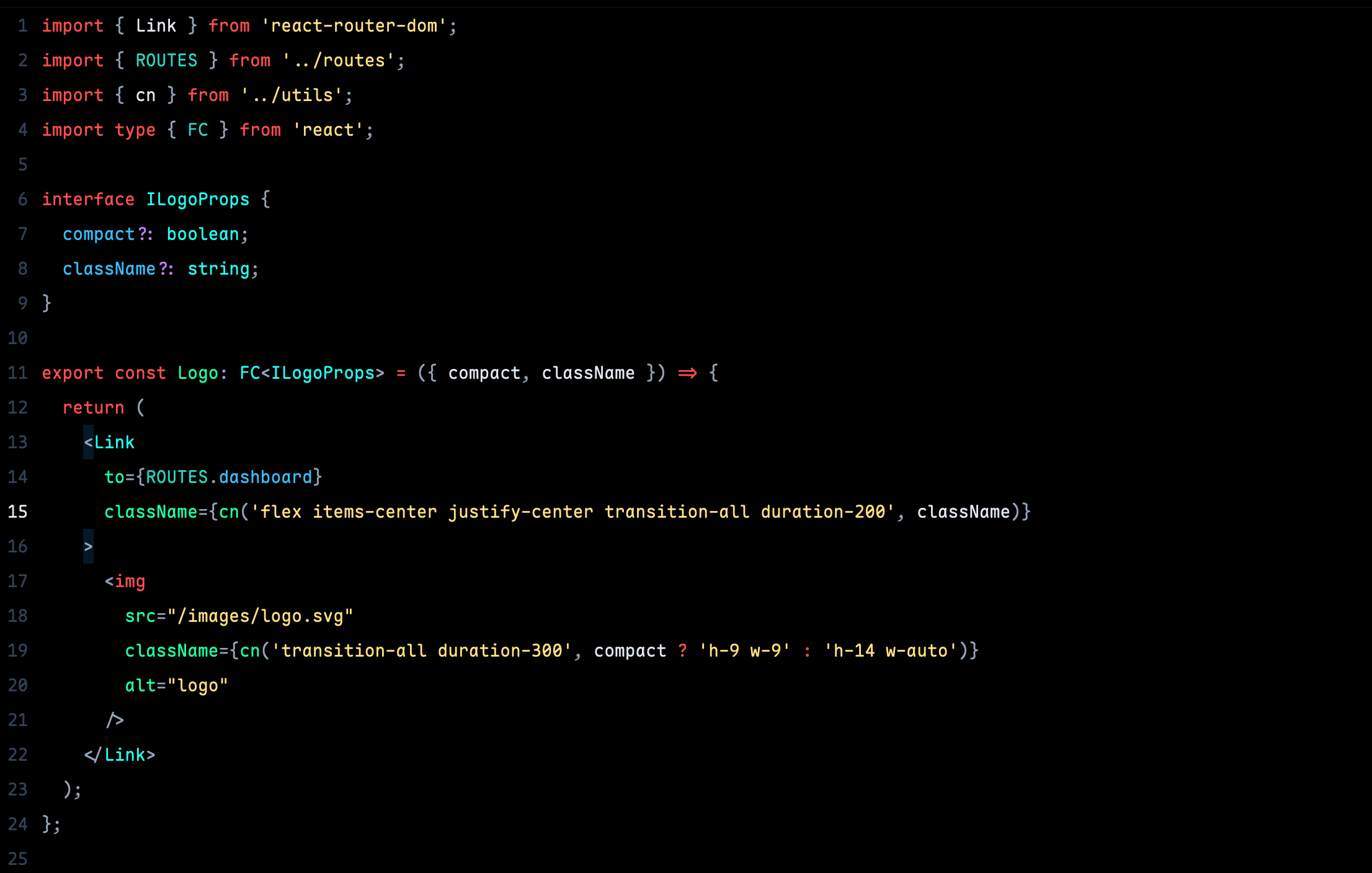
Pace Dark Pro OLED
Pure black background — designed for OLED displays where true black saves battery and looks stunning.
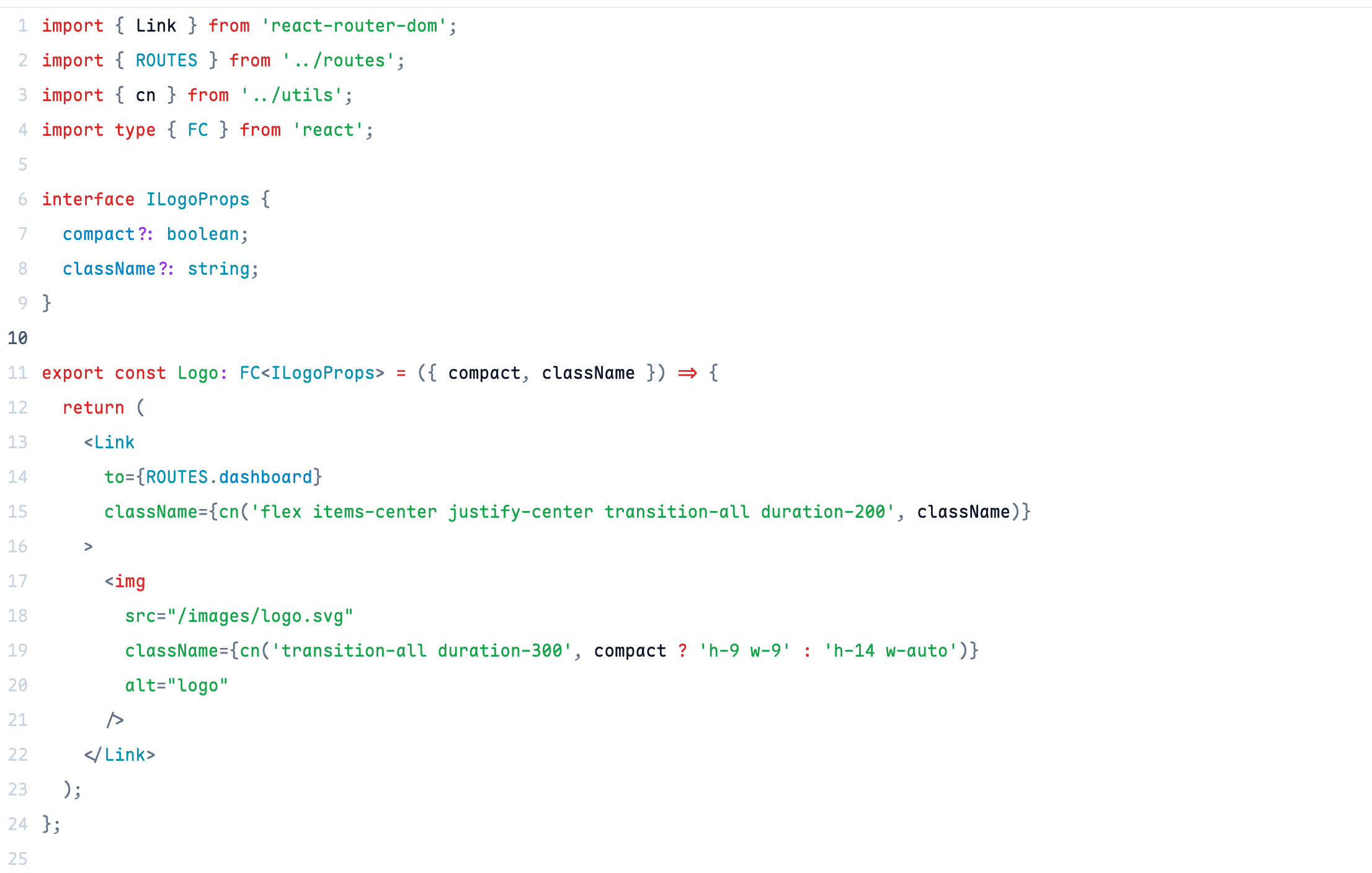
Pace Light Pro
A clean minimal light theme. Every surface is white — no visual noise between the sidebar and editor.
Color Philosophy
All themes share the same syntax role mapping — only the intensity and background change between variants:
| Token | Dark | Dark Pro | OLED | Light |
|---|---|---|---|---|
| Keywords | #F87171 red-400 | #FF4D4D | #FF4D4D | #DC2626 red-600 |
| Strings | #FDE68A amber-200 | #FFE082 amber | #FFE082 amber | #16A34A green-700 |
| Functions | #34D399 emerald-400 | #22FFA2 neon green | #22FFA2 neon green | #16A34A green-700 |
| Types | #2DD4BF teal-400 | #22FFF2 neon teal | #22FFF2 neon teal | #0891B2 cyan-600 |
| Properties | #38BDF8 sky-400 | #38BDF8 sky-400 | #38BDF8 sky-400 | #0284C7 sky-600 |
| Numbers | #C084FC purple-400 | #C084FC purple-400 | #C084FC purple-400 | #9333EA purple-600 |
| Operators | #7BA7C8 muted blue | #7BA7C8 muted blue | #7BA7C8 muted blue | #0369A1 sky-800 |
| Comments | #4E6380 | #4E6380 | #4E6380 | #94A3B8 |
Operators are intentionally separated from keywords —
=,?,=>shouldn't shout as loud asreturnorinterface.
Installation
Via Zed Extension Registry
Open Zed → cmd+shift+p → zed: extensions → search Pace Pro
Manual
- Download
pace-pro.json - Copy to
~/.config/zed/themes/pace-pro.json - Open Zed →
cmd+shift+p→ theme selector: toggle → select your variant
Credits
Originally ported from VS Code Pace Dark by Fabian Hiller.
Refined and extended for Zed by VitMach.
License
MIT © 2025 VitMach