orng
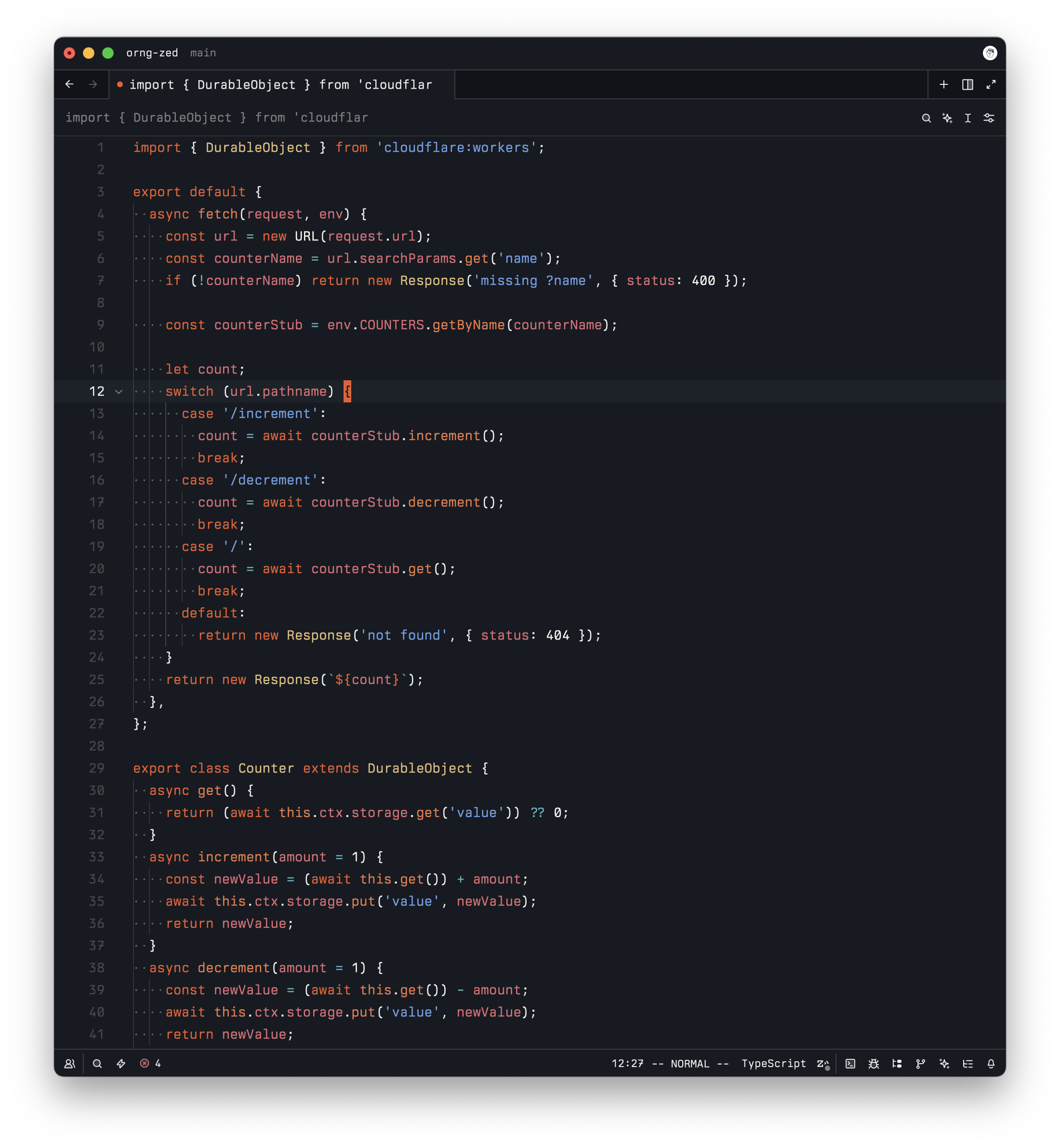
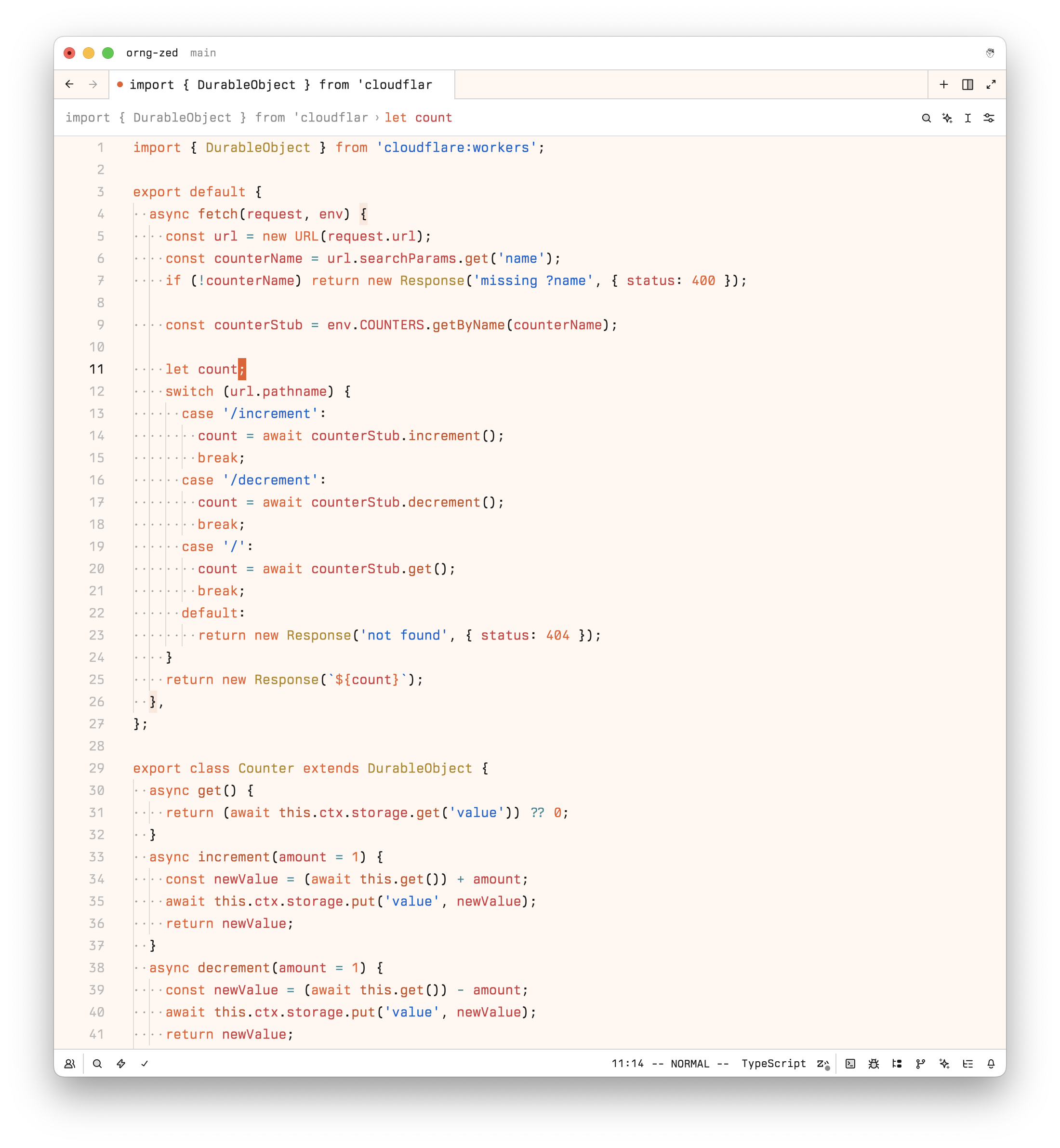
A set of Cloudflare themes for Zed, with just the right amount of orange. Includes both dark & light mode themes and is designed for readability first.
How to install
With Forge Super installed, the button above opens the app on this extension, where you press Install. Nothing is installed until you do.
You can also open the Extensions panel in the app and search for orng. The extension's id is orng.
Don't have Forge Super yet? Download it here.
README
From the extension's repository, written by its authors and not by Mentenaz. See the source.
Cloudflare "orng" Themes for Zed
orng is a Cloudflare-inspired set of themes (dark + light) for the Zed text editor and based on the color scheme used @ workers.dev.
What does it look like?
Dark mode
Light mode
Installation & Usage
- Install the theme via the Extensions gallery (shift+ctrl/cmd+x) -> filter for
orng. - Open the theme selector (
cmd+k, cmd+t) - Select
orng Darkororng Light
Manually: open your Zed user settings.json: ~/.config/zed/settings.json, and add this config:
{
  "theme": {
    "mode": "system",
    "light": "orng Light",
    "dark": "orng Dark"
  }
}
You can also clone this repo and install it as a dev extension: useful if you want to iterate and/or test changes/fixes. shift+cmd+p -> zed: install dev extension -> choose the top-level dir you cloned.
Refer to the Zed docs on extensions for more details beyond what this simple README can provide you.
License
Apache-2.0. (c) 2025 Cloudflare, Inc.