Optima Theme
A beautiful dark minimal theme for Zed editor
Themes
How to install
With Forge Super installed, the button above opens the app on this extension, where you press Install. Nothing is installed until you do.
You can also open the Extensions panel in the app and search for Optima Theme. The extension's id is optima-theme.
Don't have Forge Super yet? Download it here.
README
From the extension's repository, written by its authors and not by Mentenaz. See the source.
Optima Theme
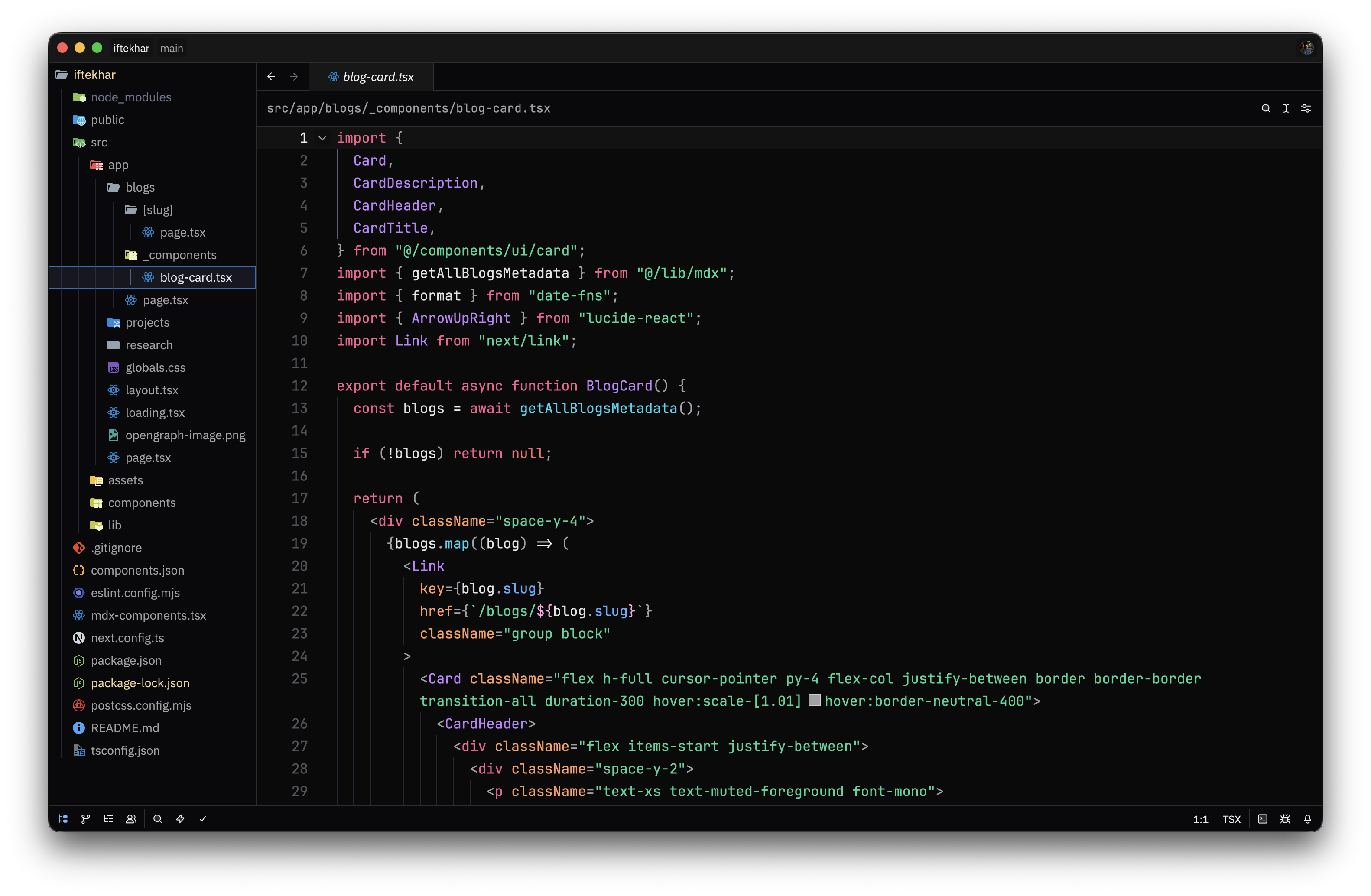
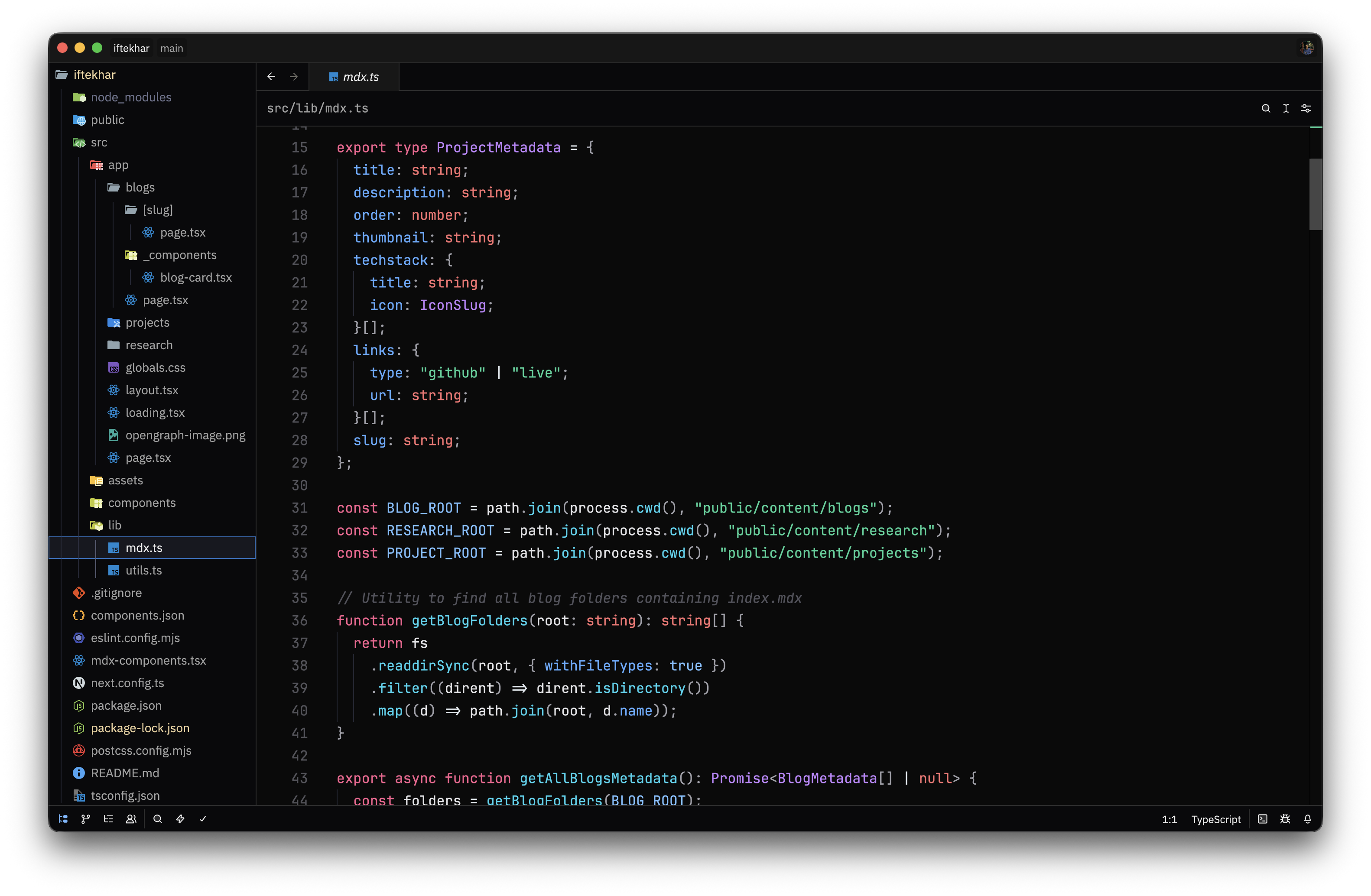
A dark minimal (opinionated) theme for Zed editor. Clean colors with a focus on readability and editor aesthetics.
Screenshots
Installation
- Open Zed editor
- Go to Settings → Theme
- Search for "Optima"
- Select "Optima Dark" and apply
Theme Details
Name: Optima Dark
Appearance: Dark
The theme uses a carefully balanced color palette:
- Background: Dark near-black with subtle variations
- Text: Light gray for comfortable reading
- Accents: Muted tones for UI elements and selections
- Syntax highlighting: Complementary colors for different code elements
License
Created for Zed editor