OC-2 Theme
A light and dark Zed theme based on the OC-2 color palette.
How to install
With Forge Super installed, the button above opens the app on this extension, where you press Install. Nothing is installed until you do.
You can also open the Extensions panel in the app and search for OC-2 Theme. The extension's id is oc-2-theme.
Don't have Forge Super yet? Download it here.
README
From the extension's repository, written by its authors and not by Mentenaz. See the source.
OC-2 Theme for Zed
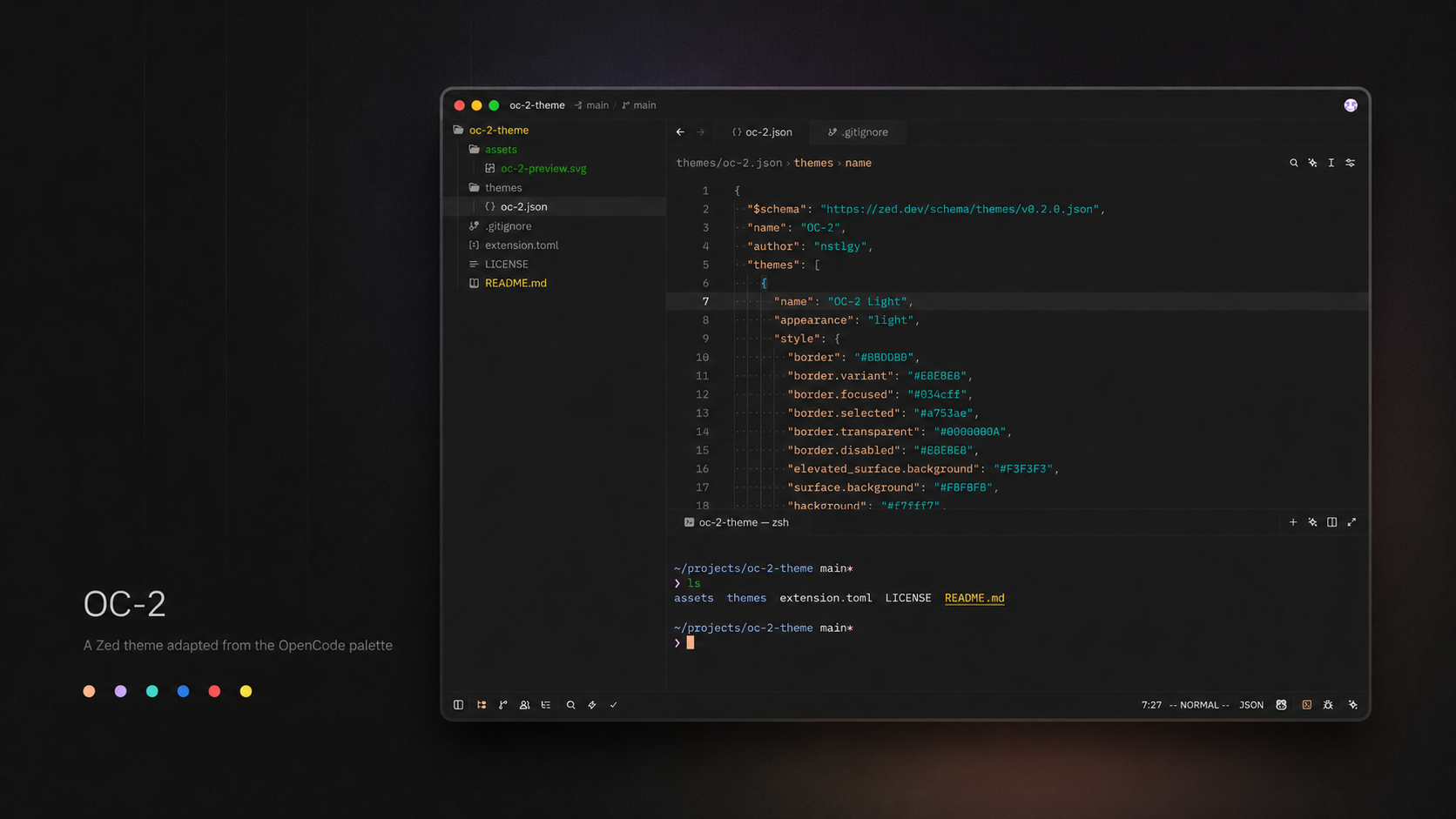
OC-2 is a warm, expressive theme for Zed, adapted from the original OpenCode OC-2 color palette. It pairs soft neutral surfaces with vivid syntax accents, keeping the editor calm without making code feel muted.
Variants
OC-2 DarkOC-2 Light
Palette
Install
Once published in the Zed extension registry, install it from Zed's Extensions view by searching for OC-2 Theme.
For local development or manual testing:
- Clone this repository.
- Open Zed.
- Run
zed: install dev extensionfrom the command palette. - Select this repository directory.
- Choose
OC-2 DarkorOC-2 Lightfrom the theme picker.
Manual Theme File
You can also copy the theme JSON directly into Zed's user themes directory:
mkdir -p ~/.config/zed/themes
cp themes/oc-2.json ~/.config/zed/themes/oc-2.json
Then reload Zed and select one of the OC-2 themes.
Credits
The original OC-2 theme and color palette were created by OpenCode. This repository is an unofficial Zed editor adaptation by nstlgy.
License
MIT