NSIS
NSIS language support for Zed
How to install
With Forge Super installed, the button above opens the app on this extension, where you press Install. Nothing is installed until you do.
You can also open the Extensions panel in the app and search for NSIS. The extension's id is nsis.
Don't have Forge Super yet? Download it here.
README
From the extension's repository, written by its authors and not by Mentenaz. See the source.
zed-nsis-extension
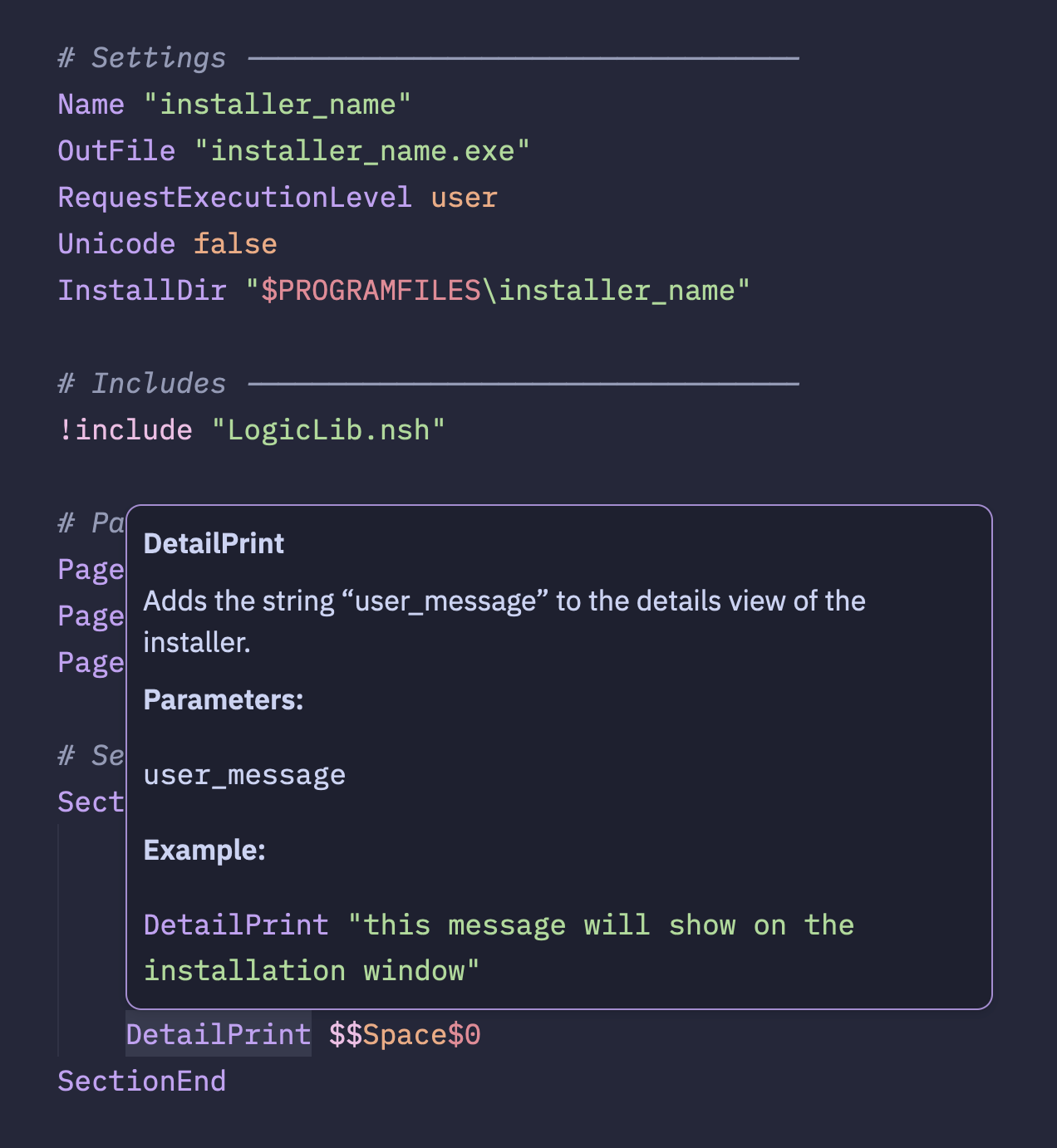
NSIS language support for the Zed editor.
Features
- Syntax highlighting of NSIS files
- Formatting via the
ardentformatter - Code completions
- Diagnostics mode
- Go to definition
Installation
Manual Installation
Until this extension is published to the Zed extension registry, you can install it manually as a dev extension:
-
Clone the repository:
git clone https://github.com/idleberg/zed-nsis-extension.git nsis -
Open Zed
-
Open the command palette (Cmd+Shift+P)
-
Search for "zed: install dev extension"
-
Select the cloned
nsisdirectory
Zed will build the extension from source and install it. The extension will persist across restarts but won't auto-update — pull the latest changes and reinstall to update.
Extension Registry
Once published, you can install from the Zed extension registry:
- Open Zed
- Open the command palette (Cmd+Shift+P)
- Search for "zed: extensions"
- Search for "NSIS" and install
Configuration
Add the following to your Zed settings.json to enable format on save:
{
	"languages": {
		"NSIS": {
			"format_on_save": "language_server"
		}
	}
}
Formatting Options
The formatter respects Zed's built-in editor settings for the NSIS language:
| Setting | Type | Default | Description |
|---|---|---|---|
hard_tabs | bool | true | Indent with tabs instead of spaces |
tab_size | int | 2 | Spaces per indent level (when not using tabs) |
Example with custom settings:
{
	"languages": {
		"NSIS": {
			"format_on_save": "language_server",
			"hard_tabs": false,
			"tab_size": 4
		}
	}
}
License
This work is licensed under the Apache License, Version 2.0 or The MIT License.