Noted Theme
Verdant Garden — a prose-optimized dark/light theme for Markdown editing in Zed. Companion theme for the Noted extension.
How to install
With Forge Super installed, the button above opens the app on this extension, where you press Install. Nothing is installed until you do.
You can also open the Extensions panel in the app and search for Noted Theme. The extension's id is noted-theme.
Don't have Forge Super yet? Download it here.
README
From the extension's repository, written by its authors and not by Mentenaz. See the source.
Verdant Garden
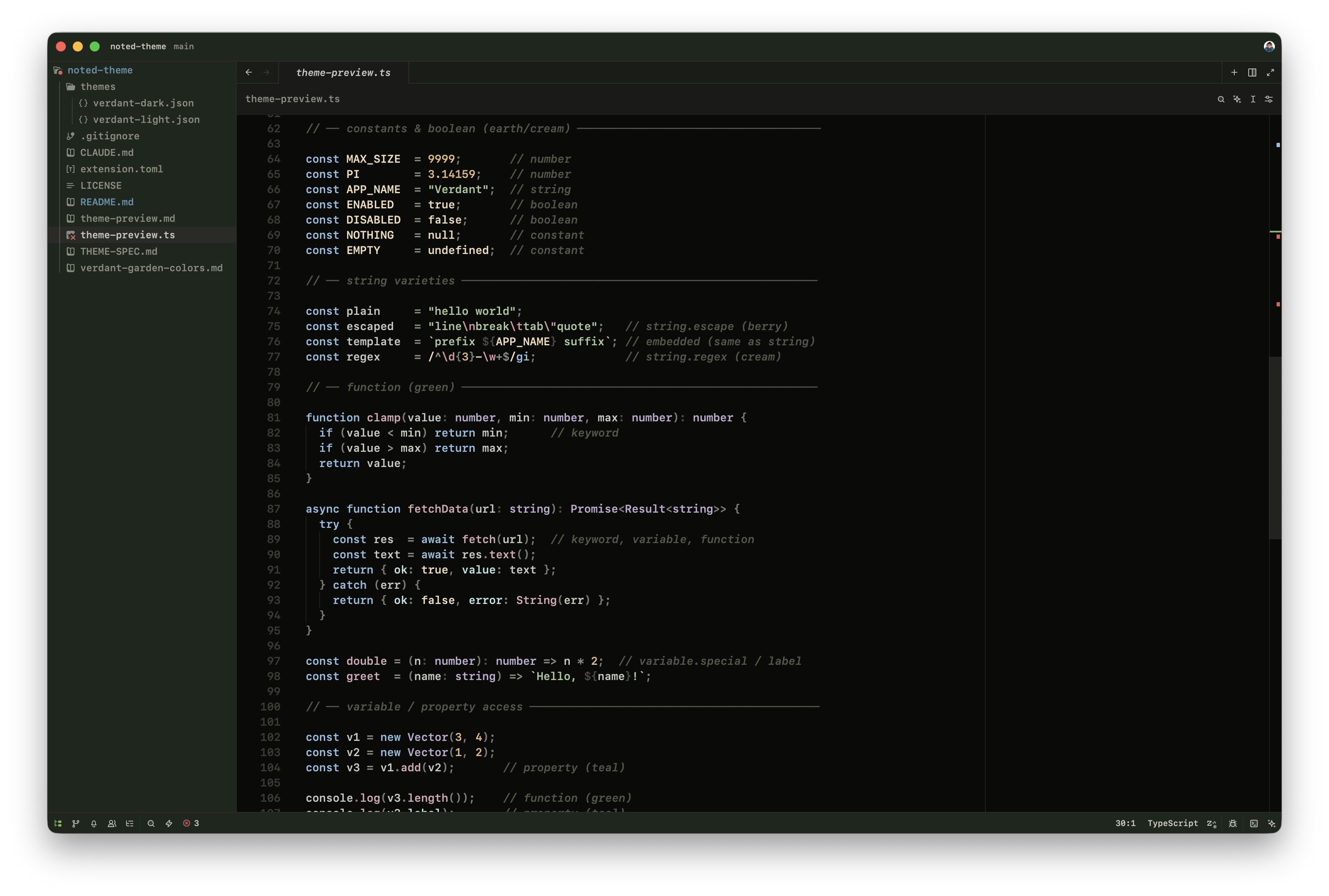
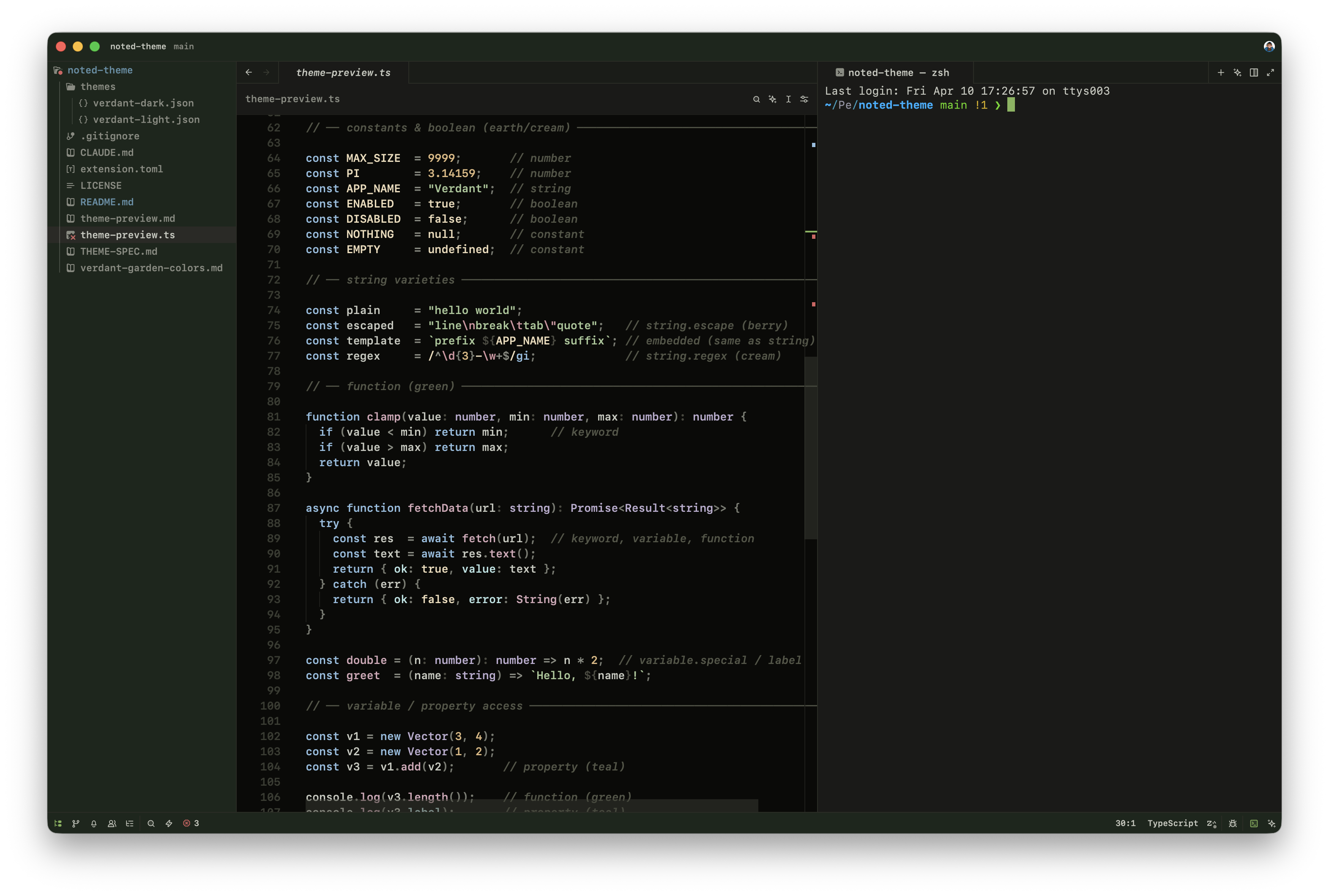
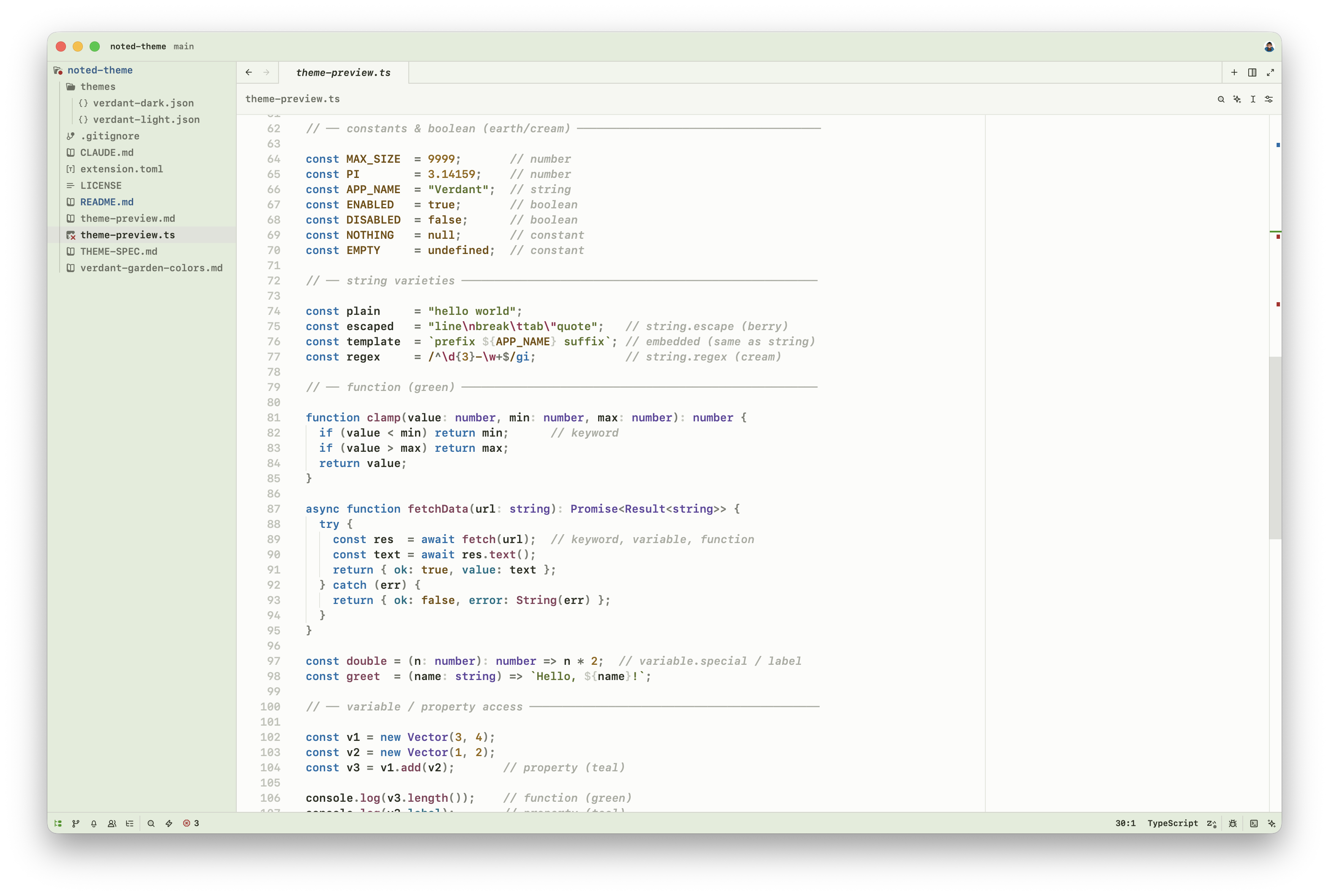
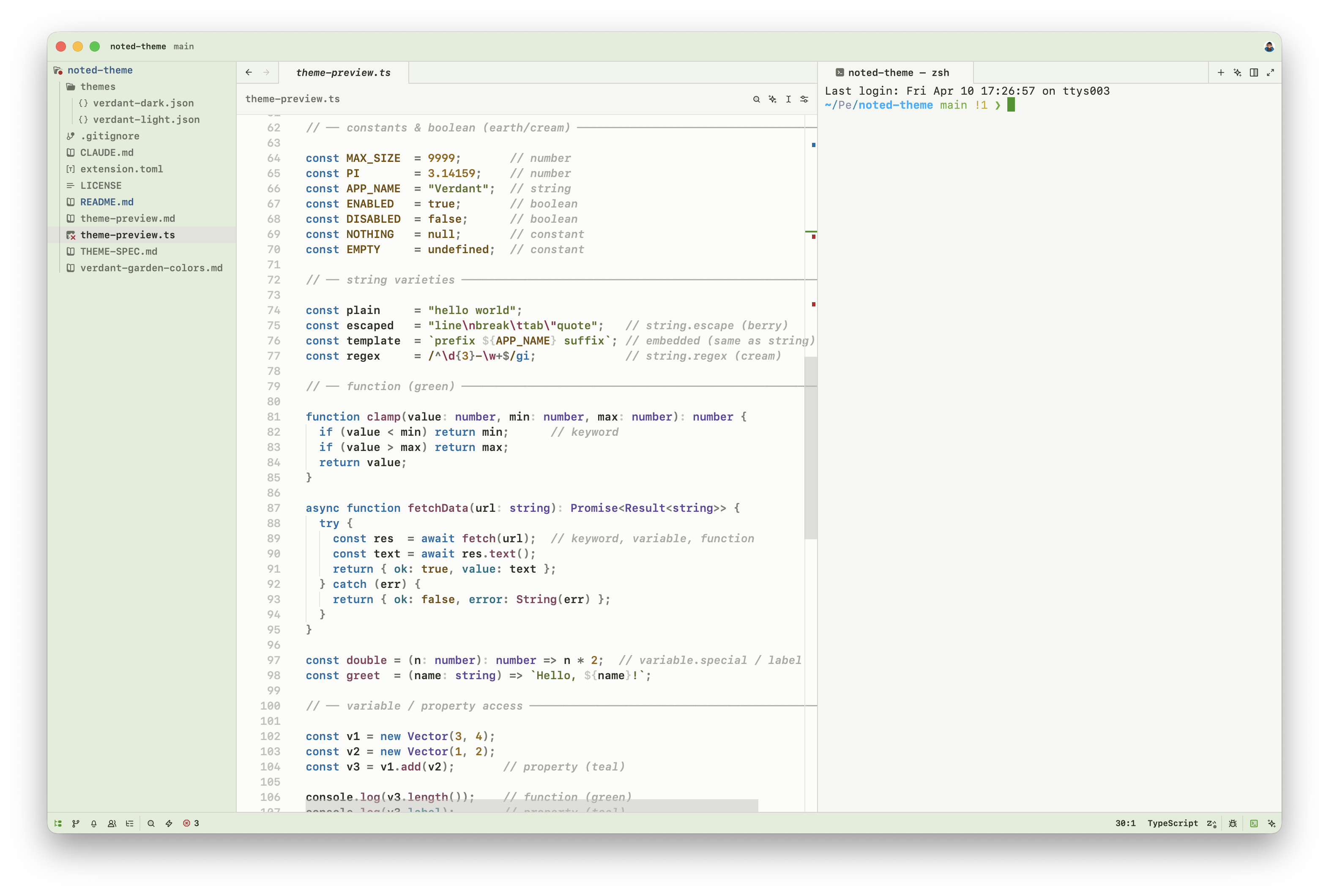
A nature-inspired dark/light theme for Zed with full semantic token support.
Built around a hand-crafted palette of greens, teals, earthy tones, and soft berry accents — designed for both comfortable long-form reading and rich code highlighting.
Dark
Light
Palette
Nine named color families, each used semantically:
| Family | Used for |
|---|---|
| Green | Headings, accents, UI chrome |
| Sky | Keywords |
| Teal | Properties, links |
| Lavender | Types, enums, constructors |
| Berry | Attributes, escape sequences, callouts |
| Sage / Olive | Strings |
| Earth | Numbers, labels |
| Amber | Inline code |
| Stone | Comments, punctuation, body text |
Semantic tokens
Verdant Garden styles the full set of Zed semantic token types:
keyword function type string number constant variable property operator comment comment.doc attribute tag enum constructor variant label embedded regex punctuation and more — including Markdown-specific tokens for headings, links, wikilinks, tags, callouts, checkboxes, math, and frontmatter.
Installation
From Zed Extensions
Open Zed → Extensions → search Noted Theme → Install
Dev mode
git clone https://github.com/sergeevav/noted-theme
In Zed: Cmd+Shift+P → zed: install dev extension → select the cloned folder.
License
MIT