Monobrut
A high-contrast brutalist theme collection for Zed.
How to install
With Forge Super installed, the button above opens the app on this extension, where you press Install. Nothing is installed until you do.
You can also open the Extensions panel in the app and search for Monobrut. The extension's id is monobrut-theme.
Don't have Forge Super yet? Download it here.
README
From the extension's repository, written by its authors and not by Mentenaz. See the source.
Monobrut
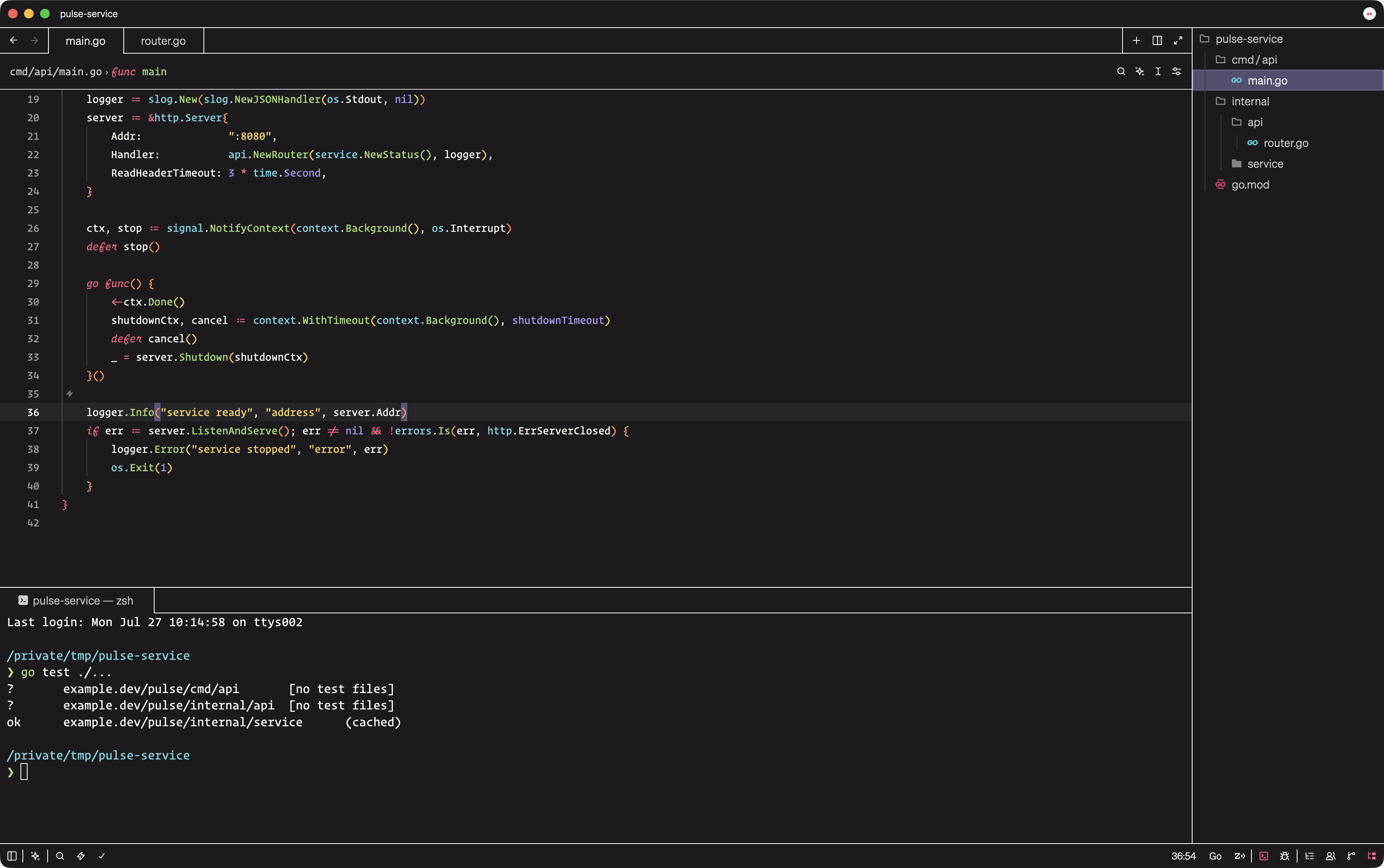
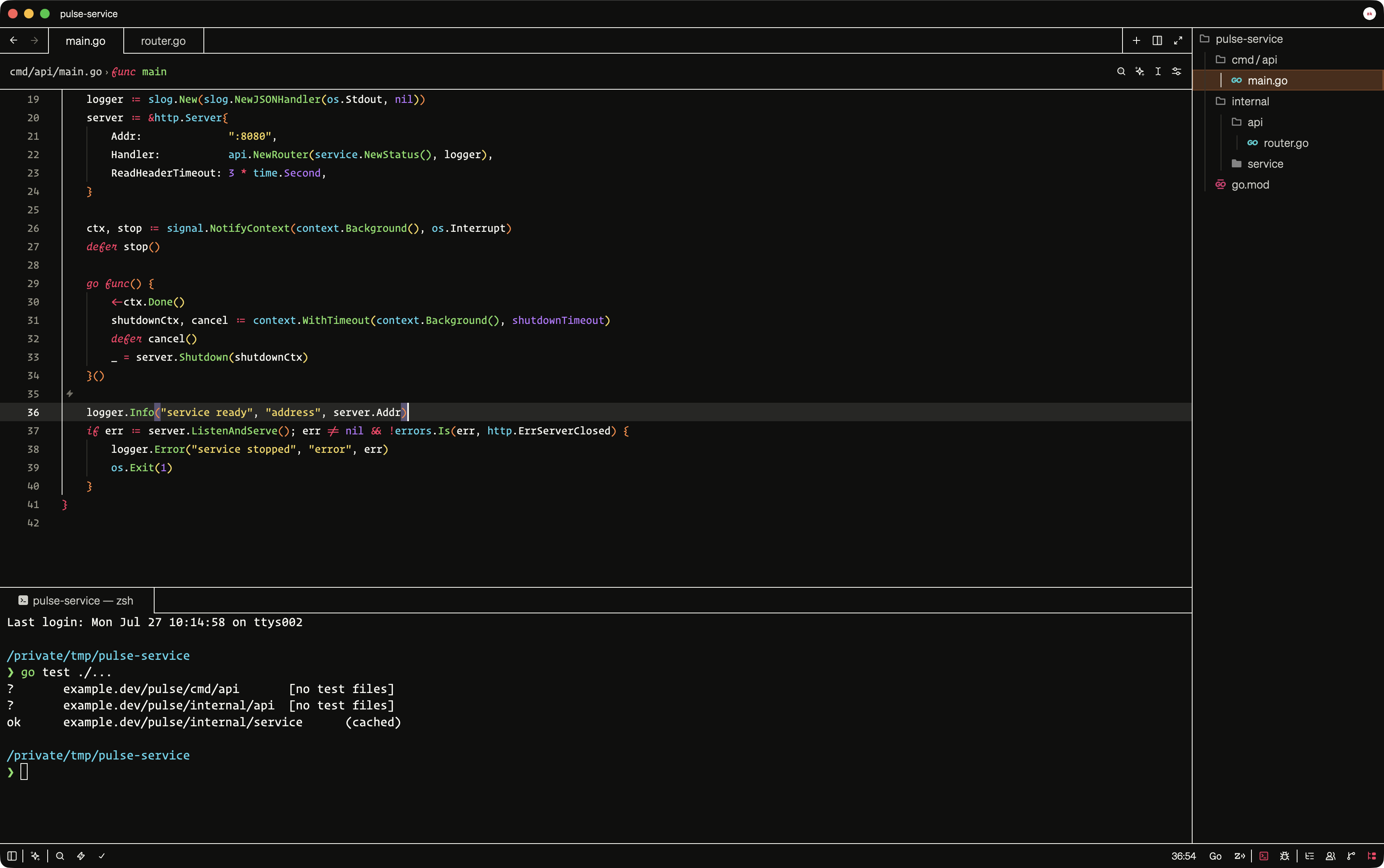
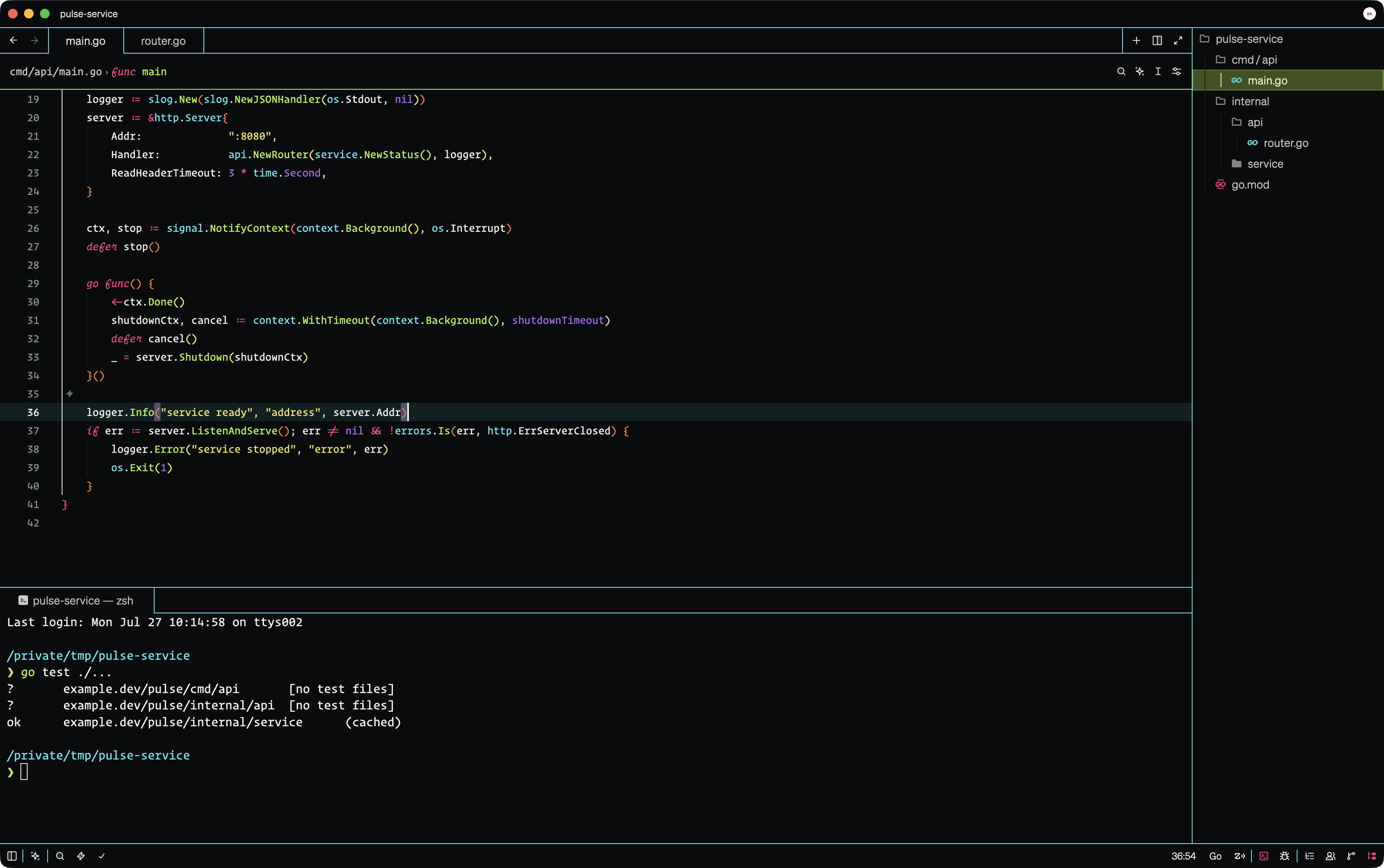
A dark, high-contrast brutalist theme for Zed with unified surfaces, crisp borders, and expressive signal colors.
Default: Warm, balanced signal colors on a deep black field.
Breuer: Hard brutalism: one concrete-black field, uncompromising white structure, rust active states, and exposed signal colors. Named for brutalist architect Marcel Breuer.
Säure: Cold cyberpunk structure with cyan borders, acid-green interaction states, and a near-black field.
Installation
- Open Zed Extensions with
ctrl-shift-x. - Search for Monobrut and install it.
- Open the theme selector with
cmd-k cmd-ton macOS orctrl-k ctrl-ton Linux and Windows. - Select Monobrut.
To try the development version, clone this repository and run zed: install dev extension from Zed's command palette, then select the cloned directory.
Development
The theme lives in themes/monobrut.json and follows Zed's theme schema.