KvS Cyberpunk 2077
Inspired by VS Code 2077 theme
How to install
With Forge Super installed, the button above opens the app on this extension, where you press Install. Nothing is installed until you do.
You can also open the Extensions panel in the app and search for KvS Cyberpunk 2077. The extension's id is kvs-cyberpunk-2077.
Don't have Forge Super yet? Download it here.
README
From the extension's repository, written by its authors and not by Mentenaz. See the source.
KvS Cyberpunk 2077 Theme for Zed
A vibrant, neon-soaked theme for Zed inspired by the aesthetics of Cyberpunk 2077 and the original VS Code 2077 theme.
Preview
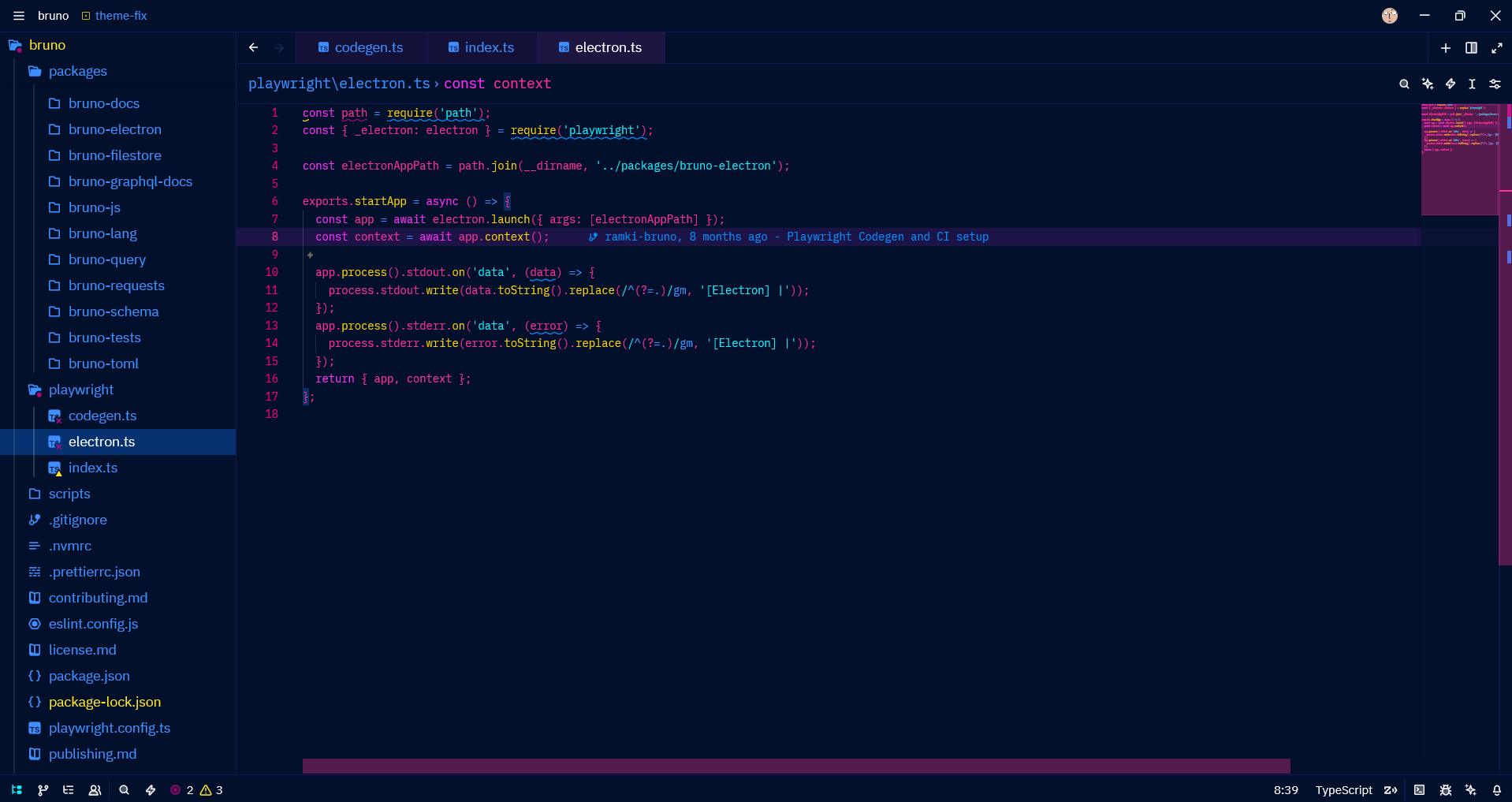
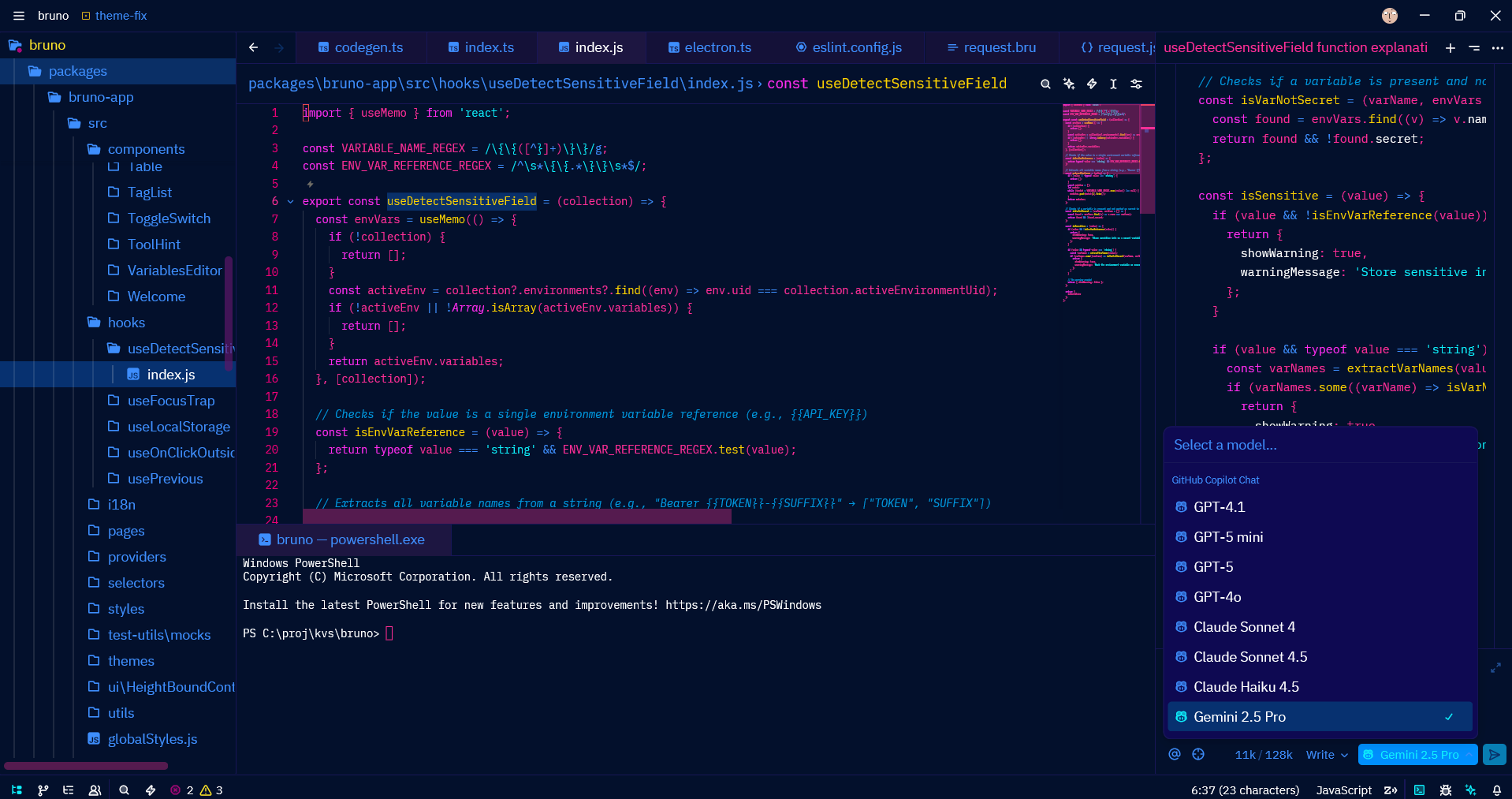
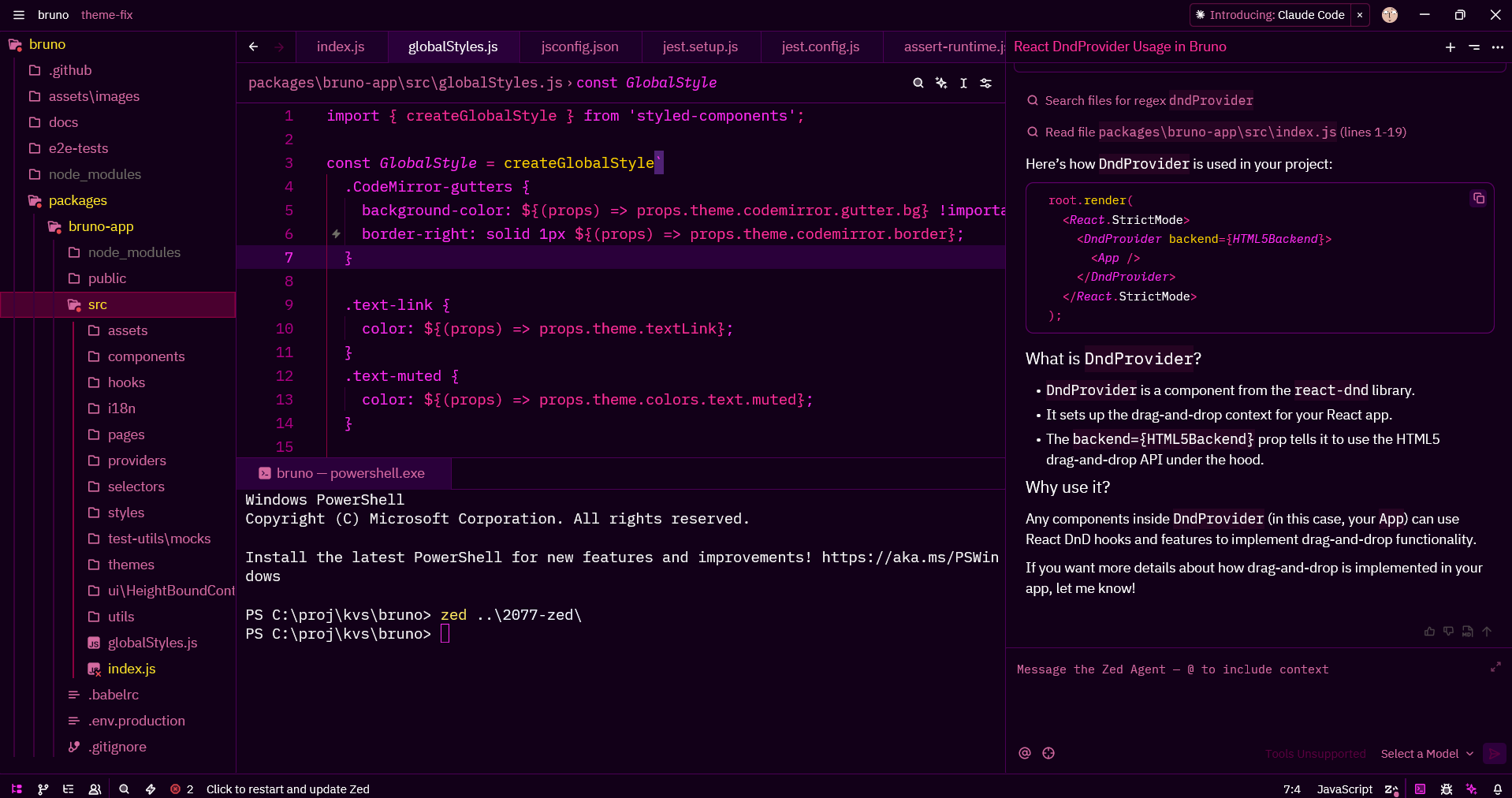
Color Highlights
- Deep blues and purples for backgrounds (
#03102c,#0e0952) - Hot pink and magenta for syntax highlighting (
#ff2e97,#ee0077) - Cyan accents for strings and links (
#0ef3ff) - Golden yellow for functions and numbers (
#ffd400) - Neon scrollbars with pink highlights
Installation
From Zed Extensions
- Open Zed
- Press
Cmd+Shift+P(Mac) orCtrl+Shift+P(Windows/Linux) - Type "Extensions: Install Extensions"
- Search for "KvS Cyberpunk 2077"
- Click Install
Manual Installation
-
Clone this repository:
git clone https://github.com/notKvS/2077-zed.git -
Copy the extension to your Zed extensions directory:
- macOS/Linux:
~/.config/zed/extensions/ - Windows:
%APPDATA%\Zed\extensions\
- macOS/Linux:
-
Restart Zed
Usage
- Open Zed settings:
Cmd+,(Mac) orCtrl+,(Windows/Linux) - Search for "theme"
- Select KvS Cyberpunk 2077 from the dropdown
Or use the command palette:
- Press
Cmd+KthenCmd+T(Mac) orCtrl+KthenCtrl+T(Windows/Linux) - Select KvS Cyberpunk 2077
Color Palette
| Element | Color | Hex |
|---|---|---|
| Background | Deep Blue | #03102c |
| Surface | Purple | #0e0952 |
| Primary Text | White | #ffffff |
| Editor Foreground | Hot Pink | #ff2e97 |
| Accent | Cyan | #0ef3ff |
| Functions | Yellow | #ffd400 |
| Keywords | Magenta | #ff2cf1 |
| Strings | Cyan | #0ef3ff |
| Comments | Blue | #0098df |
Features
- Full syntax highlighting for popular languages
- Carefully crafted terminal colors (ANSI 16-color palette)
- High contrast for better readability
- Themed UI elements (scrollbars, borders, tabs)
- Optimized for long coding sessions
Development
To modify or contribute to this theme:
- Fork this repository
- Edit
themes/KvS-2077.jsonto customize colors - Update the version in
extension.toml - Test locally by copying to your Zed extensions directory
- Submit a pull request
Credits
- Author: notKvS
- Inspired by: VS Code 2077 theme
- Game: Cyberpunk 2077 by CD Projekt Red
License
This project is licensed under the GNU General Public License v3.0 - see the LICENSE file for details.
Changelog
0.0.2
- Added missing terminal ANSI black color definitions
- Updated extension ID for better compatibility
0.0.1
- Initial release
- Complete Cyberpunk 2077 color scheme
- Support for all major syntax elements