KTRZ Monokai Theme
KTRZ Monokai Theme for Zed
Themes
How to install
With Forge Super installed, the button above opens the app on this extension, where you press Install. Nothing is installed until you do.
You can also open the Extensions panel in the app and search for KTRZ Monokai Theme. The extension's id is ktrz-monokai.
Don't have Forge Super yet? Download it here.
README
From the extension's repository, written by its authors and not by Mentenaz. See the source.
KTRZ Monokai Theme for Zed IDE
Inspired by KTRZ Monokai for VSCode
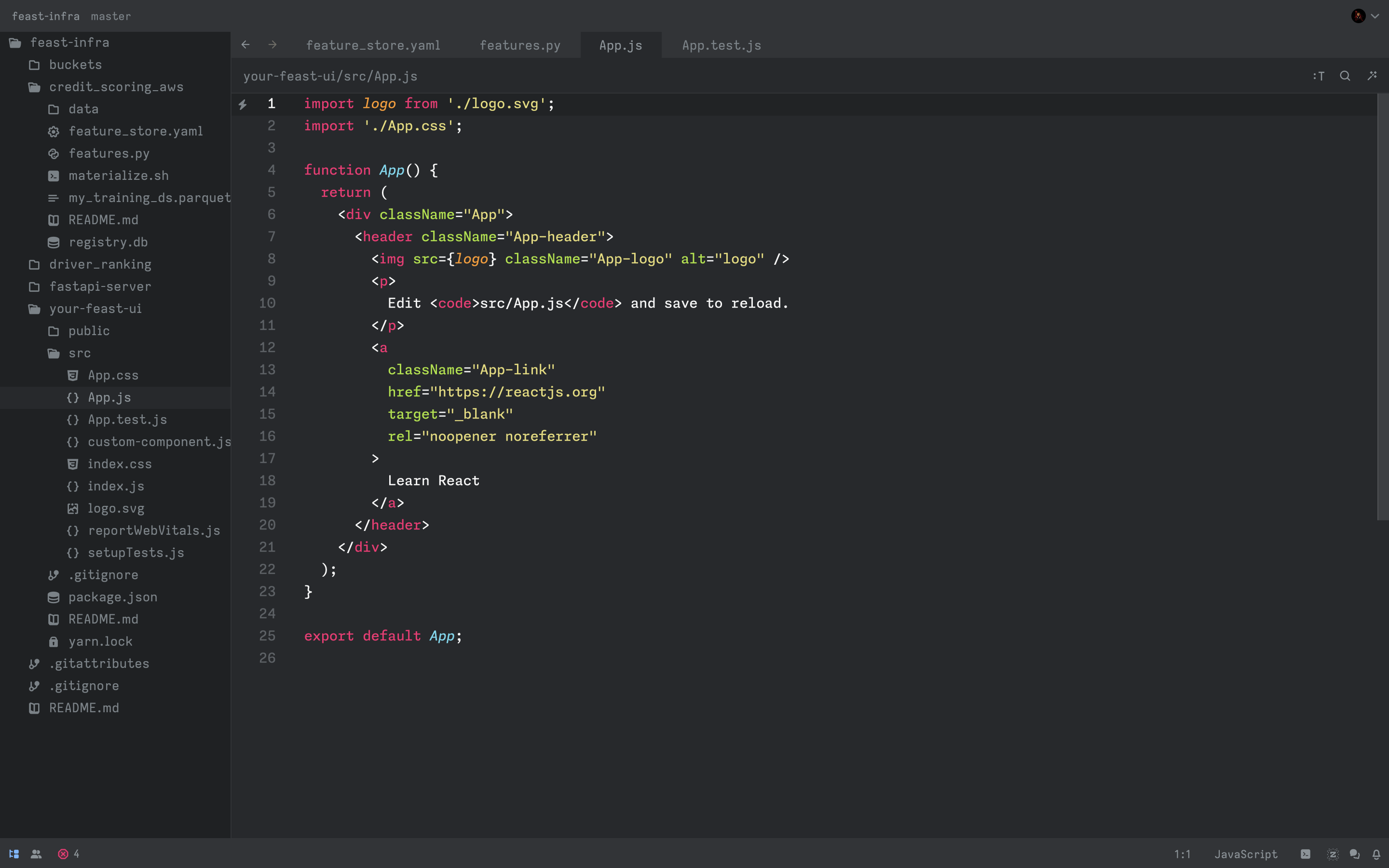
JS
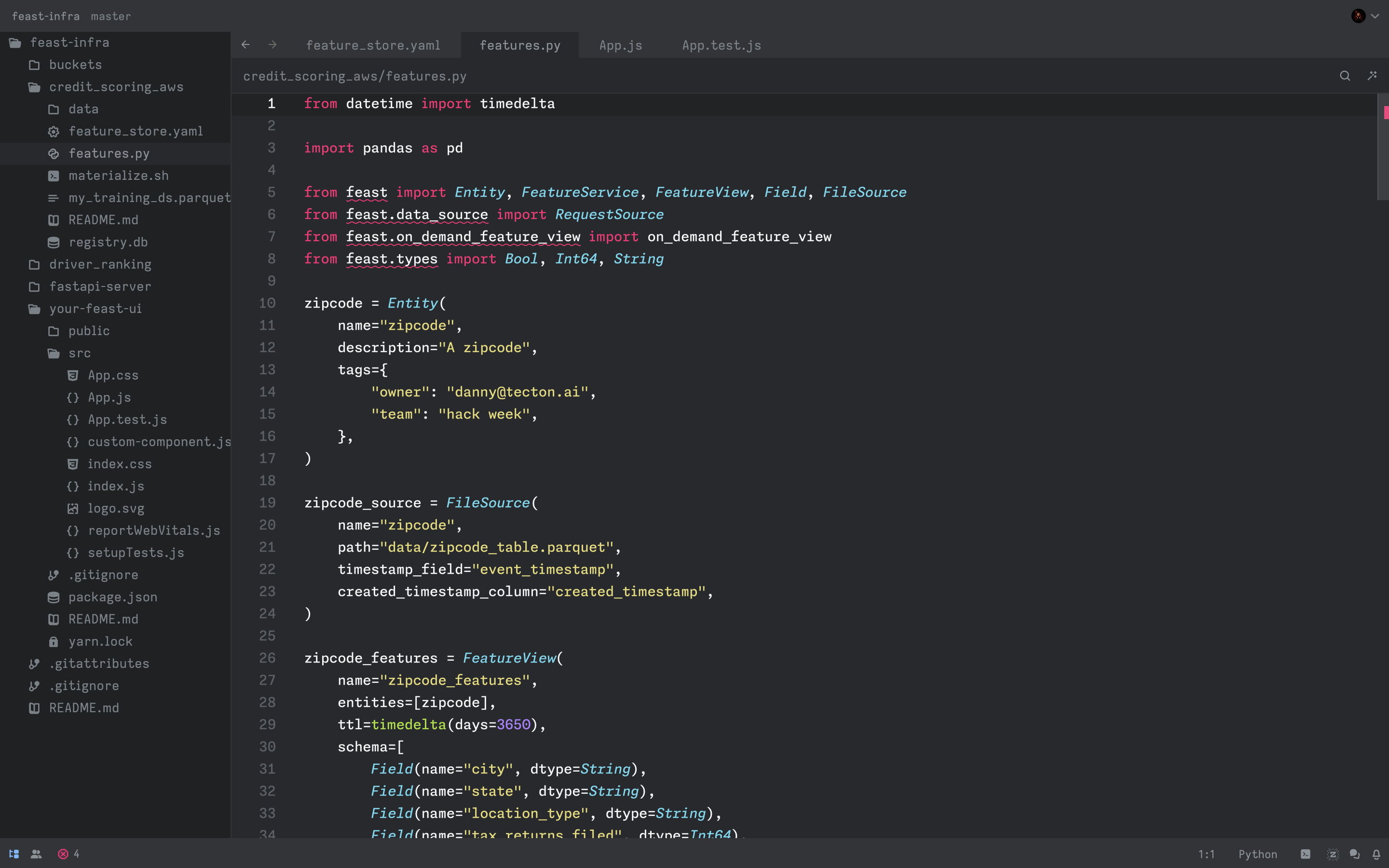
 Python
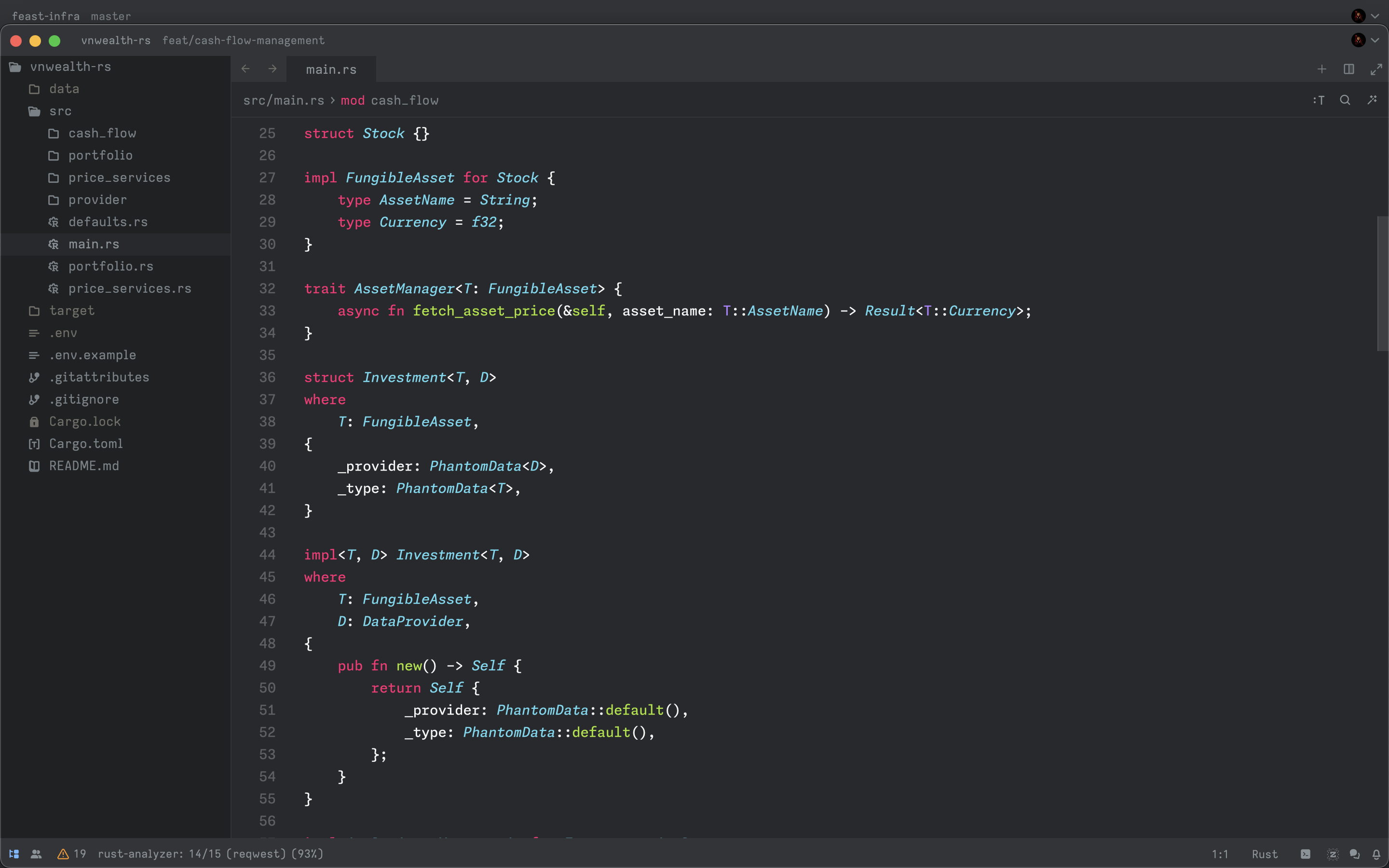
 Rust
Installation
Manual
Please follow Zed's guide to add custom theme
- Access Zed's theme folder in
~/.config/zed/themes
- Copy the
./themes/ktrz-monokai.jsonin this repo to Zed's theme folder above - Customize base on latest supported color.rs
Install as Extension
- Open Command Palette
- Select
zed: extensions - Search
KTRZ Monokai - Install and activate