Kanagawa
Kanagawa for Zed — Wave, Wave Blur, Dragon, and Lotus. Colors of Hokusai's Great Wave.
How to install
With Forge Super installed, the button above opens the app on this extension, where you press Install. Nothing is installed until you do.
You can also open the Extensions panel in the app and search for Kanagawa. The extension's id is kanagawa-wave-blur-theme.
Don't have Forge Super yet? Download it here.
README
From the extension's repository, written by its authors and not by Mentenaz. See the source.
Kanagawa for Zed
Four Zed themes from the Kanagawa palette, based on Hokusai's Great Wave off Kanagawa.
Themes
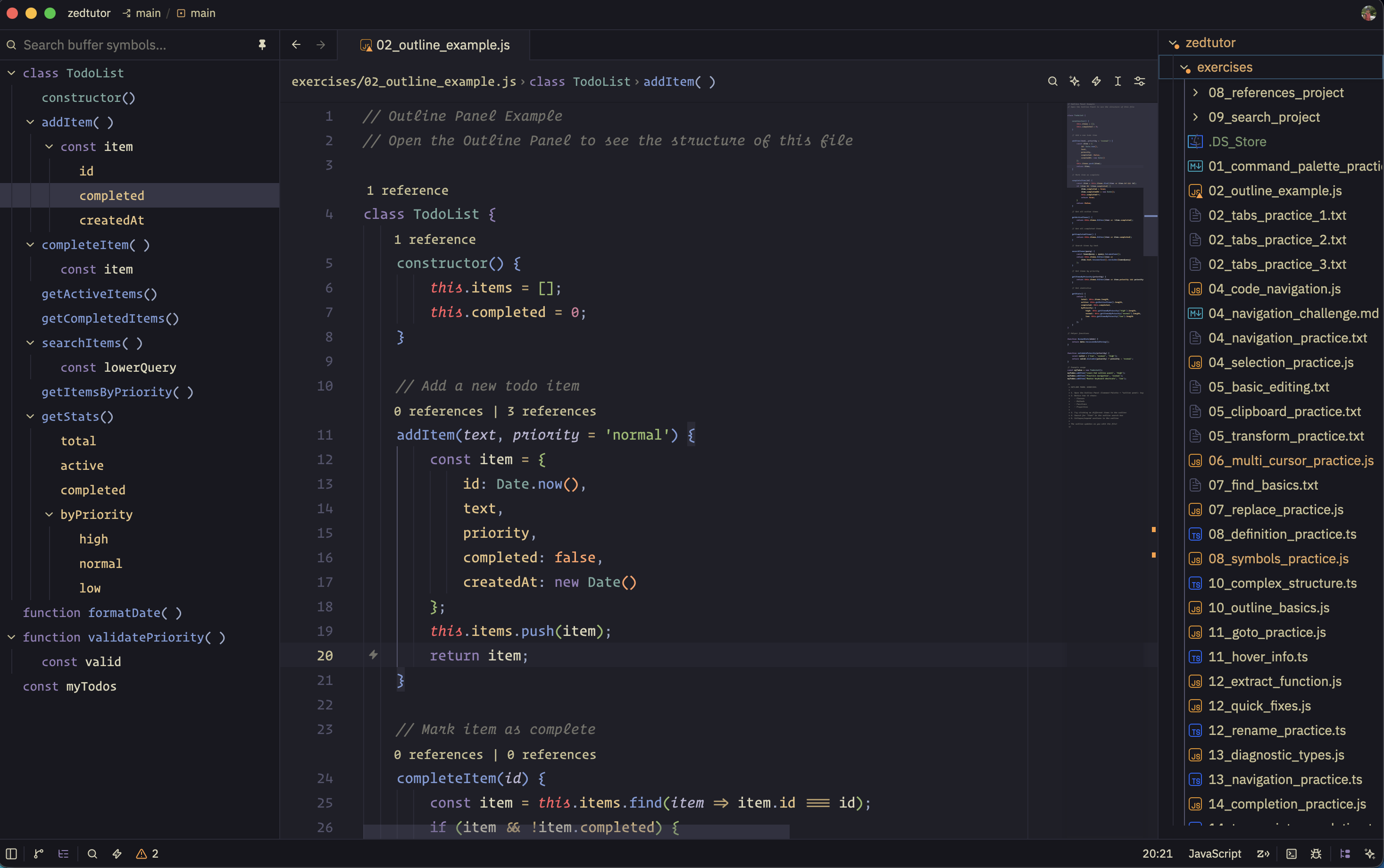
Wave
Dark. The original Kanagawa look: sumi-ink #1F1F28, fuji-white text, violet keywords, crystal-blue functions, spring-green strings. Use this as the default dark theme.
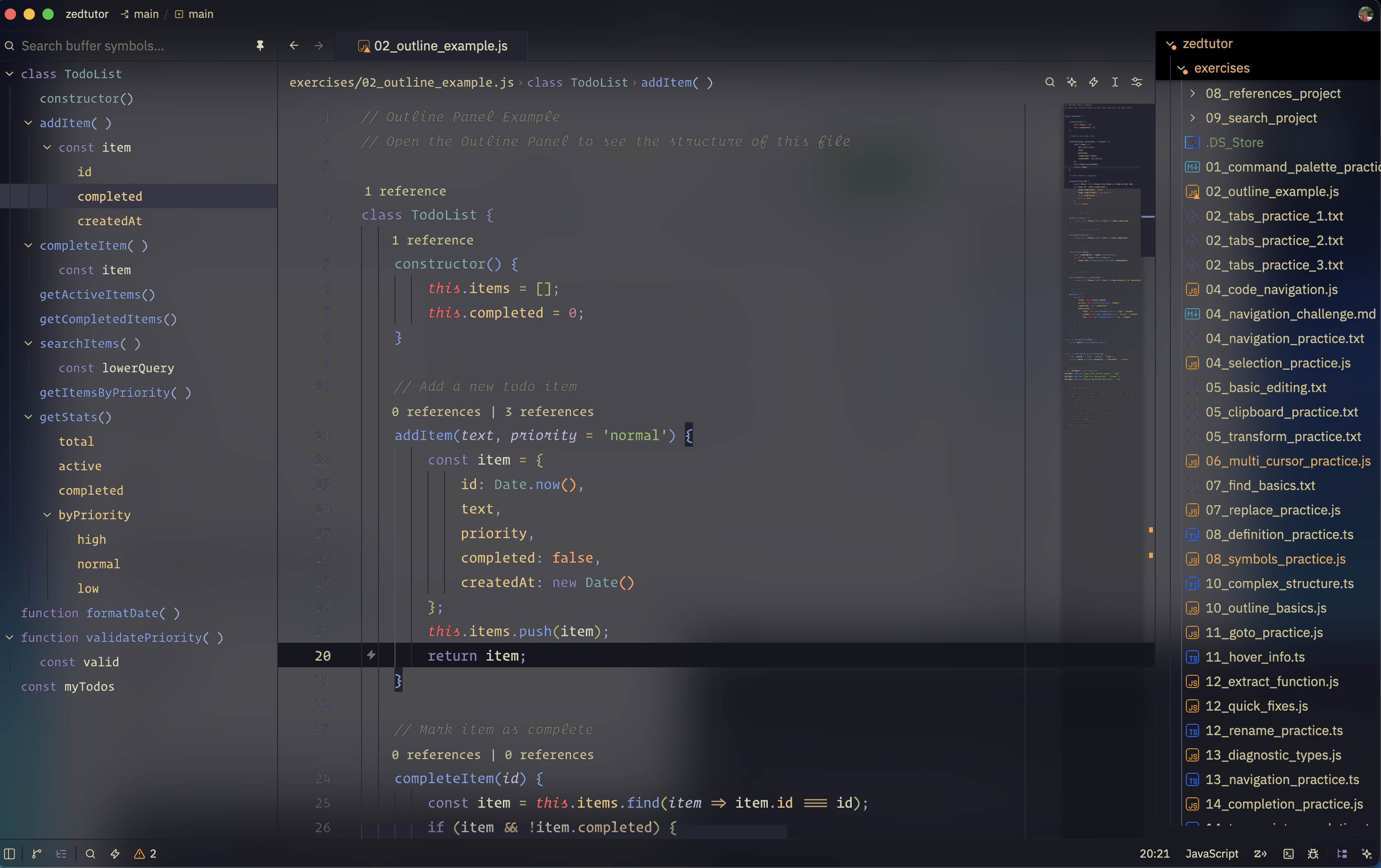
Wave Blur
Same syntax as Wave, but chrome is transparent with background.appearance: blurred. Needs a compositor that actually blurs (Hyprland, macOS). Popovers stay solid so menus stay readable.
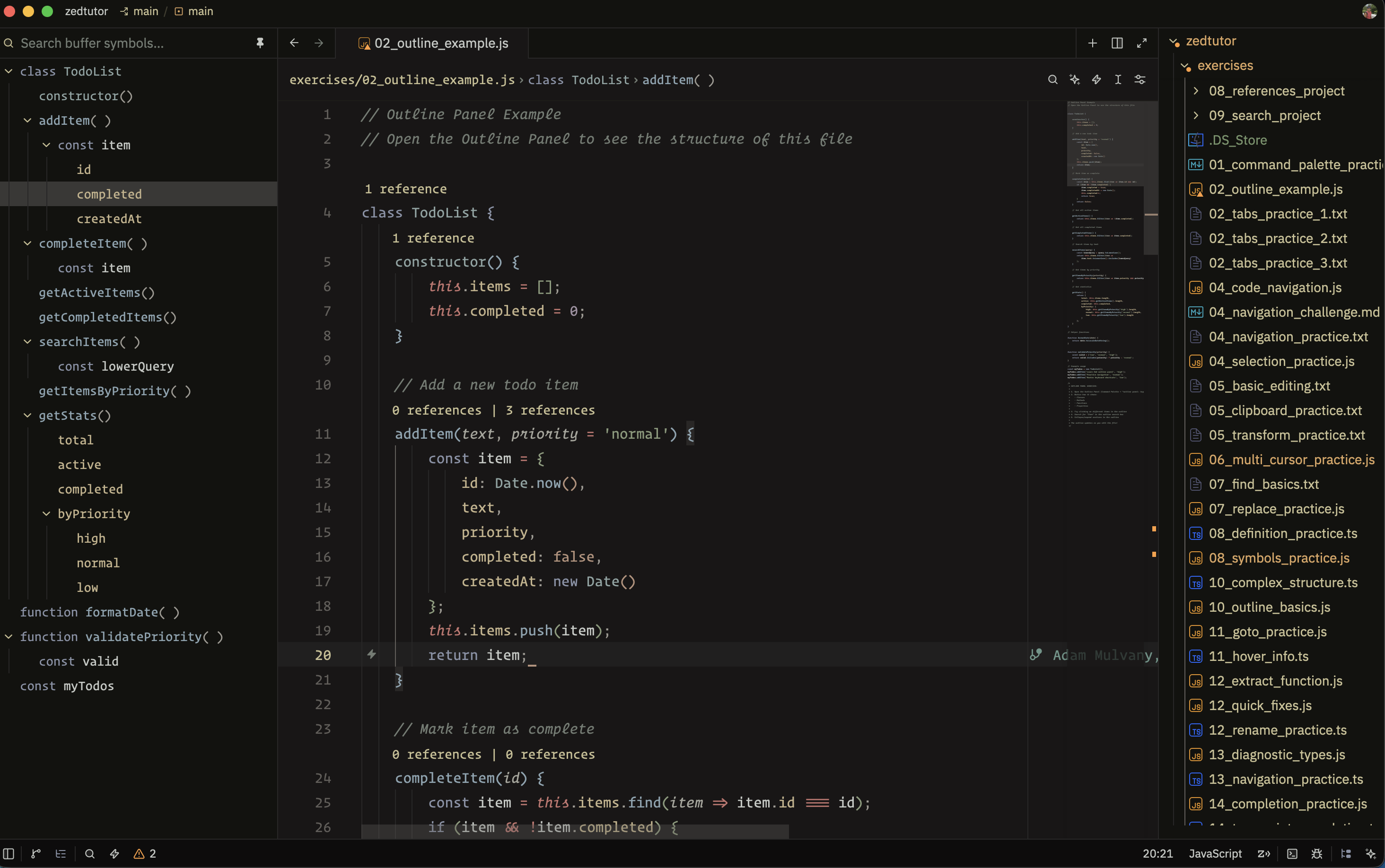
Dragon
Darker and warmer than Wave (#181616), with lower saturation. Same syntax roles, quieter colors. Built for long sessions.
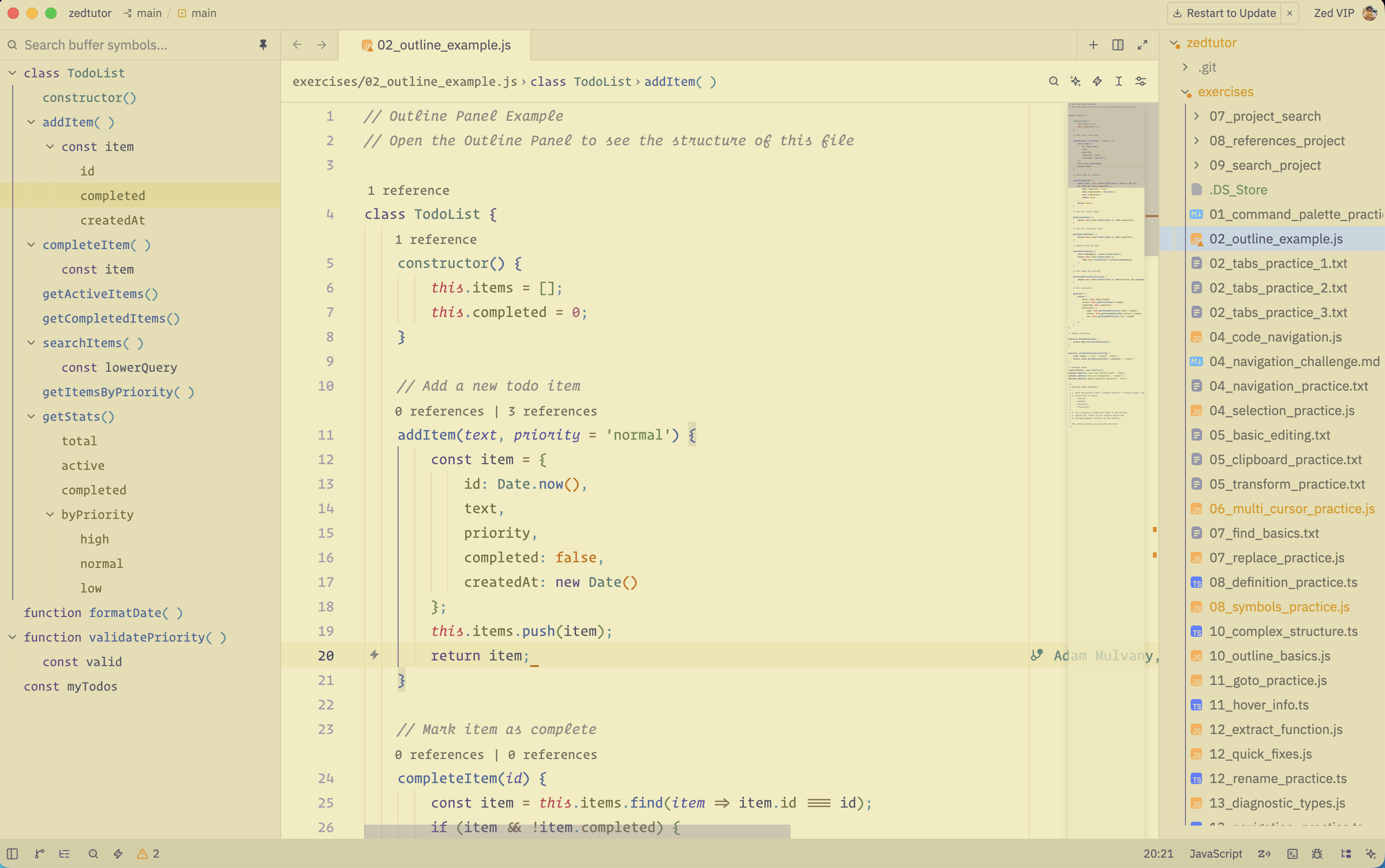
Lotus
Light only. Warm parchment (#f2ecbc) with ink-violet keywords and muted gold chrome. Set it as your light theme; dark mode will not use it.
"theme": {
  "mode": "system",
  "light": "Kanagawa Lotus",
  "dark": "Kanagawa Dragon"
}
Install
- Command Palette →
zed: extensions - Search
Kanagawa
While developing: Extensions → Install Dev Extension → this folder.
Activate
Command Palette → theme selector: toggle → Kanagawa Wave, Kanagawa Wave Blur, Kanagawa Dragon, or Kanagawa Lotus.