Hadal Theme
A deep-sea inspired theme set for Zed with four variants, Hadal Shallows, Deep, Twilight, and Midnight, 105 syntax captures, and full terminal support.
How to install
With Forge Super installed, the button above opens the app on this extension, where you press Install. Nothing is installed until you do.
You can also open the Extensions panel in the app and search for Hadal Theme. The extension's id is hadal-theme.
Don't have Forge Super yet? Download it here.
README
From the extension's repository, written by its authors and not by Mentenaz. See the source.
Hadal
A deep-sea inspired theme set for Zed, following light down through the ocean zones: Hadal Shallows, Hadal Deep, Hadal Twilight, and Hadal Midnight.
| Hadal Shallows | Hadal Deep | Hadal Twilight | Hadal Midnight |
|---|---|---|---|
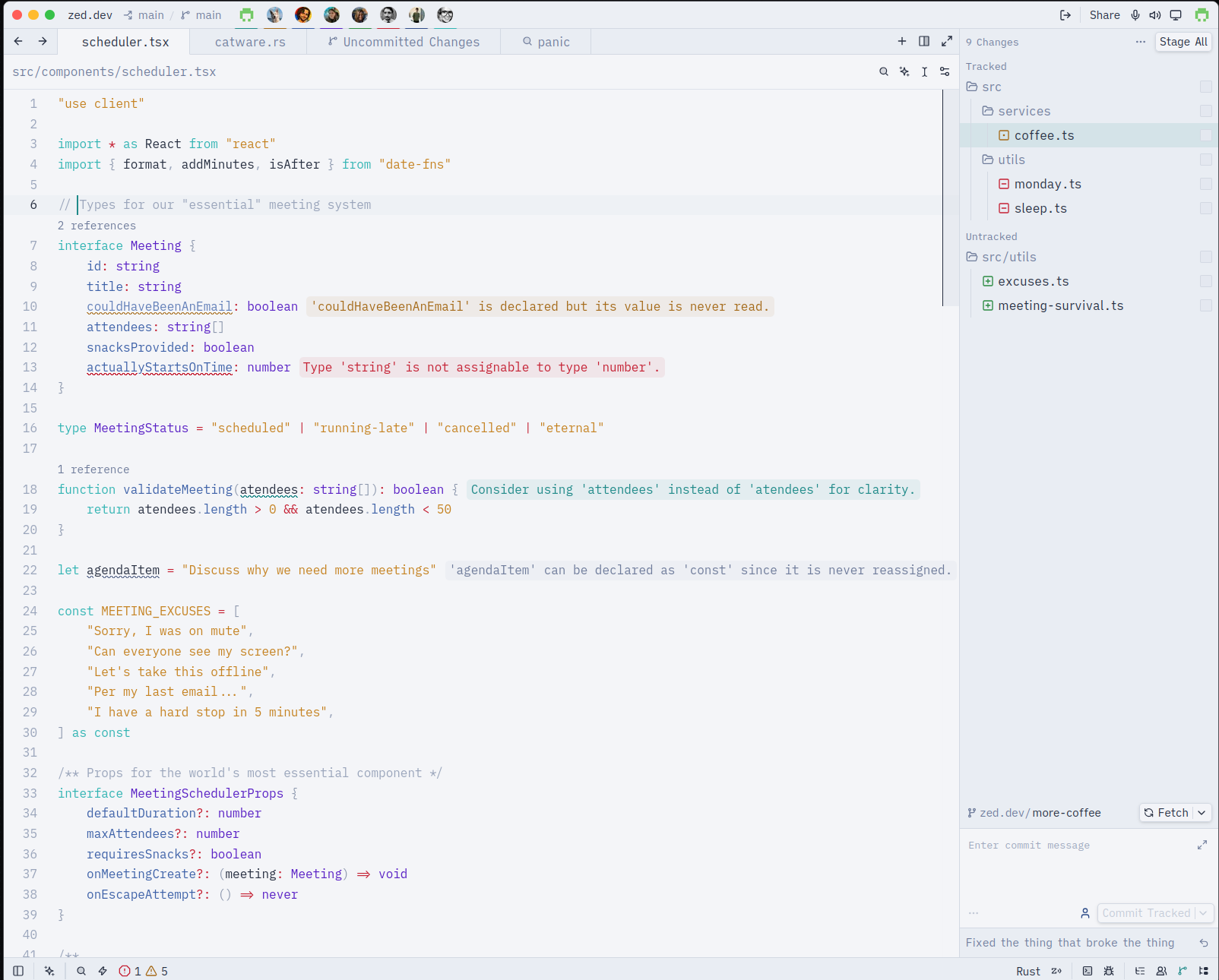 | 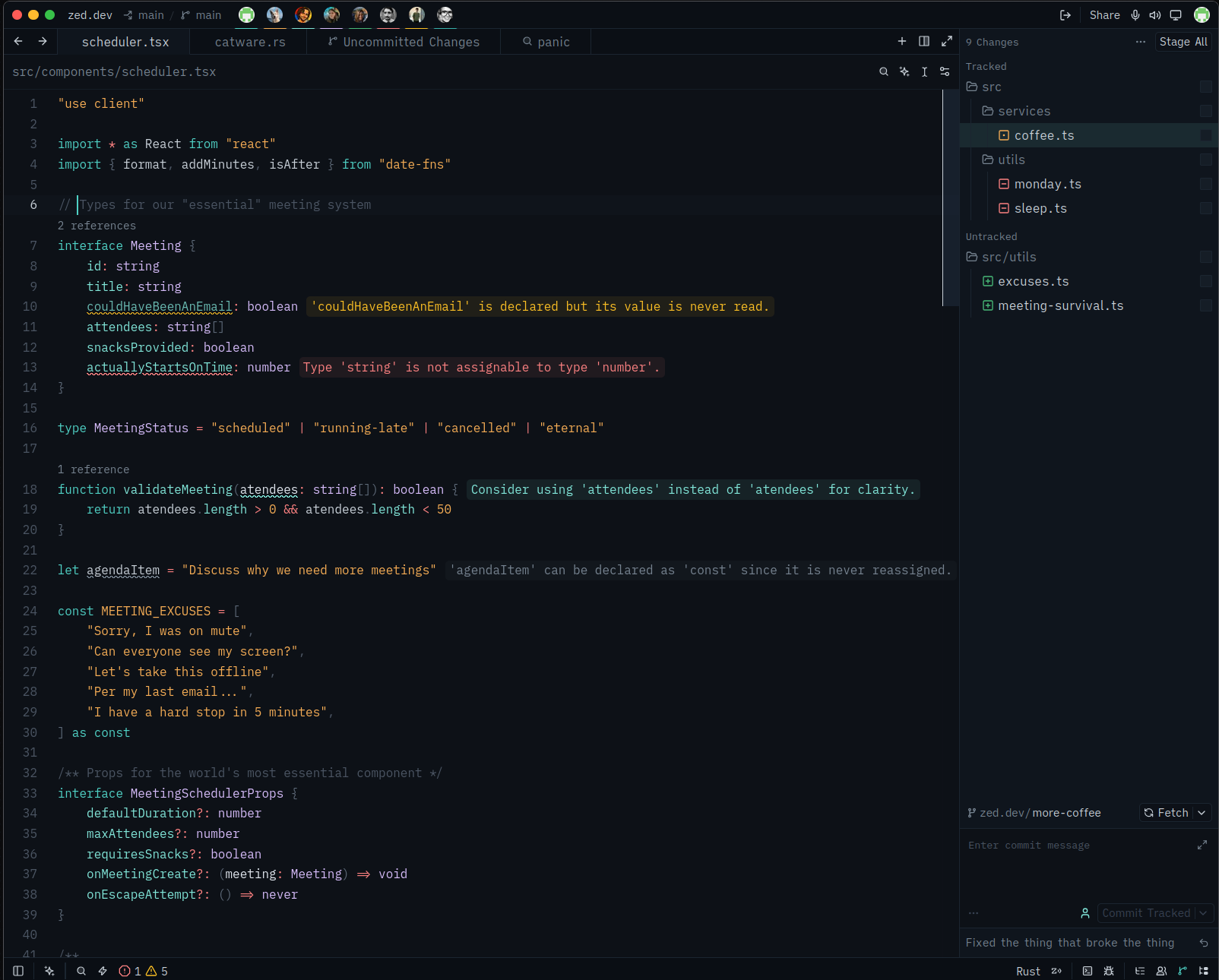 | 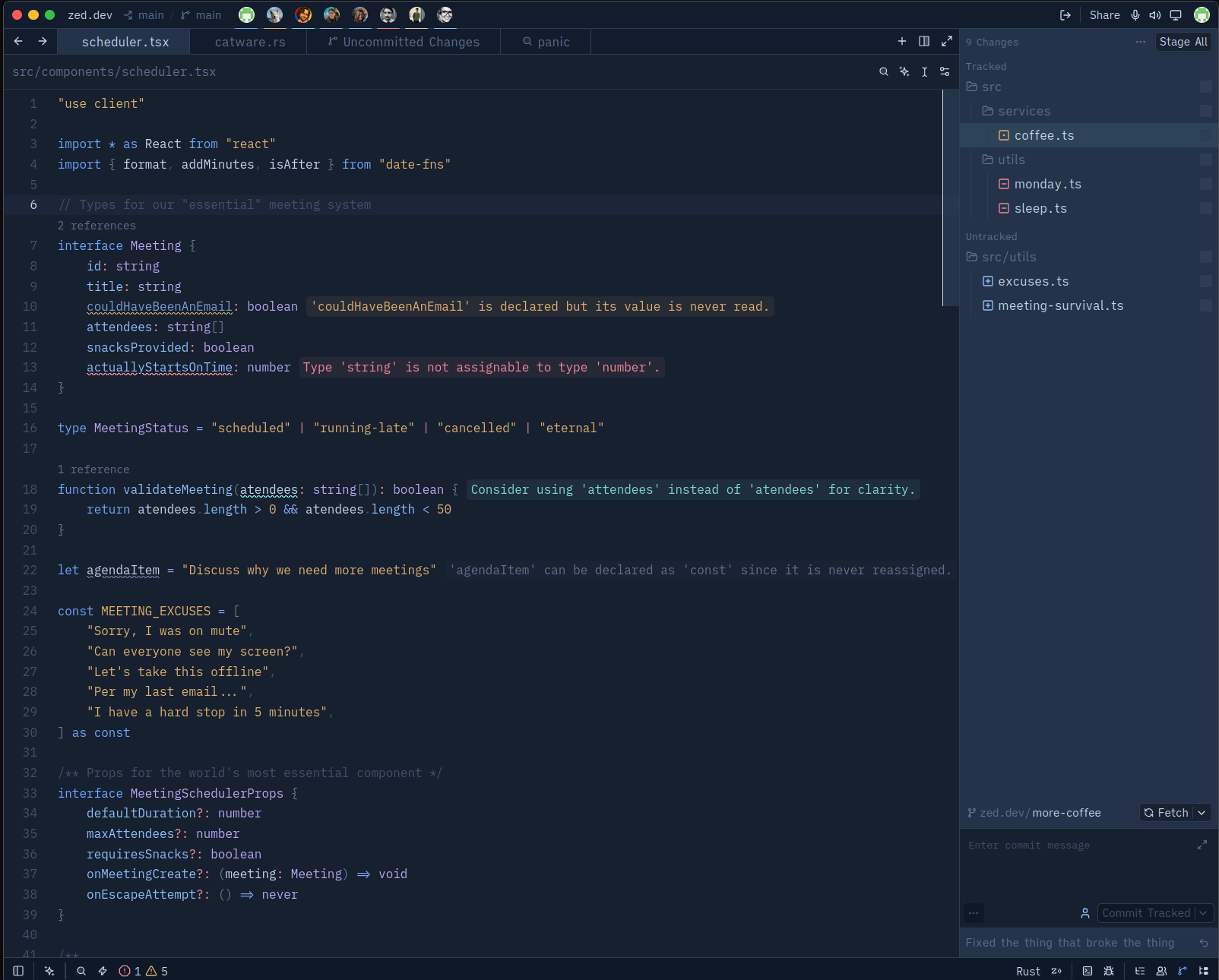 | 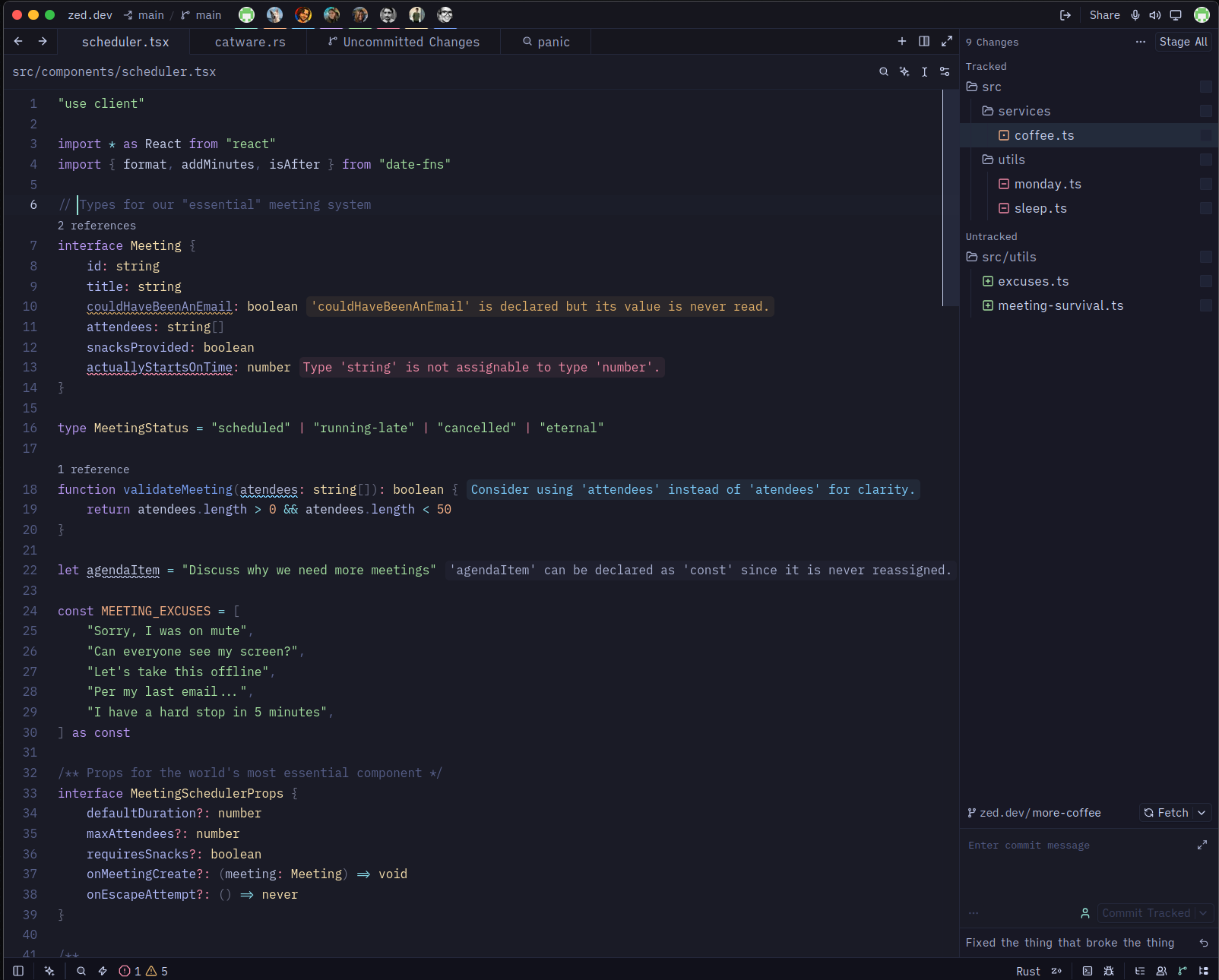 |
Features
- Four variants — Hadal Shallows, Deep, Twilight, and Midnight, 187 style keys each with full parity
- Twilight depth-filtering — warm hues dim with depth while blues stay vivid, after how water absorbs light
- 105 syntax captures — comprehensive coverage of all syntax elements
- 16 terminal ANSI colors — plus bright and dim variants for the integrated terminal
- 8 player colors — for collaboration cursors
- Vim mode support — complete color definitions for all vim modes
- Version control integration — conflict markers, diff colors, and status indicators
Install
From the Zed extension store
- Open Zed
CmdShiftP→ zed: extensions- Search for Hadal
- Click Install
As a dev extension
git clone https://github.com/maikel-479/hadal.git
- In Zed:
CmdShiftP→ zed: install dev extension - Select the cloned directory
CmdShiftP→ theme selector: toggle → pick Hadal Deep
Switching
Cmd K Cmd T opens the theme selector, or Cmd Shift P →
theme selector: toggle.
To pin a variant, edit settings.json:
{
  "theme": "Hadal Deep"
}
Or set Twilight or Midnight instead:
{
  "theme": "Hadal Twilight"
}
License
Built by @maikel-479.