Fleury
A warm, rusty theme with bronze and copper tones inspired by weathered metal
How to install
With Forge Super installed, the button above opens the app on this extension, where you press Install. Nothing is installed until you do.
You can also open the Extensions panel in the app and search for Fleury. The extension's id is fleury.
Don't have Forge Super yet? Download it here.
README
From the extension's repository, written by its authors and not by Mentenaz. See the source.
Fleury Theme for Zed
A warm, rusty theme inspired by bronze and copper tones, based on the original Emacs Fleury theme. This theme brings the weathered metal aesthetic to Zed with excellent contrast and readability.
Features
🔥 Warm Rust Palette - Bronze, copper, and rust tones create a cozy coding environment ⚡ Excellent Contrast - All text is highly readable with proper contrast ratios 🎨 Complete Coverage - Consistent styling across all UI elements and syntax 👁️ Eye-Friendly - Perfect for long coding sessions without strain 🌅 Rusty Aesthetic - Inspired by weathered metal and aged bronze
Color Palette
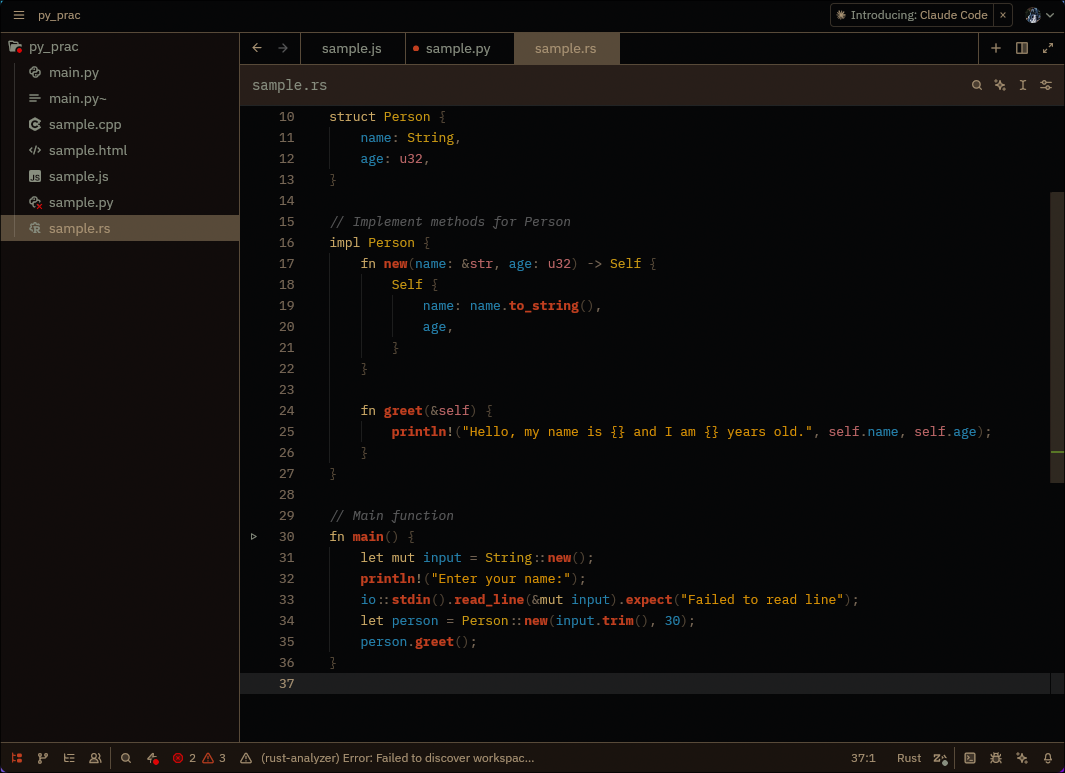
- Rich Bronze (#c2a882) - Main text and code
- Rust Brown (#8a7660) - Comments and subtle elements
- Coffee Brown (#63523d) - Borders and selections
- Burnt Orange (#de451f) - Functions and accents
- Amber Gold (#fcaa05) - Keywords and highlights
- Sky Blue (#2895c7) - Variables and constants
- Fresh Green (#66bc11) - Cursor and success states
Screenshots
General UI
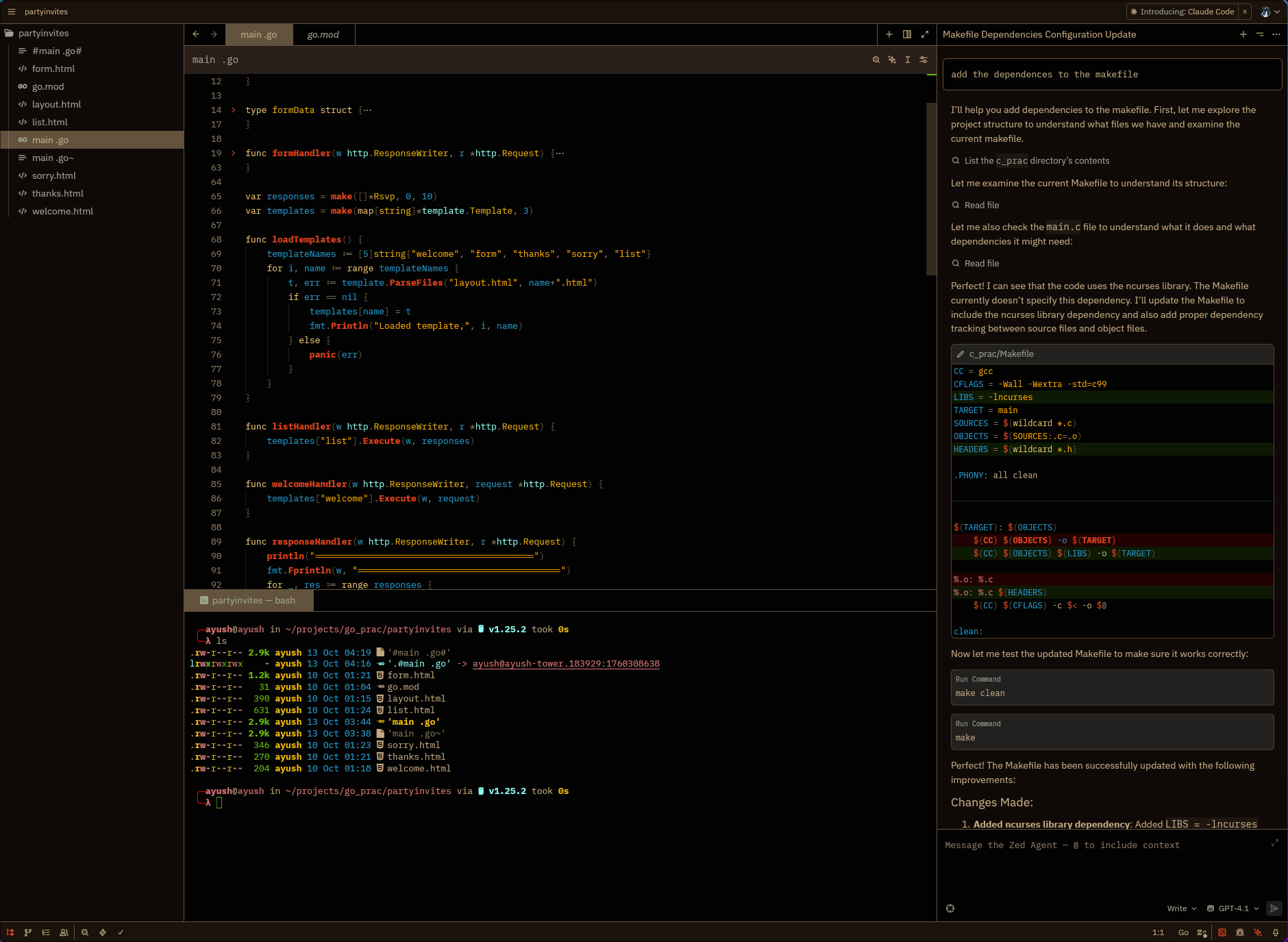
HTML
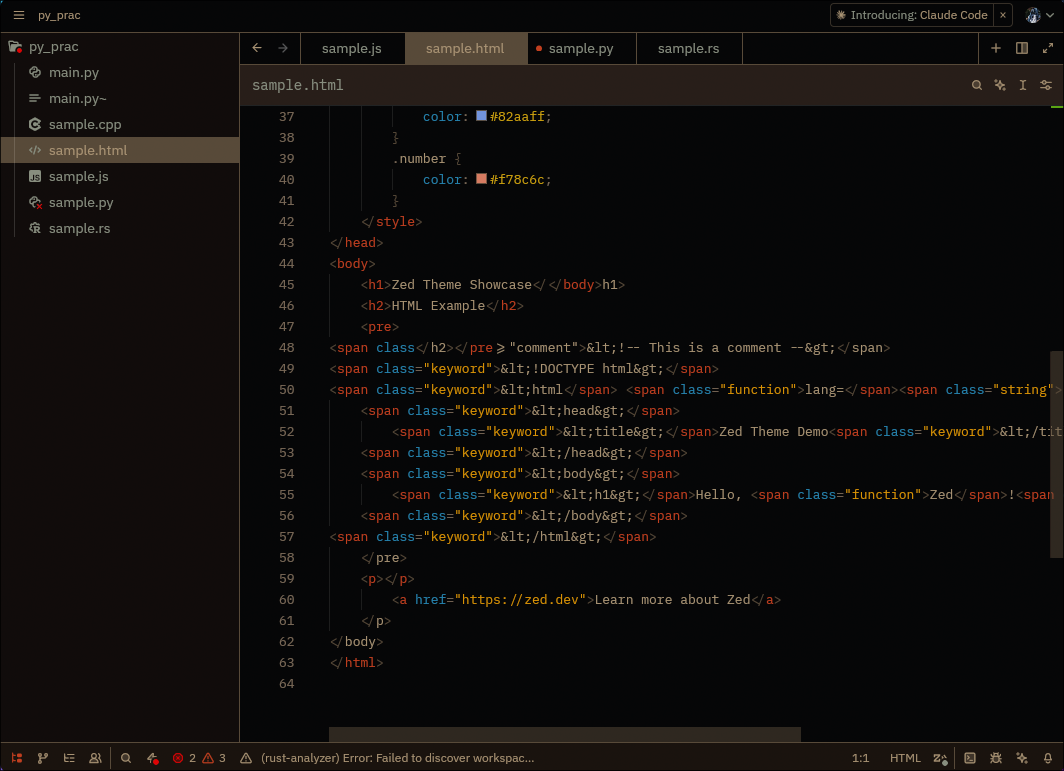
JavaScript
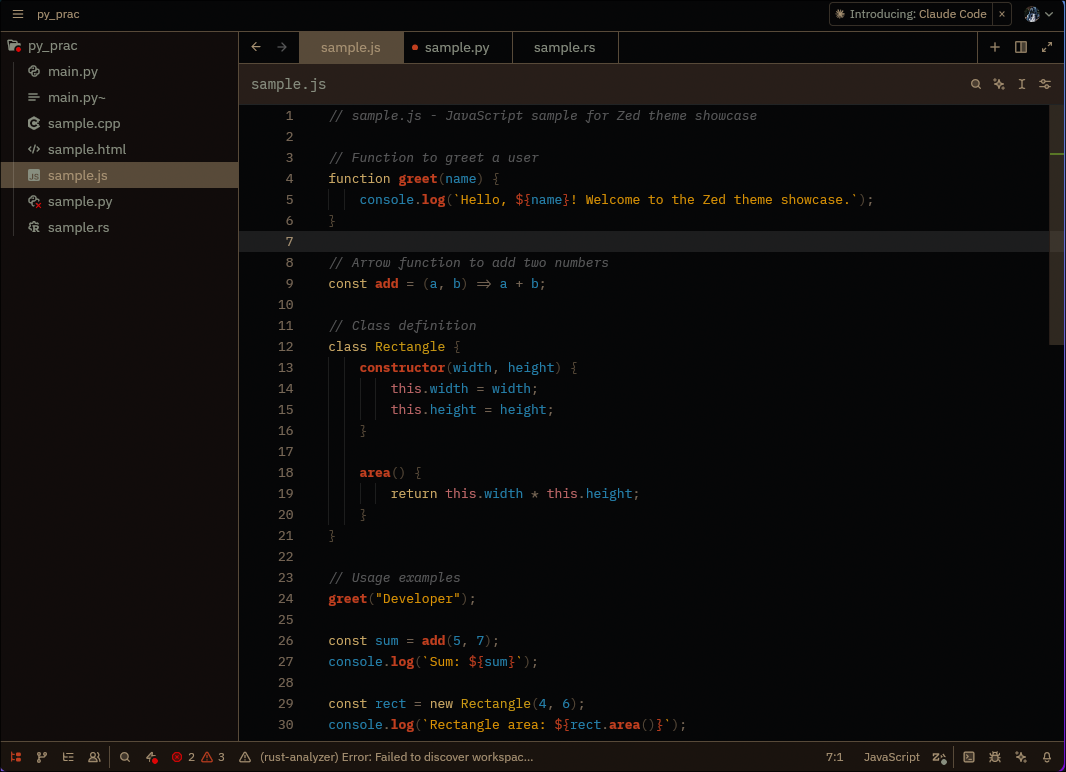
Python
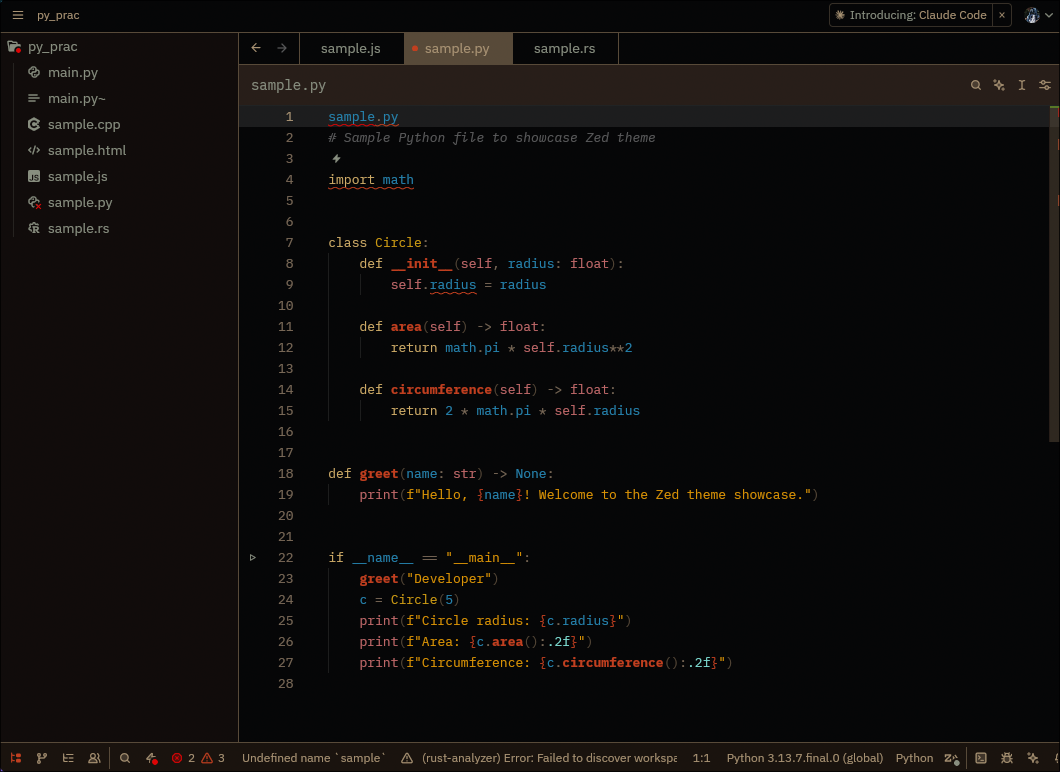
Rust
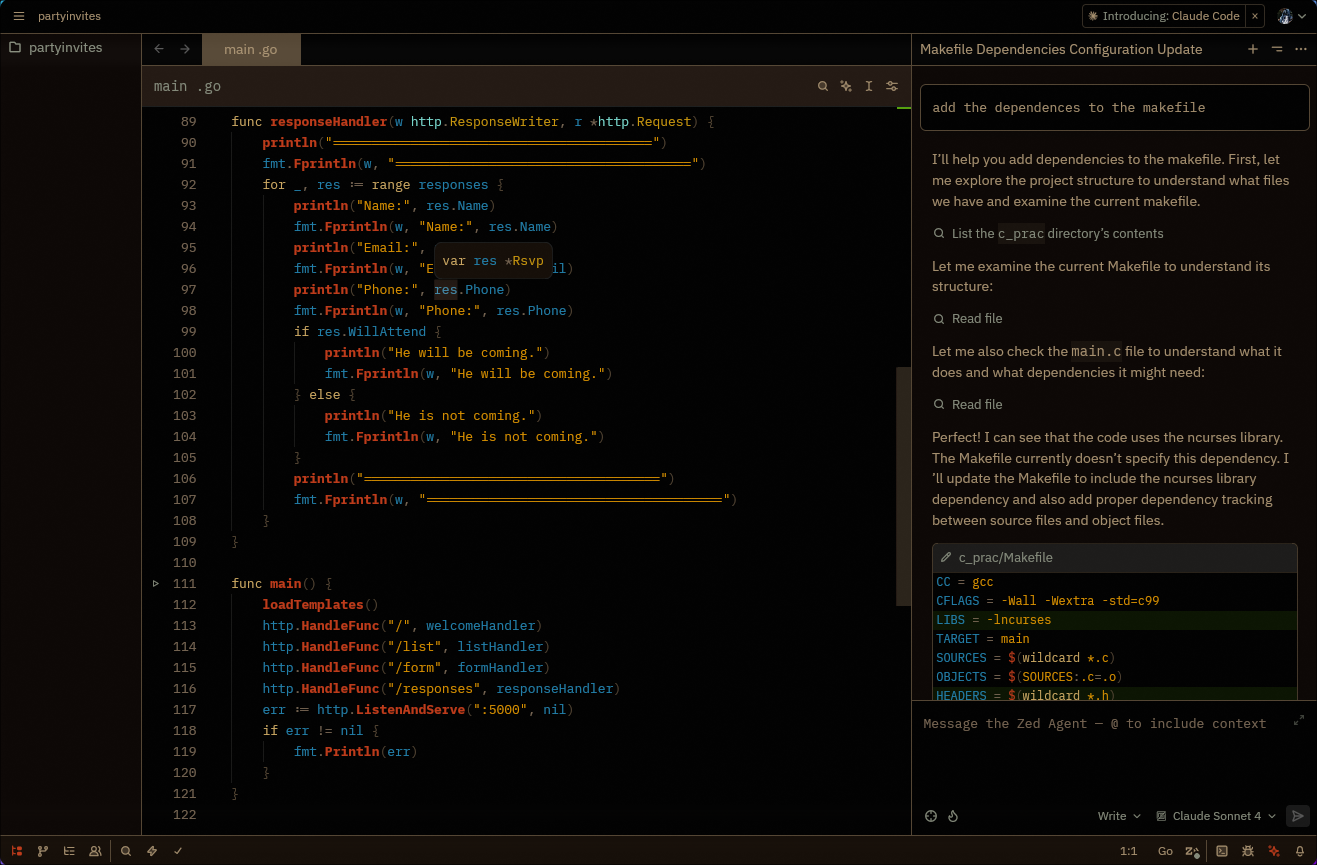
Go
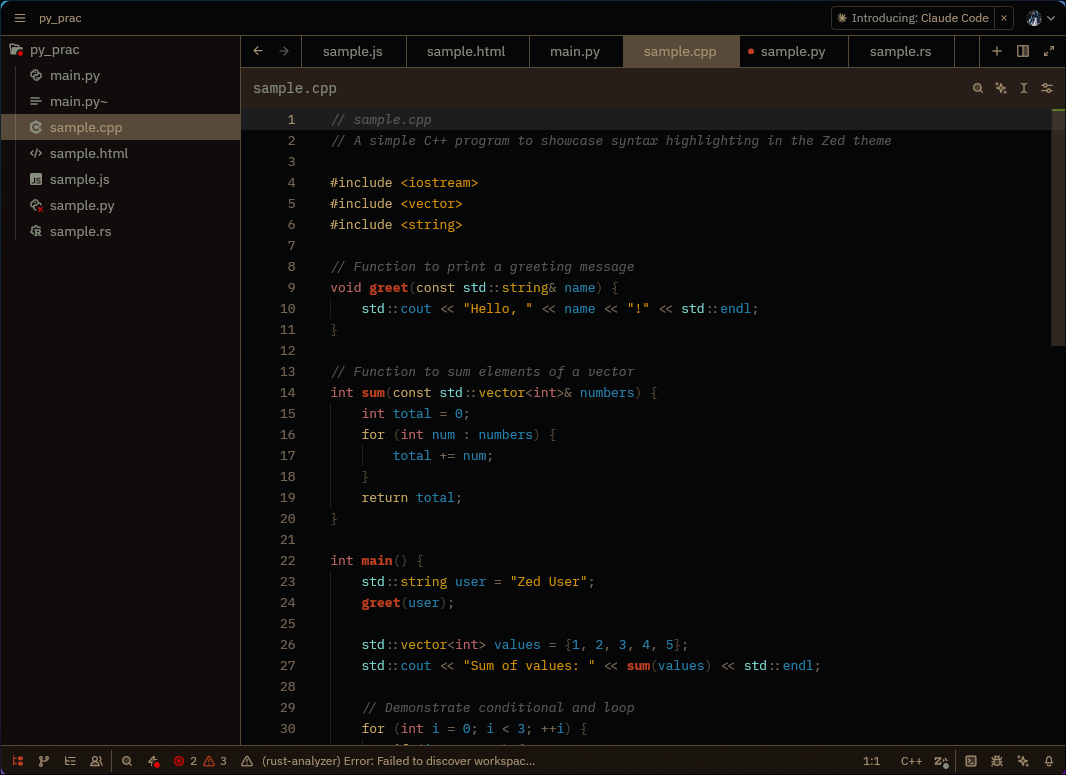
C++
Installation
From Zed Extensions (Recommended)
- Open Zed
- Open the command palette (
Cmd+Shift+PorCtrl+Shift+P) - Run "zed: Extensions"
- Search for "Fleury"
- Click Install
- Select the theme from Theme Selector (
Cmd+K Cmd+T)
Manual Installation
- Download
fleury.json - Place it in
~/.config/zed/themes/fleury.json - Restart Zed
- Select "Fleury Dark" from Theme Selector
Credits
Created by Ayush Bhat, inspired by the original Emacs Fleury theme by Shams Parvez Arka.
License
MIT License - Feel free to modify and share!
"Coming up with an original idea in 21st century is tough, even my dreams aren't original anymore!" - Original Fleury theme motto