File Icons
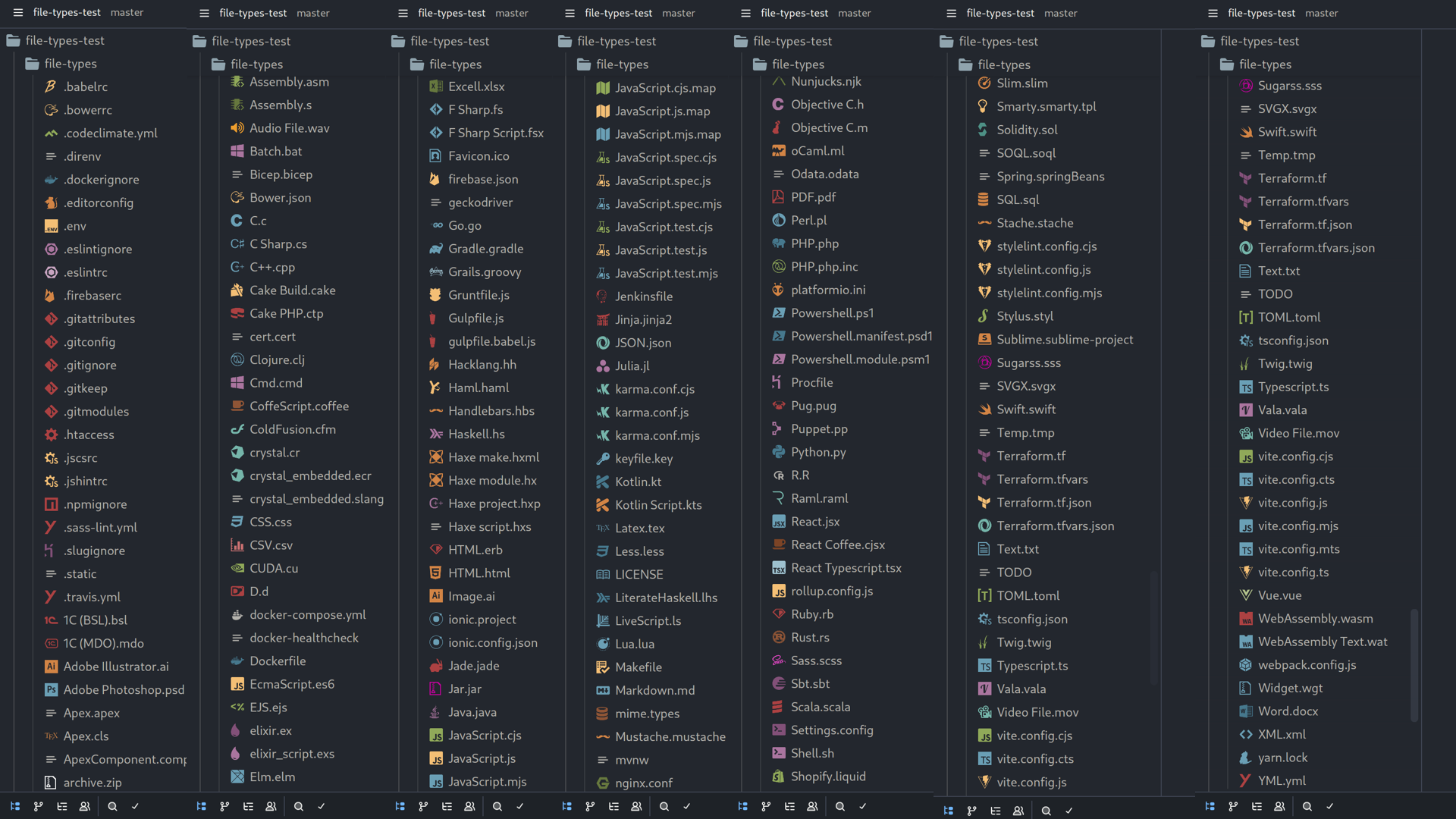
2000+ file and folder icons for Zed, ported from the popular file-icons/vscode theme.
How to install
With Forge Super installed, the button above opens the app on this extension, where you press Install. Nothing is installed until you do.
You can also open the Extensions panel in the app and search for File Icons. The extension's id is file-icons.
Don't have Forge Super yet? Download it here.
README
From the extension's repository, written by its authors and not by Mentenaz. See the source.
File Icons for Zed
A port of the popular file-icons/vscode icon theme for the Zed editor.
Over 2,000 icons for files, folders, and languages — covering virtually every file type you'll encounter.
Installation
- Open the Extensions panel:
Cmd+Shift+X(macOS) /Ctrl+Shift+X(Linux) - Search for File Icons
- Click Install
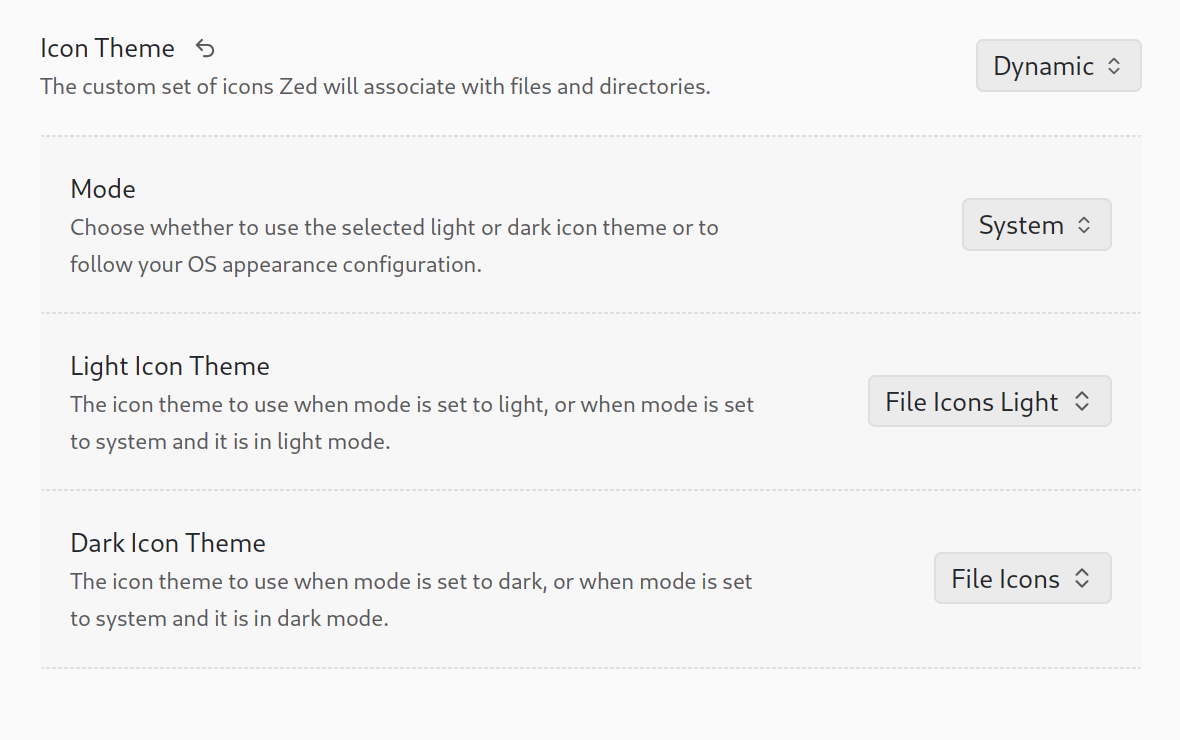
- Set the icon theme in your settings:
  "icon_theme": {
    "mode": "system",
    "light": "File Icons Light",
    "dark": "File Icons"
  },
Or via Command Palette → icon theme selector: toggle → select File Icons.
Configure dynamic change depend on system theme
Credits
Icons converted from file-icons/vscode by file-icons, which draws from:
License
Icon artwork follows the licenses of their respective upstream projects.