Eldritch
A community-driven theme inspired by Lovecraftian horror, ported from eldritch.nvim. Includes Eldritch (Cthulhu/default), Eldritch Midnight (formerly Deeper), Eldritch Abyss (formerly Dark), and Eldritch Dusk (light).
How to install
With Forge Super installed, the button above opens the app on this extension, where you press Install. Nothing is installed until you do.
You can also open the Extensions panel in the app and search for Eldritch. The extension's id is eldritch-theme.
Don't have Forge Super yet? Download it here.
README
From the extension's repository, written by its authors and not by Mentenaz. See the source.
Eldritch for Zed
A community-driven theme inspired by Lovecraftian horror — now with dark and light variants.
Ported from eldritch.nvim with Neovim-matched syntax highlighting across 200+ languages.
For more information, see the main Eldritch theme repository.
Variants
This release drops the old alias names and uses four clear palette names:
| Variant | Appearance | Palette basis | Description |
|---|---|---|---|
| Eldritch | dark | Cthulhu | The default Cthulhu palette — vibrant accents on the sunken-depths background |
| Eldritch Midnight | dark | Midnight | Formerly Eldritch Deeper — vibrant Cthulhu accents on the darker Void Black background |
| Eldritch Abyss | dark | The Abyss | Formerly Eldritch Dark — darker background with more muted, desaturated accents |
| Eldritch Dusk | light | Dusk | The light version, tuned for legibility on a pale coastal background |
If you used Eldritch Dark, switch to Eldritch Abyss. If you used Eldritch Deeper, switch to Eldritch Midnight.
Showcase
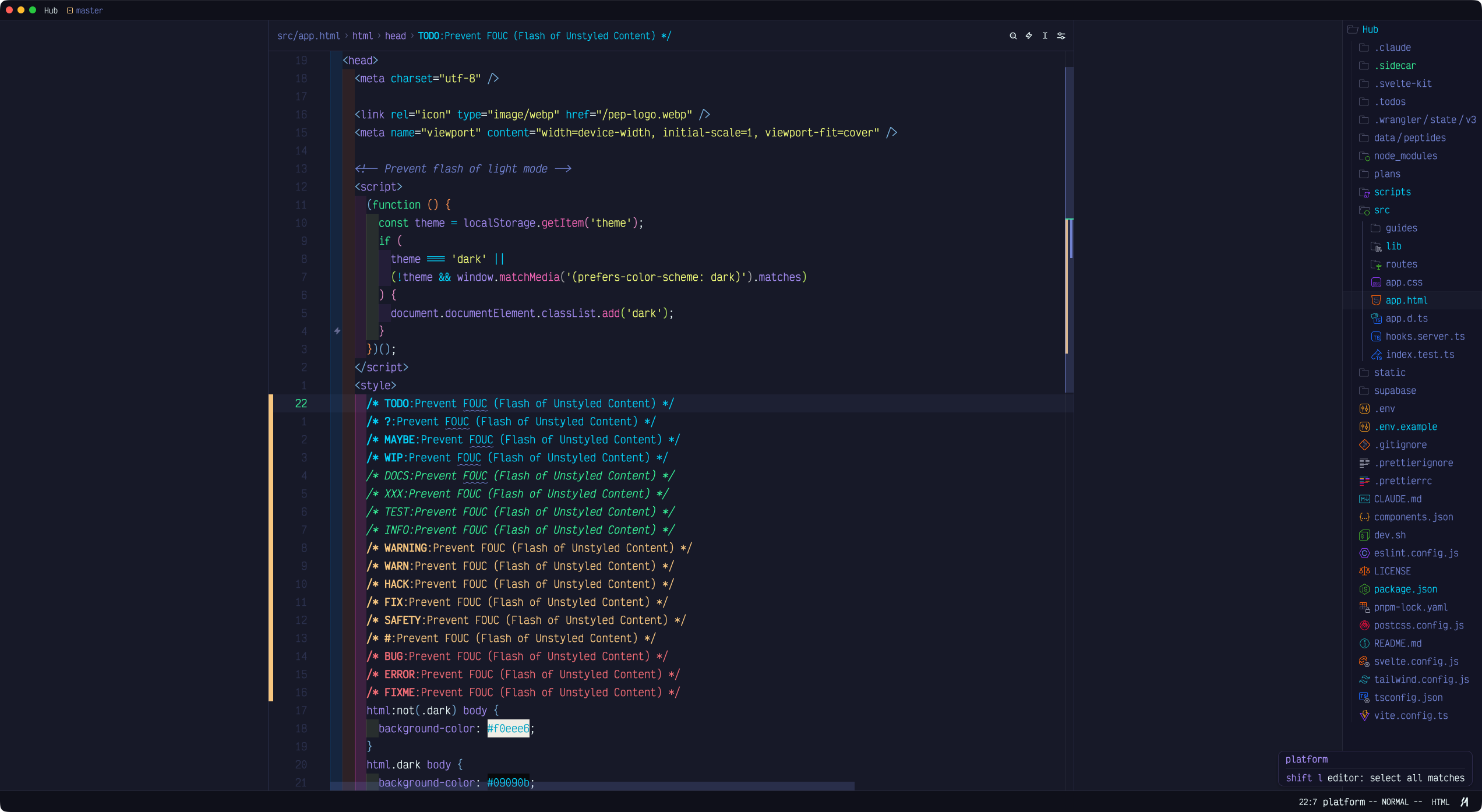 | 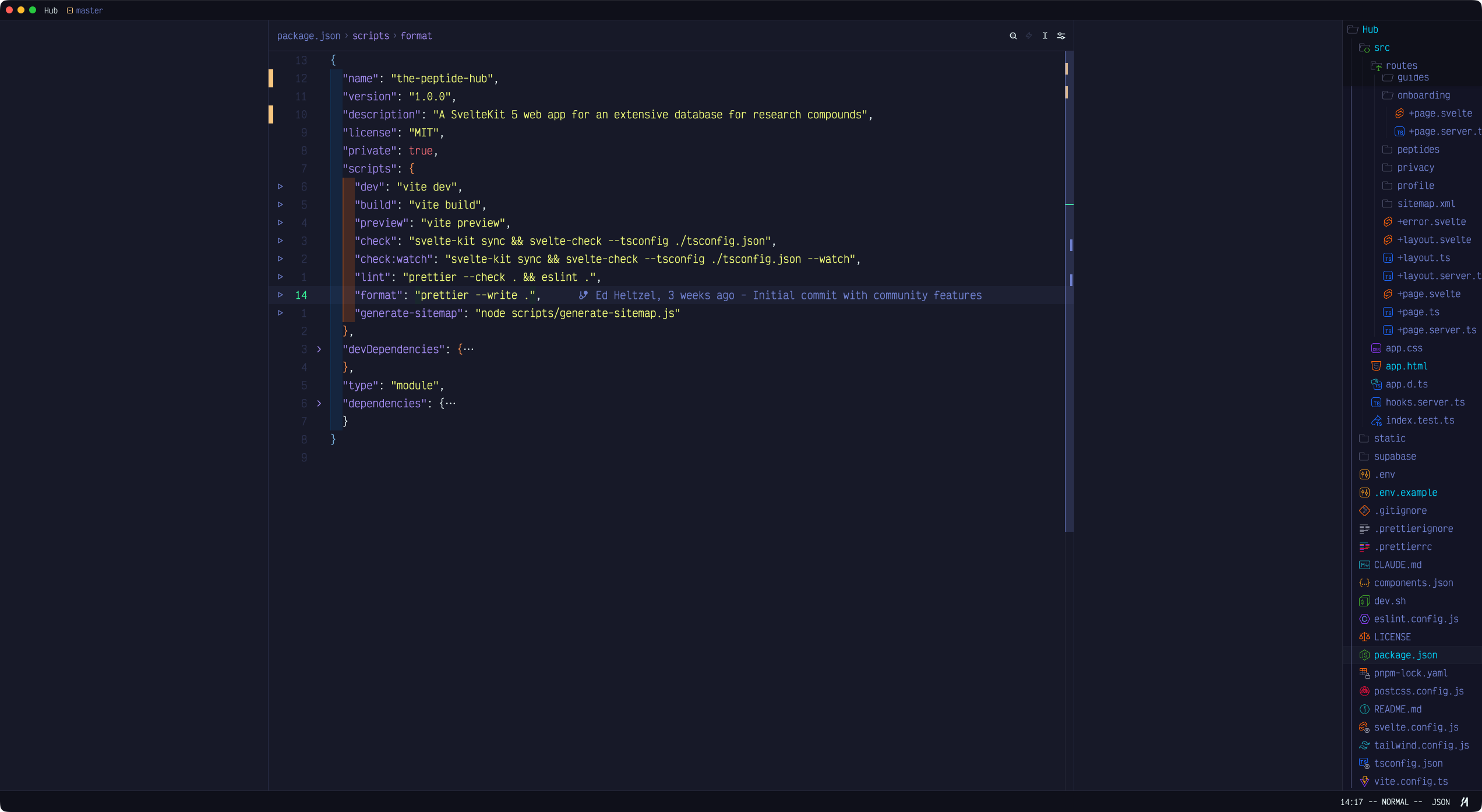 |
| HTML — Dark mode script | JSON — package.json |
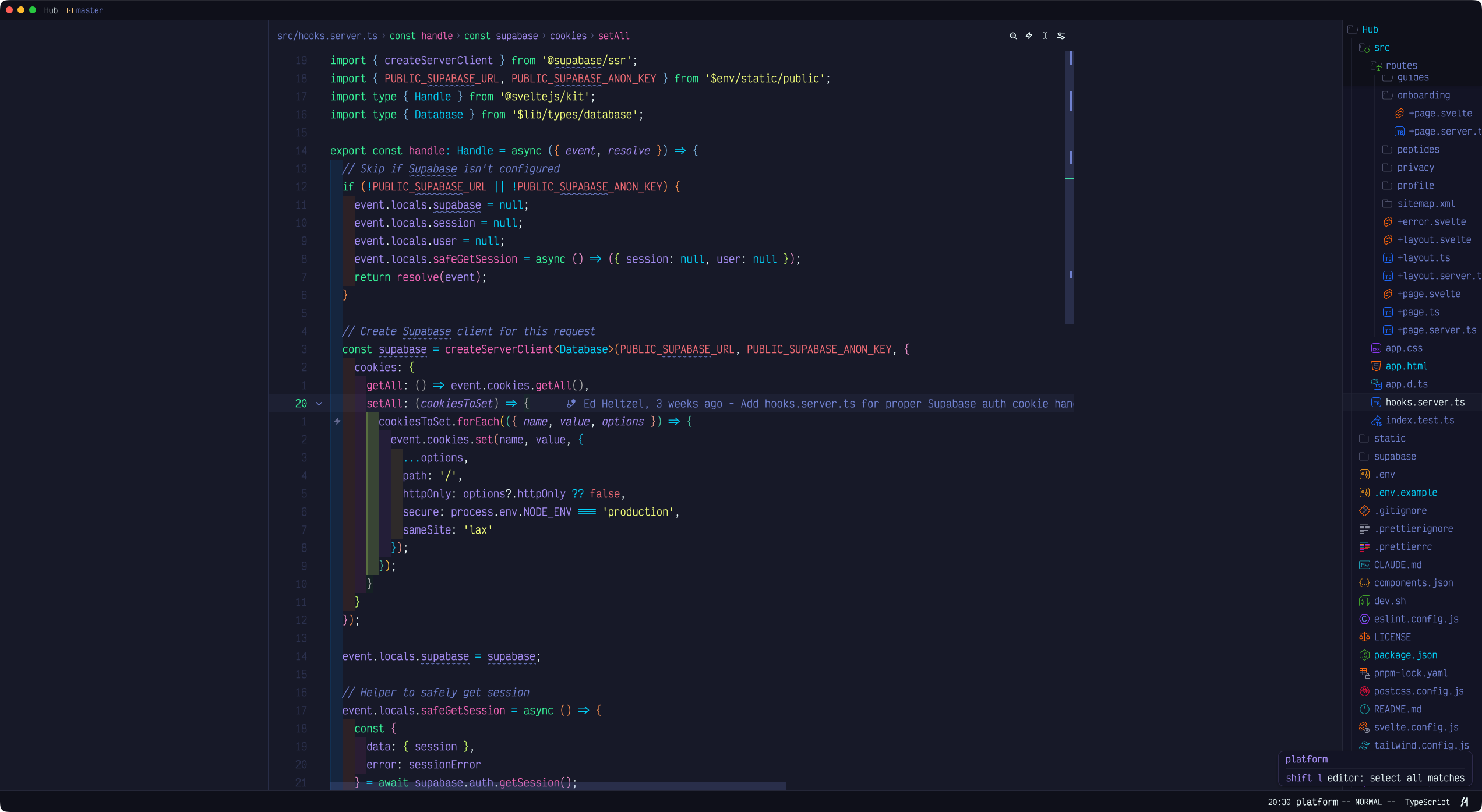 | 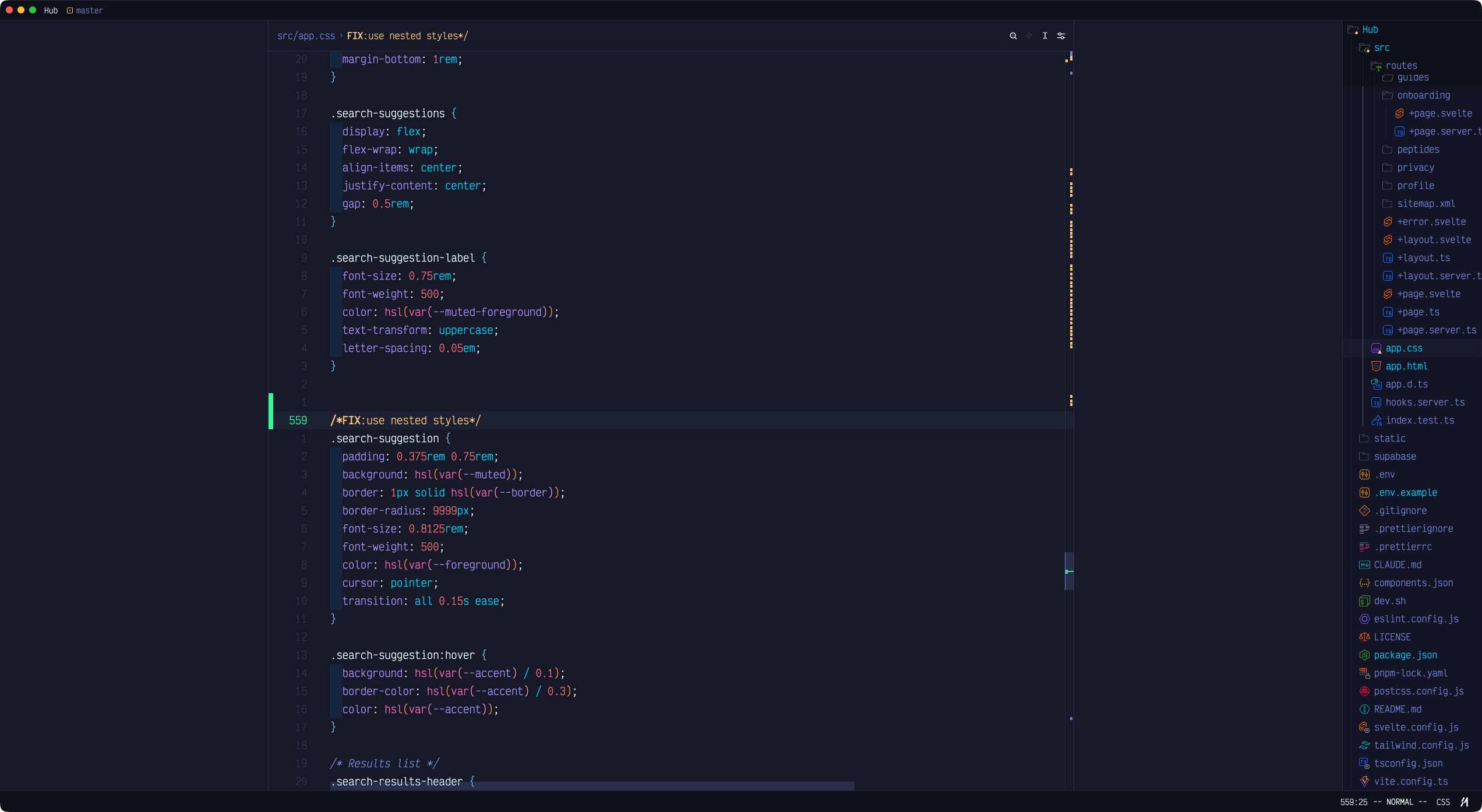 |
| TypeScript — Supabase SSR hooks | CSS — Nested rules and custom properties |
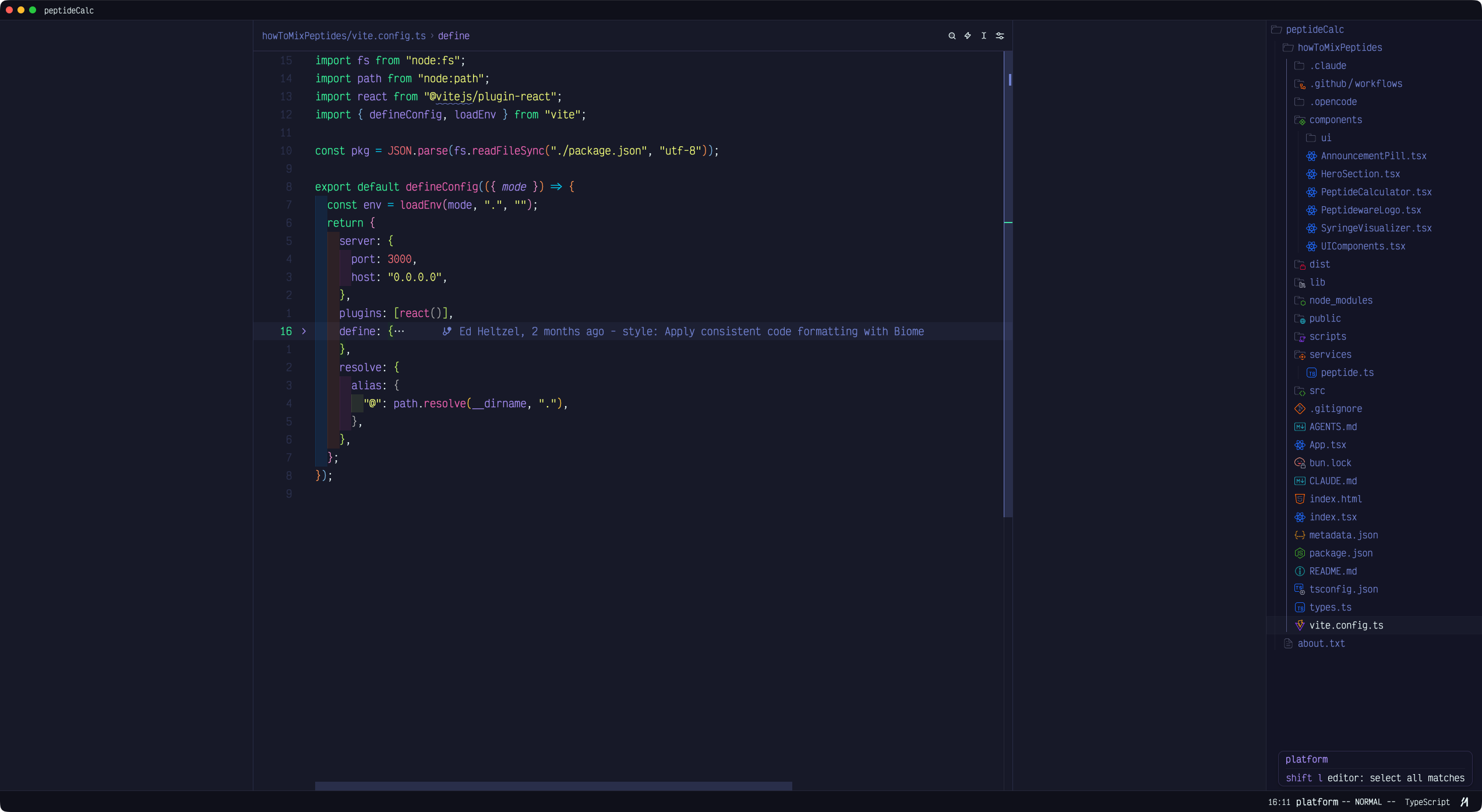 | 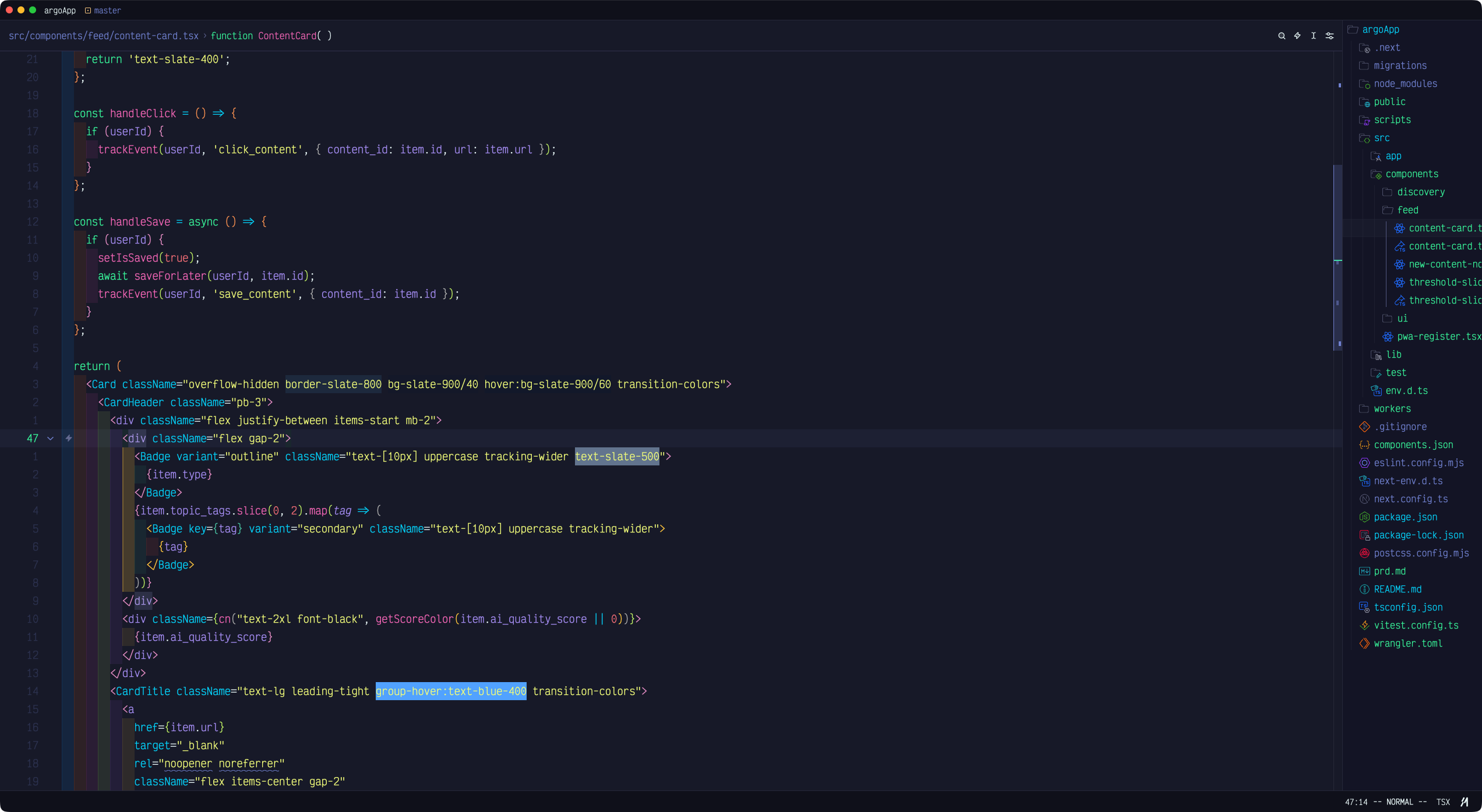 |
| TypeScript — Vite config | TSX — React component with Tailwind |
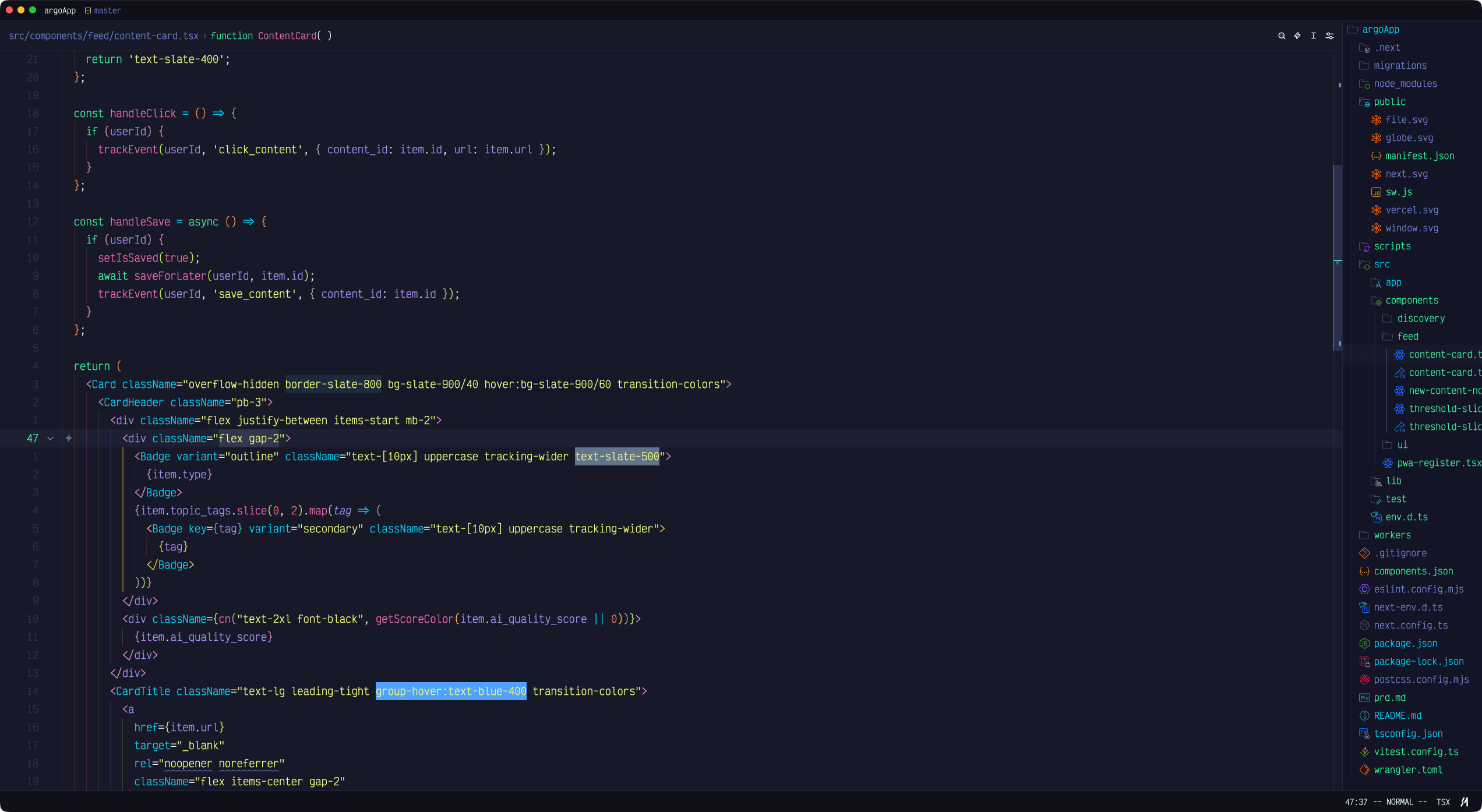 | 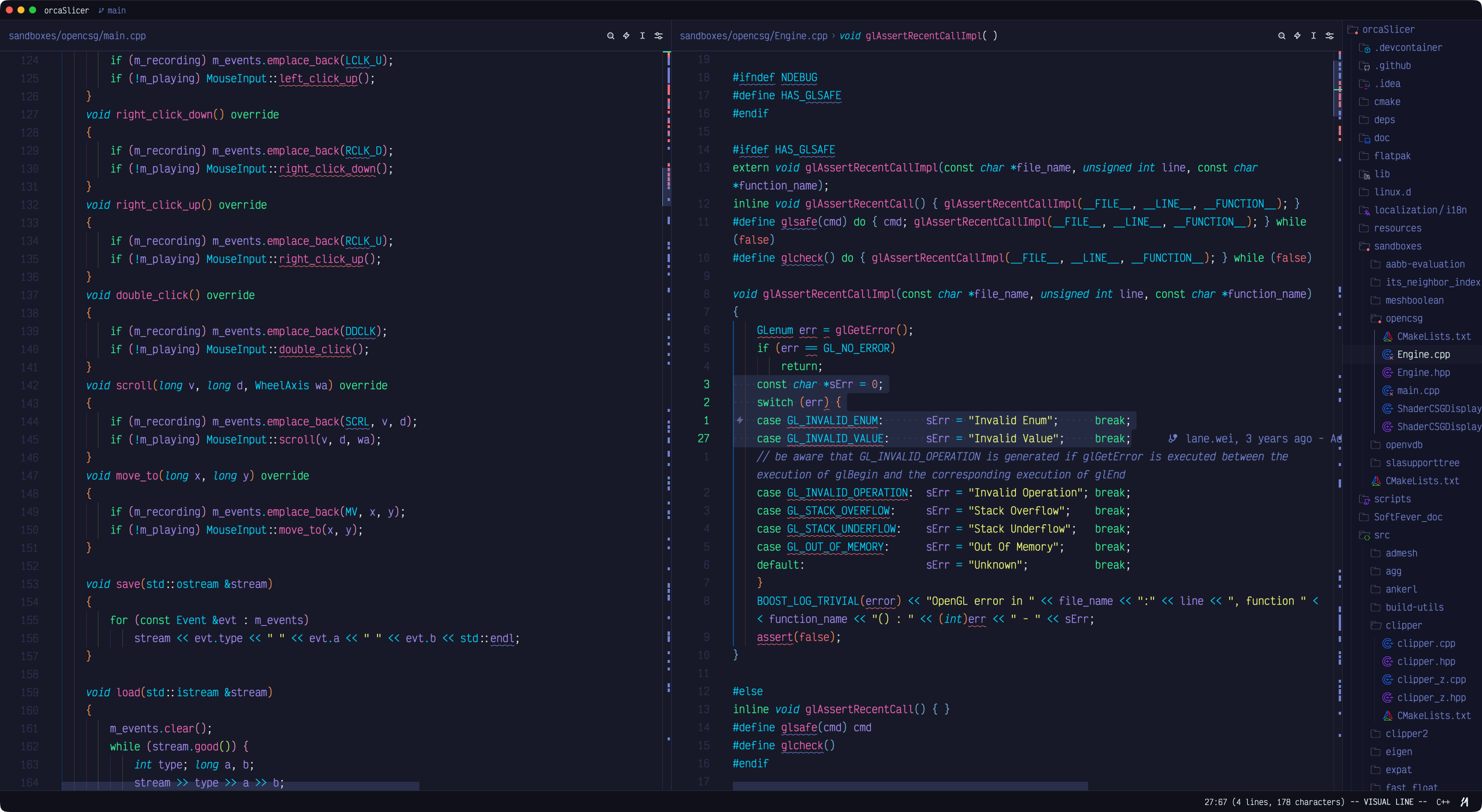 |
| TSX — React component (Abyss variant) | C++ — Split pane with parser macros |
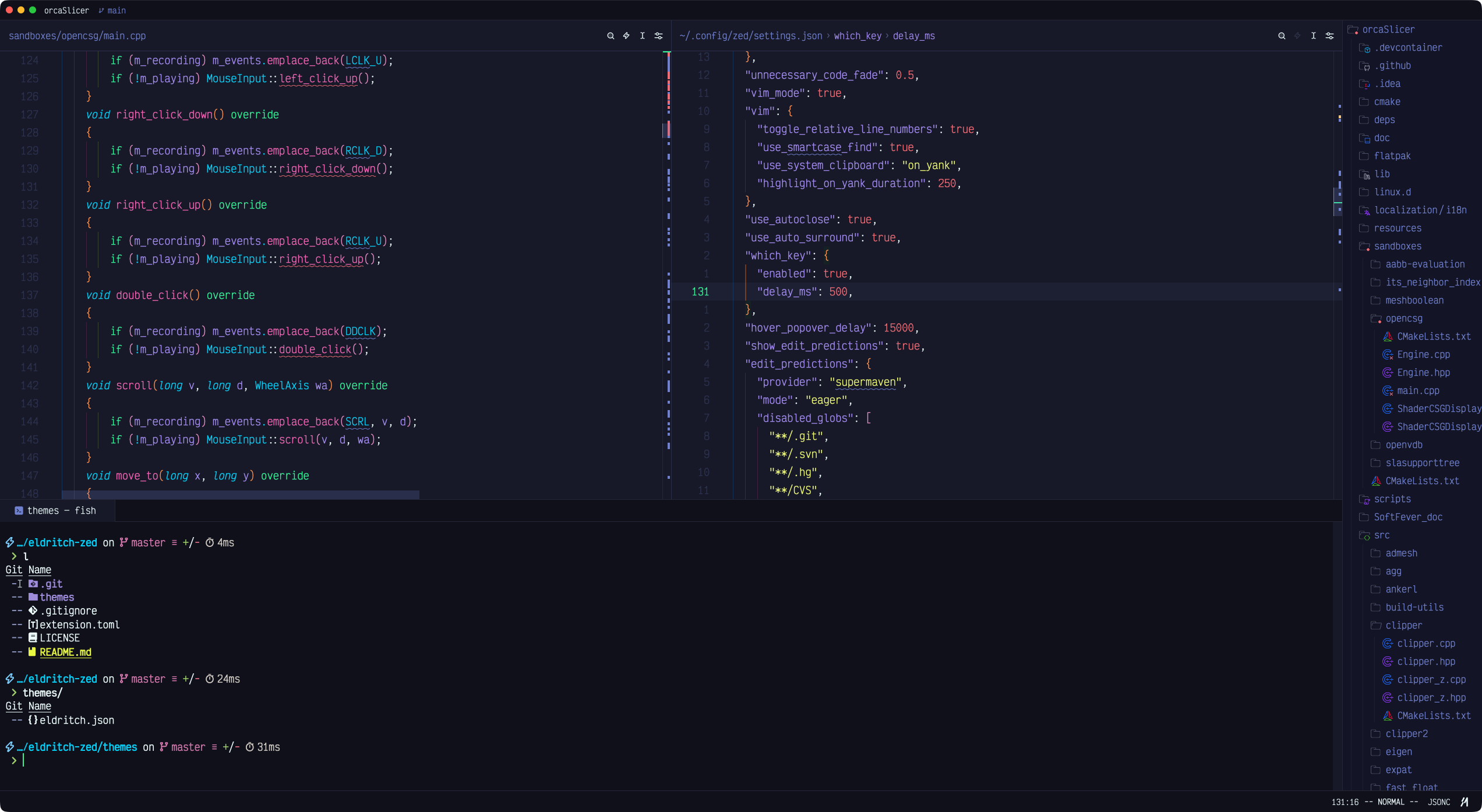 | |
| C++ / JSON / Terminal — Multi-pane layout |
Installation
From Zed Extensions (Recommended)
- Open Zed
- Open the Extensions panel (
cmd+shift+x) - Search for "Eldritch"
- Click Install
- Open Settings (
cmd+,) and set your theme:
{
  "theme": {
    "mode": "system",
    "dark": "Eldritch",
    "light": "Eldritch Dusk"
  }
}
Use any variant name directly (e.g. "Eldritch Midnight" or "Eldritch Abyss") if you prefer a fixed theme.
Manual Installation
- Clone this repository
- Copy
themes/eldritch.jsonto~/.config/zed/themes/ - Restart Zed and select the theme from Settings
Color Palette
Accent hexes for the light Dusk variant are darkened from the upstream Dusk palette to stay legible (WCAG AA, ≥4.5:1) on the pale #f0f3f4 background.
| Color | Eldritch (Cthulhu) | Eldritch Midnight | Eldritch Abyss | Eldritch Dusk (light) |
|---|---|---|---|---|
| Background | #212337 #212337 | #171928 #171928 | #171928 #171928 | #f0f3f4 #f0f3f4 |
| Foreground | #ebfafa #ebfafa | #ebfafa #ebfafa | #d8e6e6 #d8e6e6 | #1e2029 #1e2029 |
| Cyan | #04d1f9 #04d1f9 | #04d1f9 #04d1f9 | #0396b3 #0396b3 | #007992 #007992 |
| Green | #37f499 #37f499 | #37f499 #37f499 | #2dcc82 #2dcc82 | #008043 #008043 |
| Purple | #a48cf2 #a48cf2 | #a48cf2 #a48cf2 | #8b75d9 #8b75d9 | #754ef6 #754ef6 |
| Pink | #f265b5 #f265b5 | #f265b5 #f265b5 | #d154a1 #d154a1 | #d6057c #d6057c |
| Red | #f16c75 #f16c75 | #f16c75 #f16c75 | #cc5860 #cc5860 | #df0514 #df0514 |
| Yellow | #f1fc79 #f1fc79 | #f1fc79 #f1fc79 | #ccd663 #ccd663 | #767200 #767200 |
| Orange | #f7c67f #f7c67f | #f7c67f #f7c67f | #d4a666 #d4a666 | #a75c00 #a75c00 |
Disabling Italics
Zed supports per-token style overrides via experimental.theme_overrides in your settings. To disable italics without switching themes:
{
  "experimental.theme_overrides": {
    "syntax": {
      "comment": { "font_style": "normal" },
      "comment.doc": { "font_style": "normal" }
    }
  }
}