Edge
Edge template language support with syntax highlighting and language server integration
How to install
With Forge Super installed, the button above opens the app on this extension, where you press Install. Nothing is installed until you do.
You can also open the Extensions panel in the app and search for Edge. The extension's id is edge.
Don't have Forge Super yet? Download it here.
README
From the extension's repository, written by its authors and not by Mentenaz. See the source.
Zed Edge Extension
A comprehensive Zed extension that provides syntax highlighting and language server support for EdgeJS templates.
Features
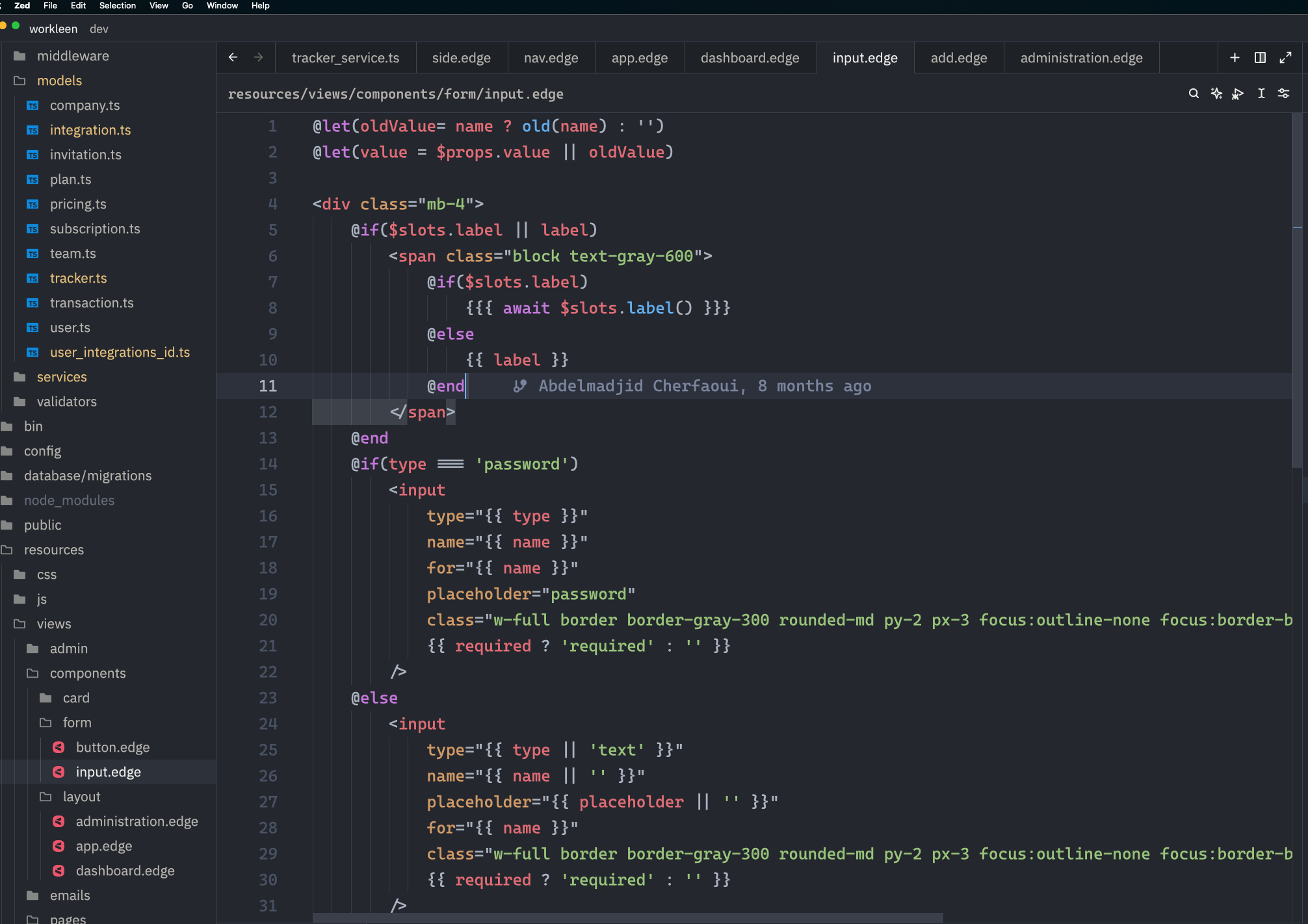
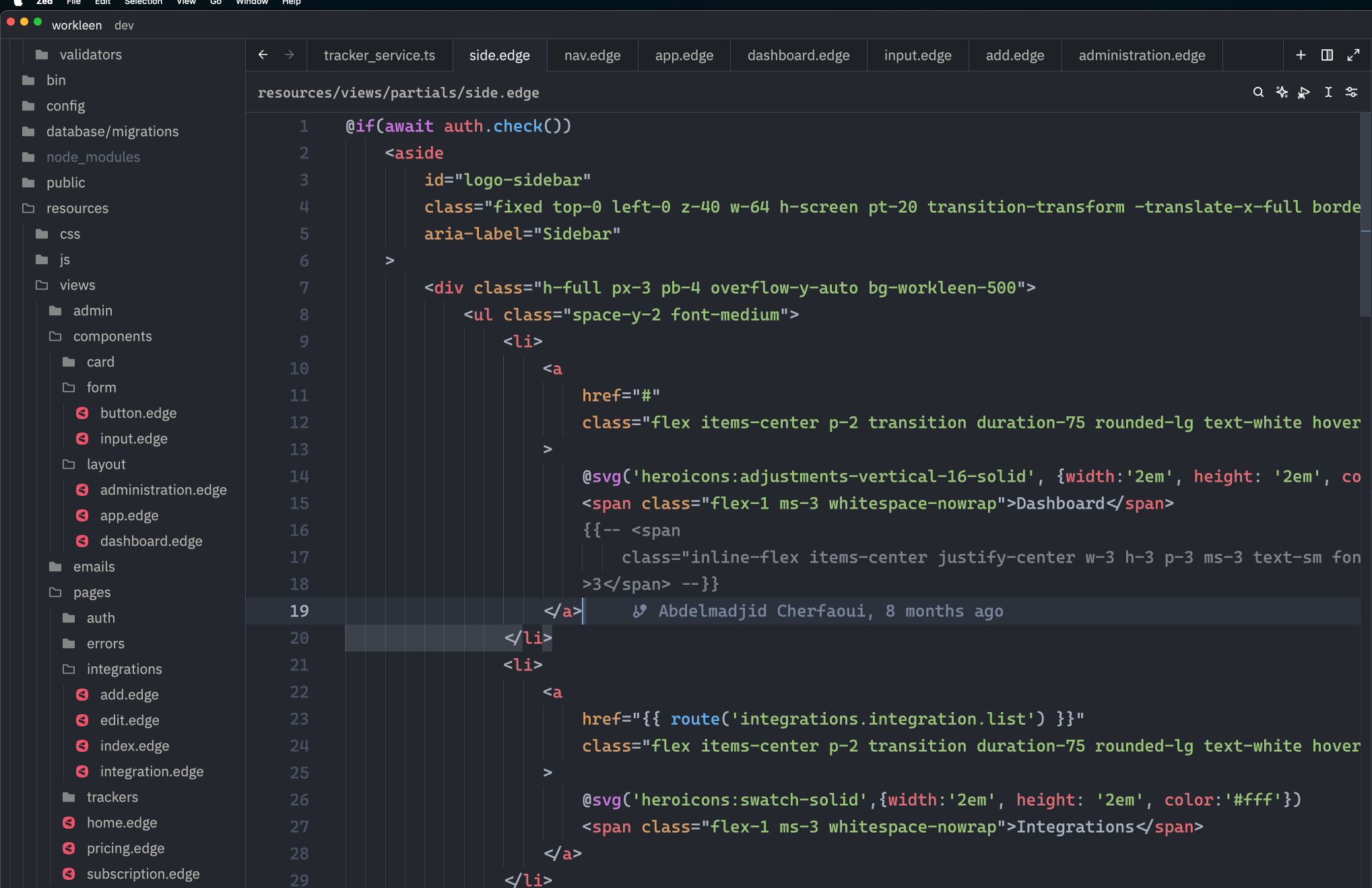
- Syntax Highlighting: Full syntax highlighting support for EdgeJS templates using tree-sitter
- Language Server: Automatic installation and integration of the Edge language server
- Auto-completion: Intelligent code completion for EdgeJS directives and expressions
- Error Detection: Real-time error detection and diagnostics
- Hover Information: Rich hover information for EdgeJS syntax
- Format on Save: Automatically formats EdgeJS templates on save
Installation
- Open Zed
- Go to Extensions (Cmd+Shift+X)
- Search for "Edge"
- Click Install
Requirements
- Zed editor (version 0.100.0 or later)
- Node.js (automatically used by the extension for language server functionality)
Language Server
The extension automatically installs and manages the edge-language-server NPM package. No manual setup is required!
Usage
Once installed, the extension will automatically:
- Provide syntax highlighting for
.edgefiles - Download and configure the language server on first use
- Offer intelligent code completion and error detection
Configuration
You can configure the language server version in your Zed settings:
{
  "lsp": {
    "edge-language-server": {
      "initialization_options": {
        "edge_language_server_version": "latest"
      }
    }
  }
}
Supported Features
- EdgeJS directives (@if, @each, @include, etc.)
- Template expressions ({{ }}, {{{ }}})
- HTML integration
- CSS and JavaScript embedded content
- Comments and documentation
- Format on save
Issues and Contributing
If you encounter any issues or have suggestions for improvements, please open an issue on the GitHub repository.
Known Issues
- EdgeJS directives may not work as expected in certain scenarios