Dev Magic
A darker magical theme for Zed Code Editor
Themes
How to install
With Forge Super installed, the button above opens the app on this extension, where you press Install. Nothing is installed until you do.
You can also open the Extensions panel in the app and search for Dev Magic. The extension's id is dev-magic.
Don't have Forge Super yet? Download it here.
README
From the extension's repository, written by its authors and not by Mentenaz. See the source.
Dev Magic Theme for Zed
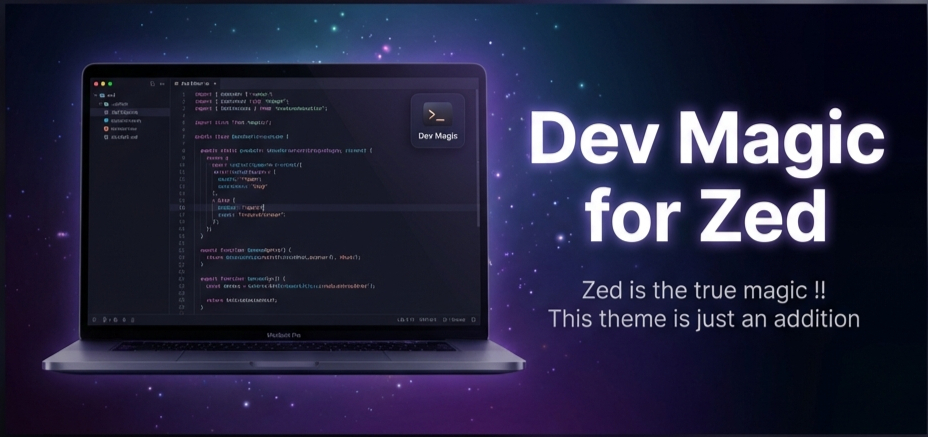
Dev Magic is a premium, high-contrast theme collection designed for the Zed editor. It provides a soothing yet vibrant coding experience with deeply saturated dark modes and crisp, legible light modes.
📸 Previews
✨ Features
- Dev Magic (Dark): A deep "Obsidian" background with magical Violet, Teal, and Peach accents.
- Dev Magic (Light): A clean, high-readability light theme based on the "Moonlight" palette for daytime coding.
- Optimized Contrast: Carefully balanced text colors to reduce eye strain while maintaining vibrancy.
- Semantic Highlighting: Distinct colors for functions, keywords, and types to make code structure clear.
📦 Installation
Since Zed themes are currently installed via extensions:
- Clone this repository:
git clone https://github.com/susanta96/dev-magic.git - Open Zed.
- Go to Extensions (
Cmd-Shift-X). - Click Install Dev Extension and select the folder where you cloned this repo.
- Open the Theme Selector (
Cmd-Kthen typetheme). - Select Dev Magic (Dark) or Dev Magic (Light).
Publishing to the Marketplace
See the Zed documentation for more information.