Crystal
Syntax highlighting and LSP support for Crystal & ECR
How to install
With Forge Super installed, the button above opens the app on this extension, where you press Install. Nothing is installed until you do.
You can also open the Extensions panel in the app and search for Crystal. The extension's id is crystal.
Don't have Forge Super yet? Download it here.
README
From the extension's repository, written by its authors and not by Mentenaz. See the source.
Crystal Lang Support for Zed
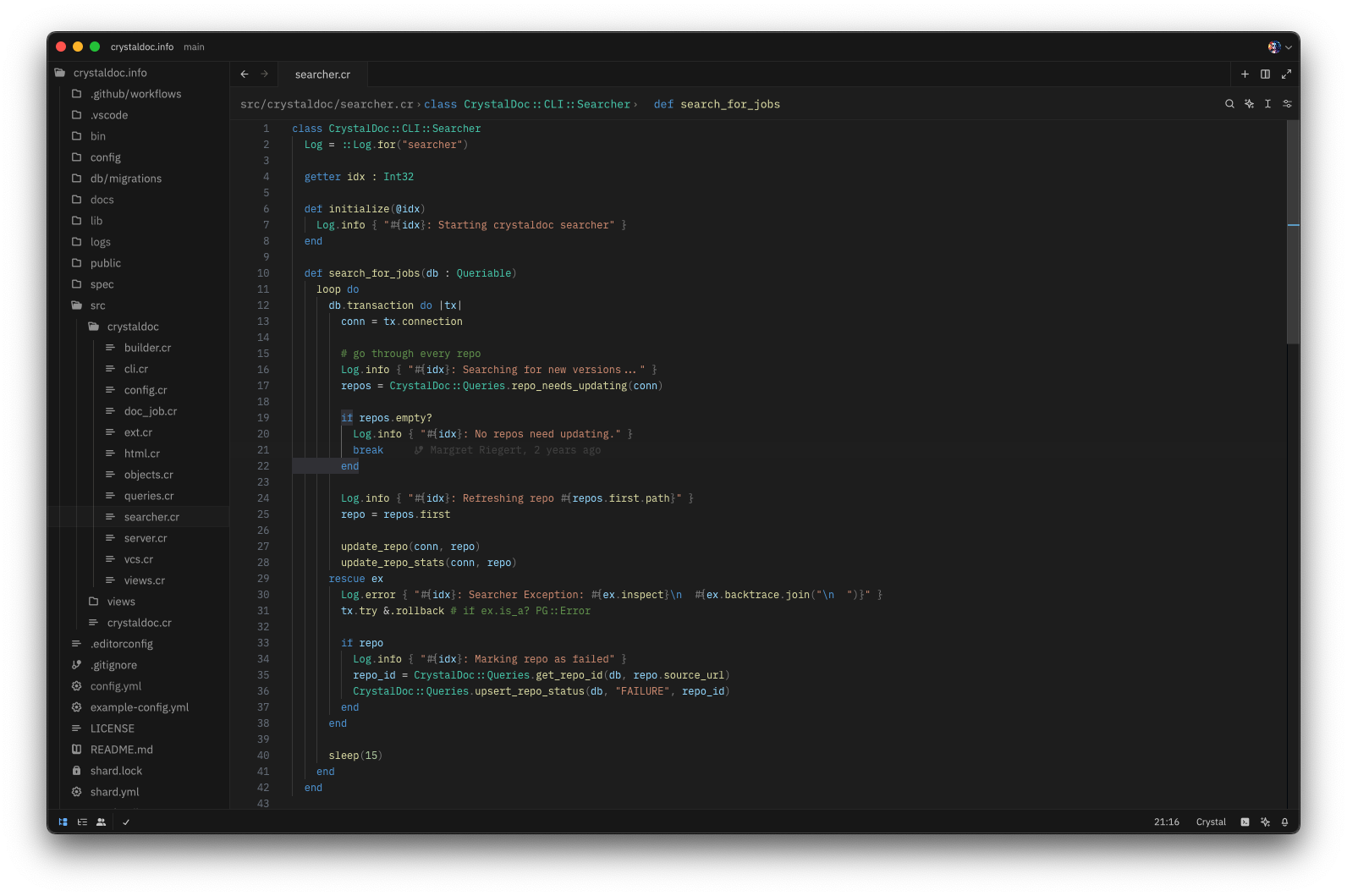
Uses the Crystal lang tree-sitter found at crystal-lang-tools/tree-sitter-crystal, which is mostly complete, and can parse the majority of Crystal's own source code without errors.
Also uses Crystalline, ameba-ls, and liger for LSP functionality, if they're available in $PATH.
Extension Settings
To use the Crystal formatter directly instead of using the language server for formatting—for example, if a language server isn't available—copy the following into Zed's settings file:
"languages": {
  "Crystal": {
    "formatter": {
      "external": {
        "command": "crystal",
        "arguments": [
          "tool",
          "format",
          "-"
        ]
      }
    }
  }
}
To disable Crystalline, copy the following:
"languages": {
  "Crystal": {
    "enable_language_server": false,
  }
}