Colorizer
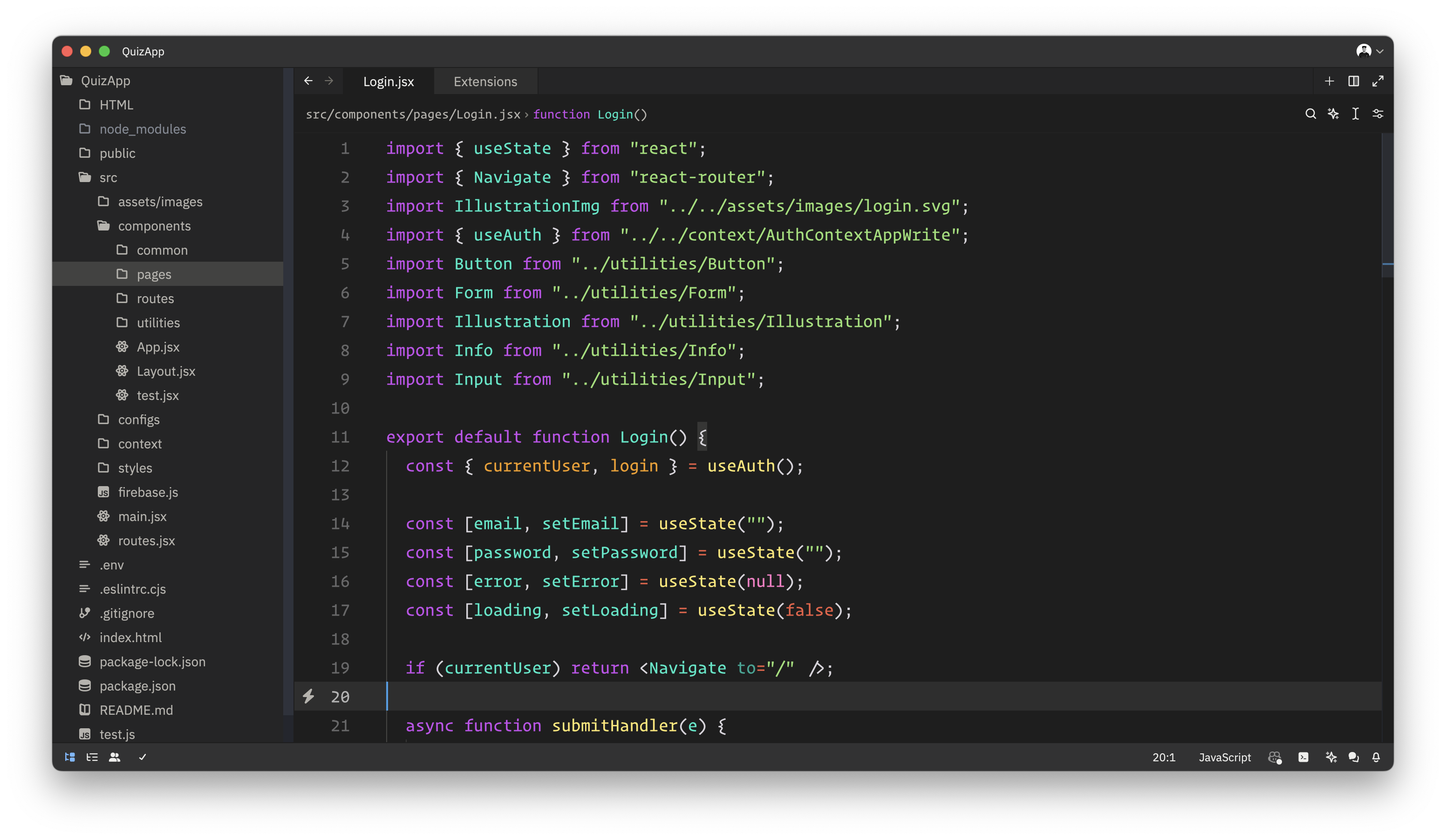
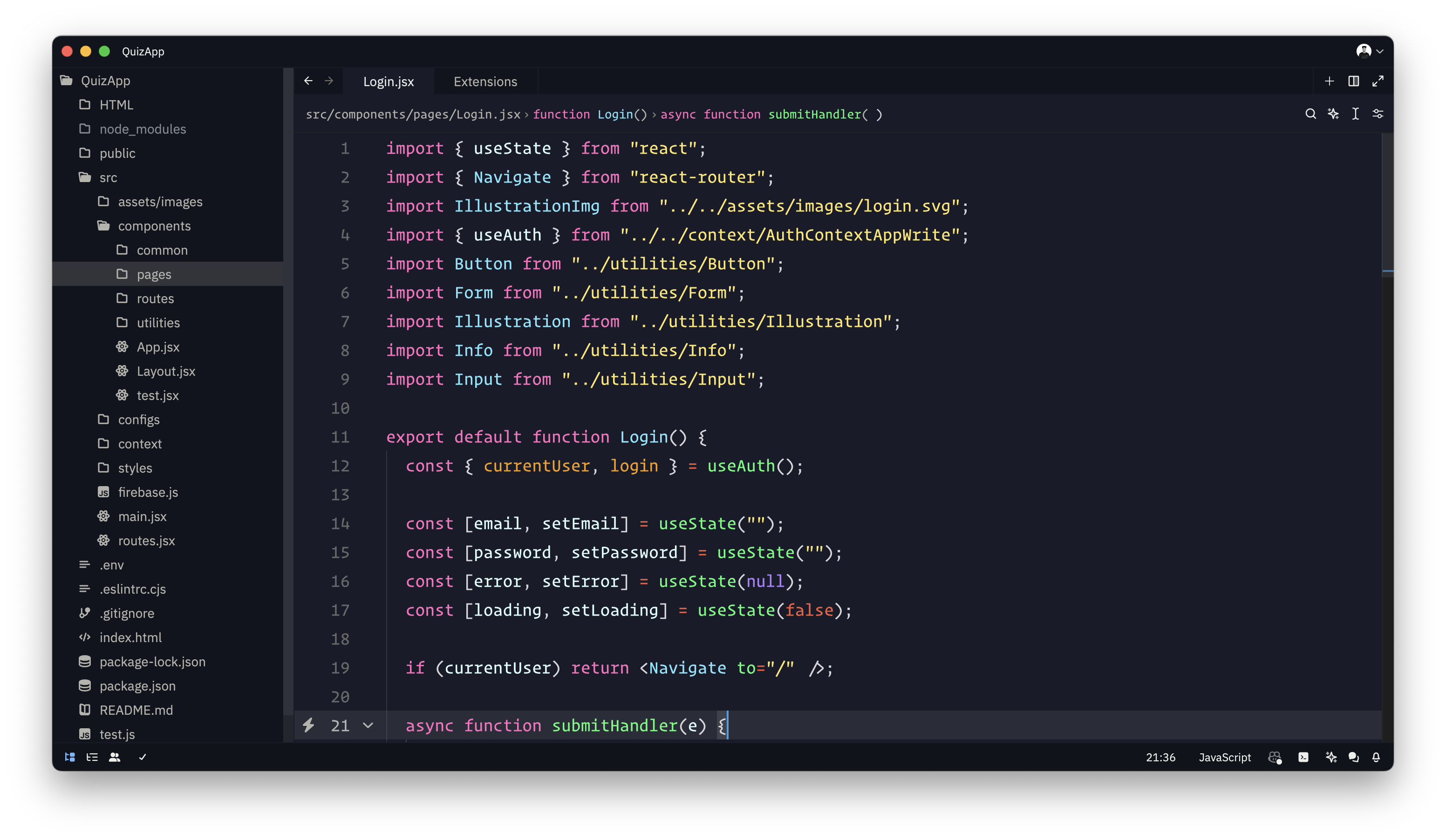
Colorizer is a vibrant Zed code editor theme that enhances readability with rich, contrasting colors, making your coding experience both efficient and enjoyable.
Themes
How to install
With Forge Super installed, the button above opens the app on this extension, where you press Install. Nothing is installed until you do.
You can also open the Extensions panel in the app and search for Colorizer. The extension's id is colorizer.
Don't have Forge Super yet? Download it here.
README
From the extension's repository, written by its authors and not by Mentenaz. See the source.
Colorizer theme for zed
☕ Support My Work
If you like this theme, consider buying me a coffee. Your support means a lot! ❤️
Colorizer
Colorizer Pro
Installation
- Open
Command Palette - Select
zed: extensions - Search
Colorizer
Activate Theme
- Open
Command Palette - Select
theme selector: toggle - Search
ColorizerorColorizer Pro
Contributing
Feel free to fork, make changes, and submit a pull request.