Chai Theme
Chai Theme for Zed
How to install
With Forge Super installed, the button above opens the app on this extension, where you press Install. Nothing is installed until you do.
You can also open the Extensions panel in the app and search for Chai Theme. The extension's id is chai-theme.
Don't have Forge Super yet? Download it here.
README
From the extension's repository, written by its authors and not by Mentenaz. See the source.
Chai Theme for Zed
The Chai Theme is crafted to meet Zed with thoughtful design and functionality, tailored for educators and developers alike.
Inspired by Hitesh Choudhary's Chai Theme for Visual Studio Code.
You can help by reporting issues here
Overview
The Chai Theme for Zed brings the beloved aesthetic of the Chai Theme to the Zed editor. Perfect for developers and educators who want a visually appealing and functional theme.
This theme is designed with teachers and content creators in mind, especially those who teach coding and programming on platforms like YouTube or online courses. It addresses challenges such as:
- Highlighting the file name in the top bar for clarity.
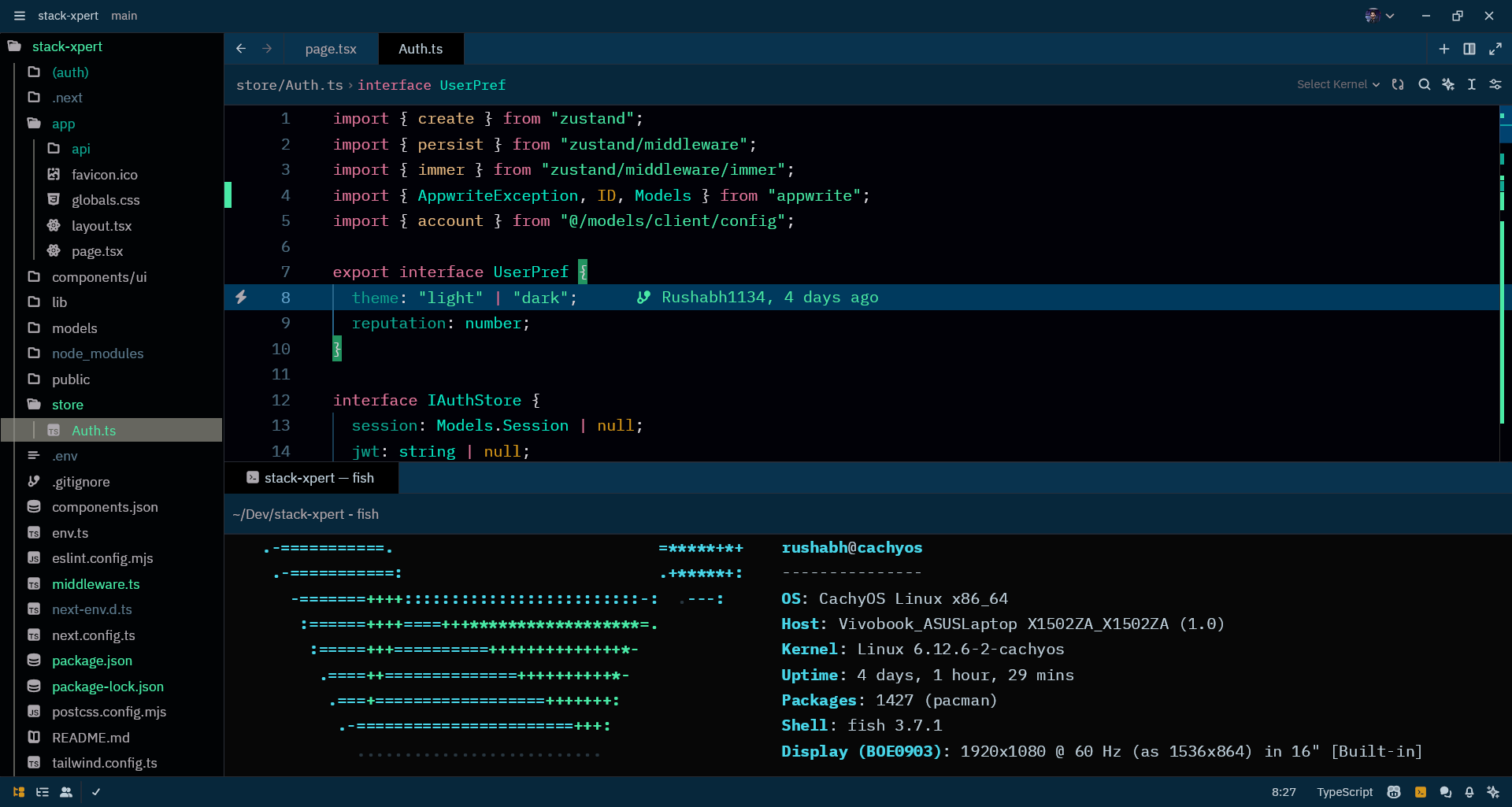
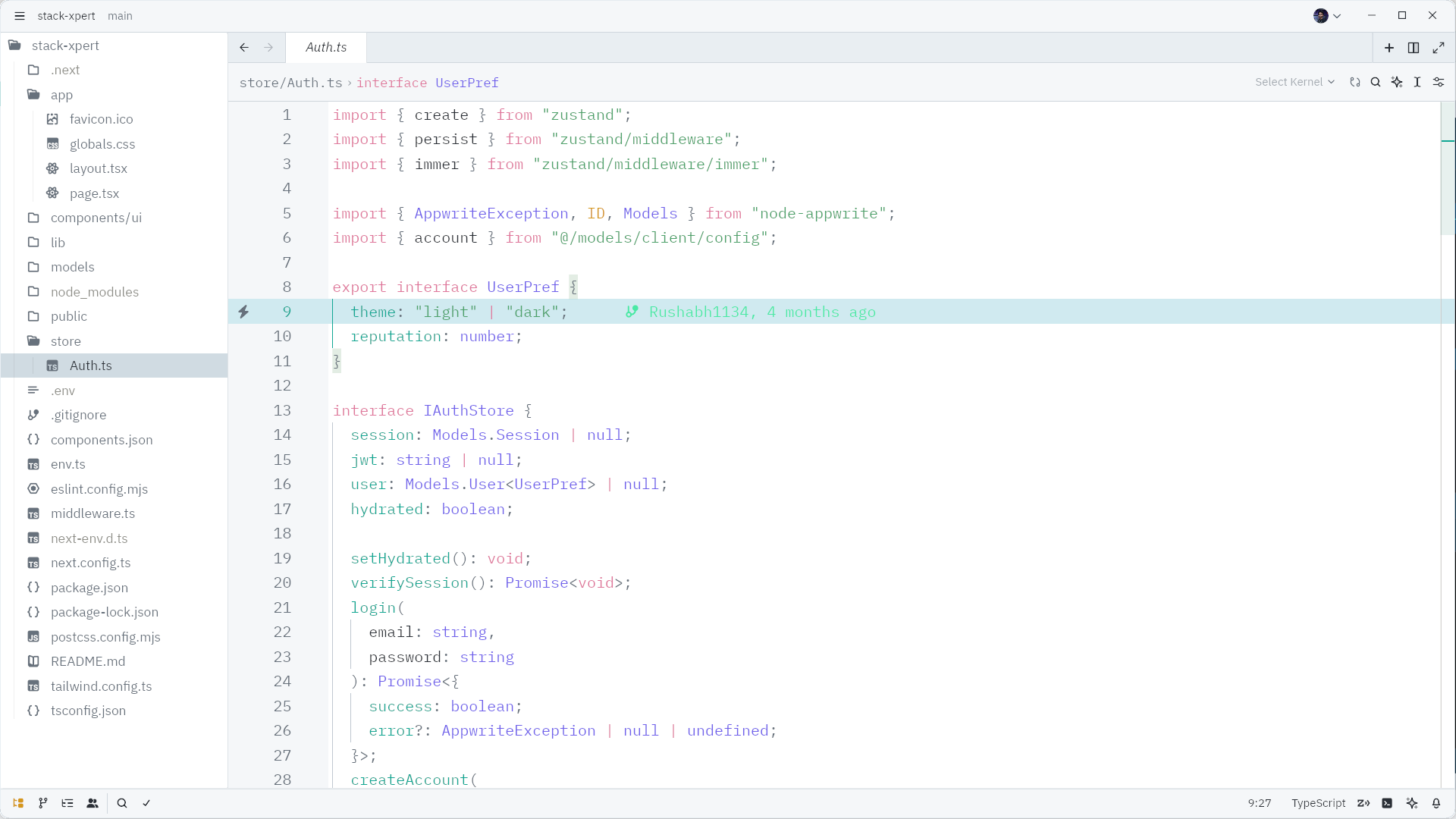
- Bright token colors for functions and strings, enhancing visibility during recordings.
Screenshots
Dark Theme
Light Theme
Features
- Seamless integration with Zed.
- Bright and distinct token colors for improved visibility.
- Optimized for both dark and light environments.
Manual install
- Copy the
themes/*.jsonfiles from this repo into~/.config/zed/themes. - Select your theme (Settings → Select Theme).
Contributing
Contributions are welcome! If you have ideas, enhancements, or find bugs, please open an issue or a pull request on the GitHub repository.
Acknowledgments
Special thanks to Hitesh Choudhary for inspiring this theme.