Bluloco Theme
Bluloco theme for Zed editor
How to install
With Forge Super installed, the button above opens the app on this extension, where you press Install. Nothing is installed until you do.
You can also open the Extensions panel in the app and search for Bluloco Theme. The extension's id is bluloco-theme.
Don't have Forge Super yet? Download it here.
README
From the extension's repository, written by its authors and not by Mentenaz. See the source.
Bluloco Theme for Zed Editor
A fancy and sophisticated designer theme for the zed editor. It features a much more comprehensive usage of syntax scopes and color consistency, with due regards to aesthetics, contrast and readability. There is a light and dark variant.
This theme also works very good with blue light filters like Apple's Nightshift Mode or f.lux.
This is a port of the popular Visual Studio Code Themes Bluloco Light and Bluloco Dark
Support
If you like using this, please consider donating a little bit. It takes a lot of time to keep this updated with neovim and plugin updates. I want to keep bluloco a great experience for everybody and your help would be immensely motivating to keep me doing this. :)
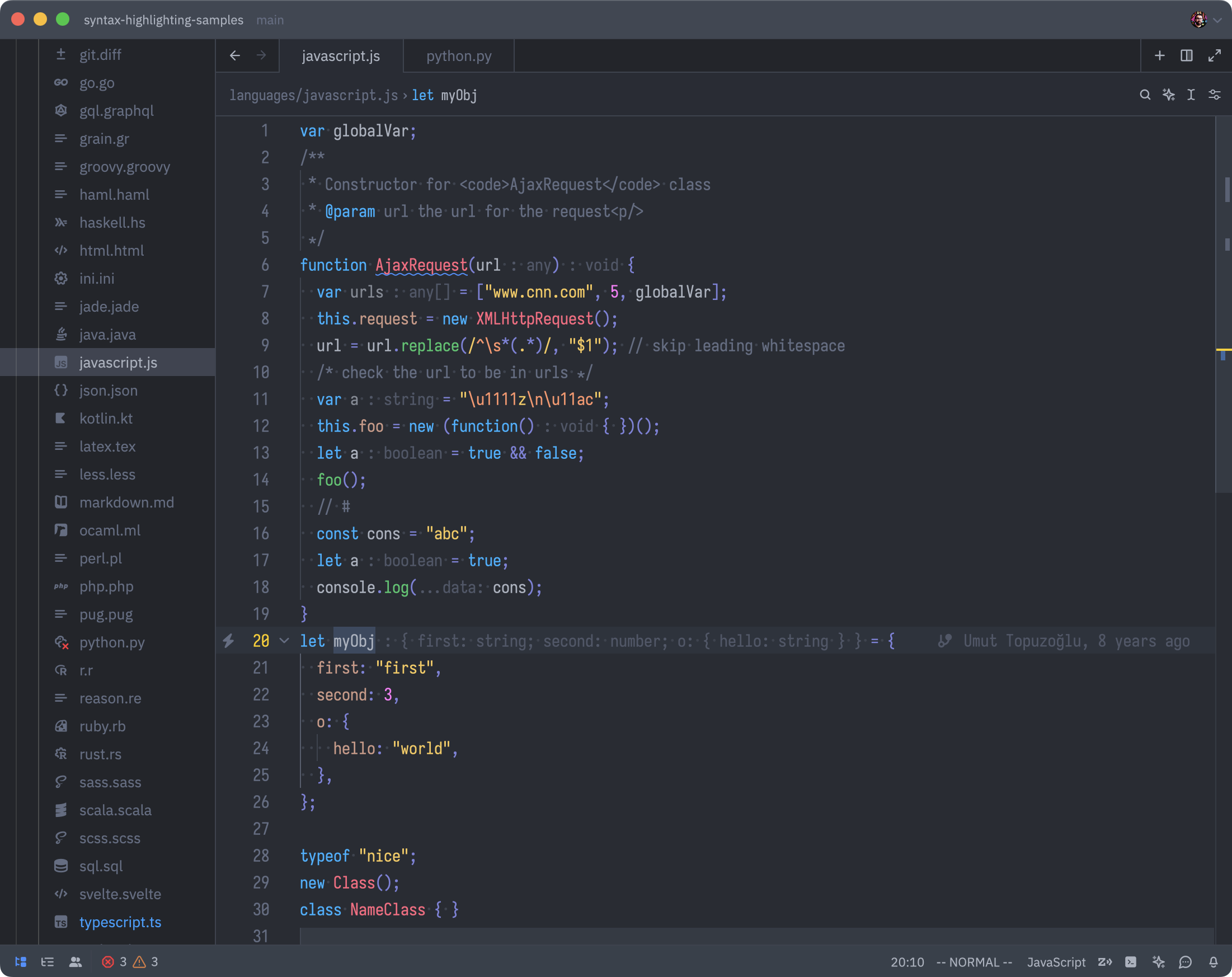
Dark
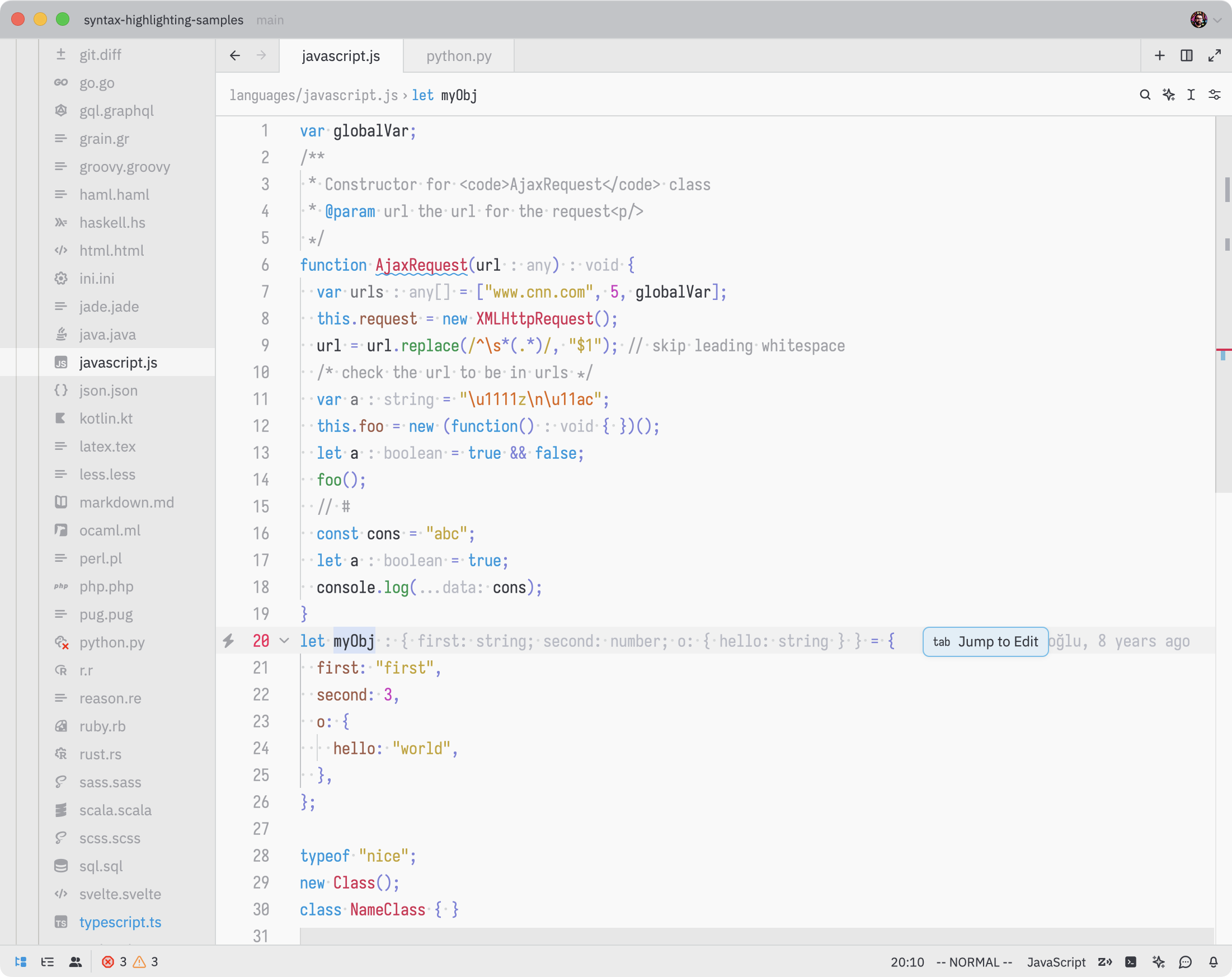
Light
Contributing
I'd be more than happy for any bugs you find and add an issue. Pull requests are warmly welcome :)