Blank Theme
An Elegant and Minimalist Theme for Zed.
How to install
With Forge Super installed, the button above opens the app on this extension, where you press Install. Nothing is installed until you do.
You can also open the Extensions panel in the app and search for Blank Theme. The extension's id is blank-theme.
Don't have Forge Super yet? Download it here.
README
From the extension's repository, written by its authors and not by Mentenaz. See the source.
BLANK THEME
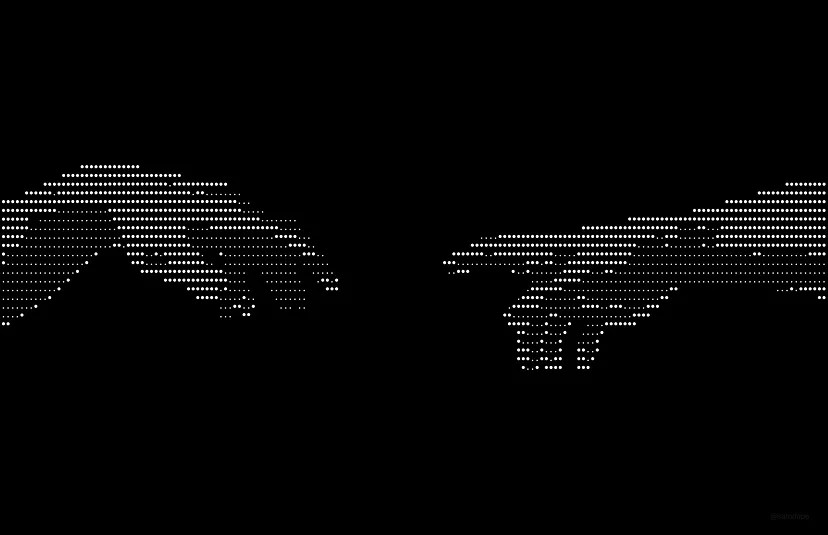
A theme for Visual Studio Code with a focus on simplicity and readability.
Now available for Zed Editor!
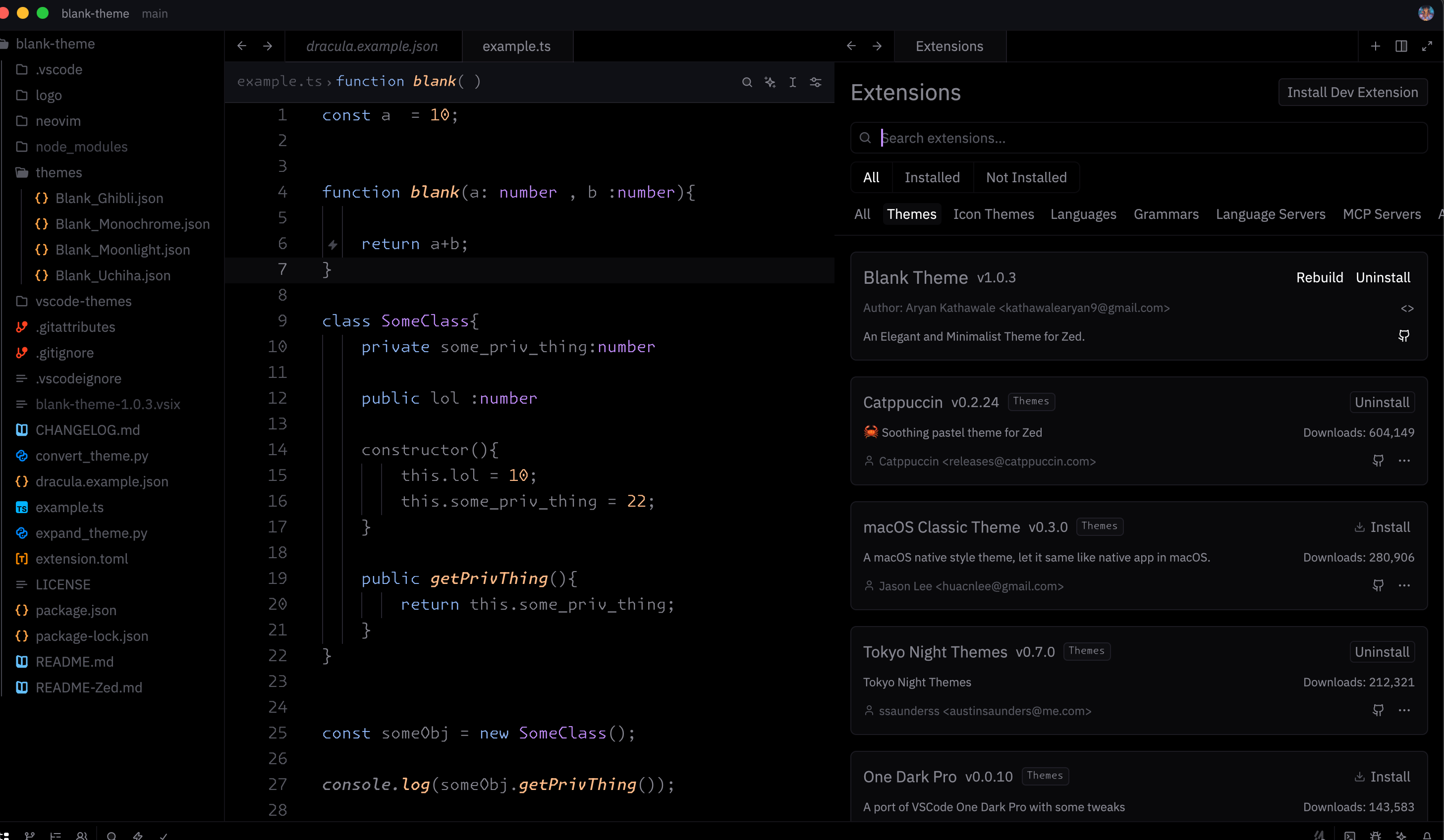
We have ported the Blank Theme to Zed! experience the same elegance with high performance. See README-Zed.md for installation instructions.
Now available in Antigravity!
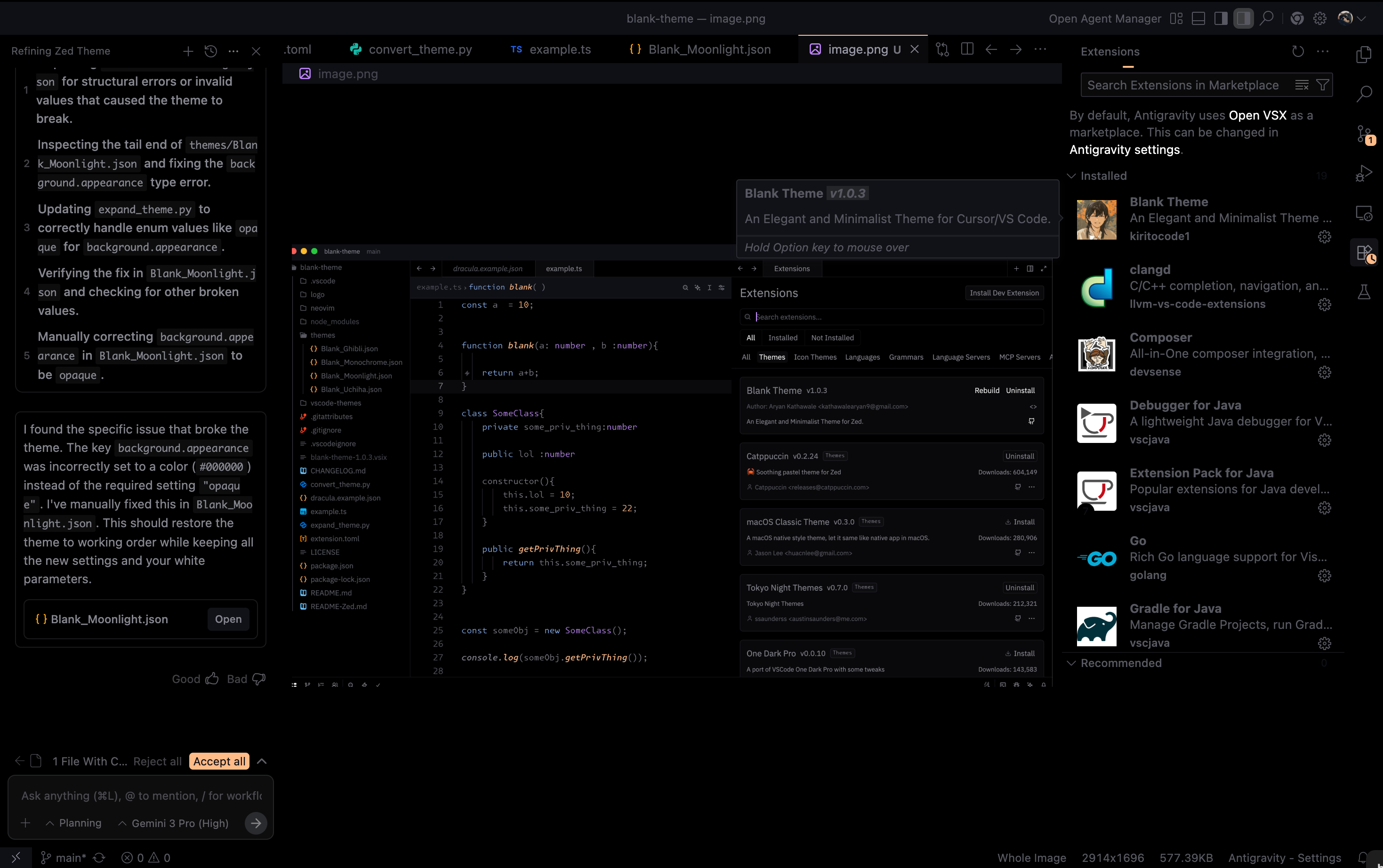
Experience the future of coding with Blank Theme in Antigravity.
Blank Moonlight (Preferred)
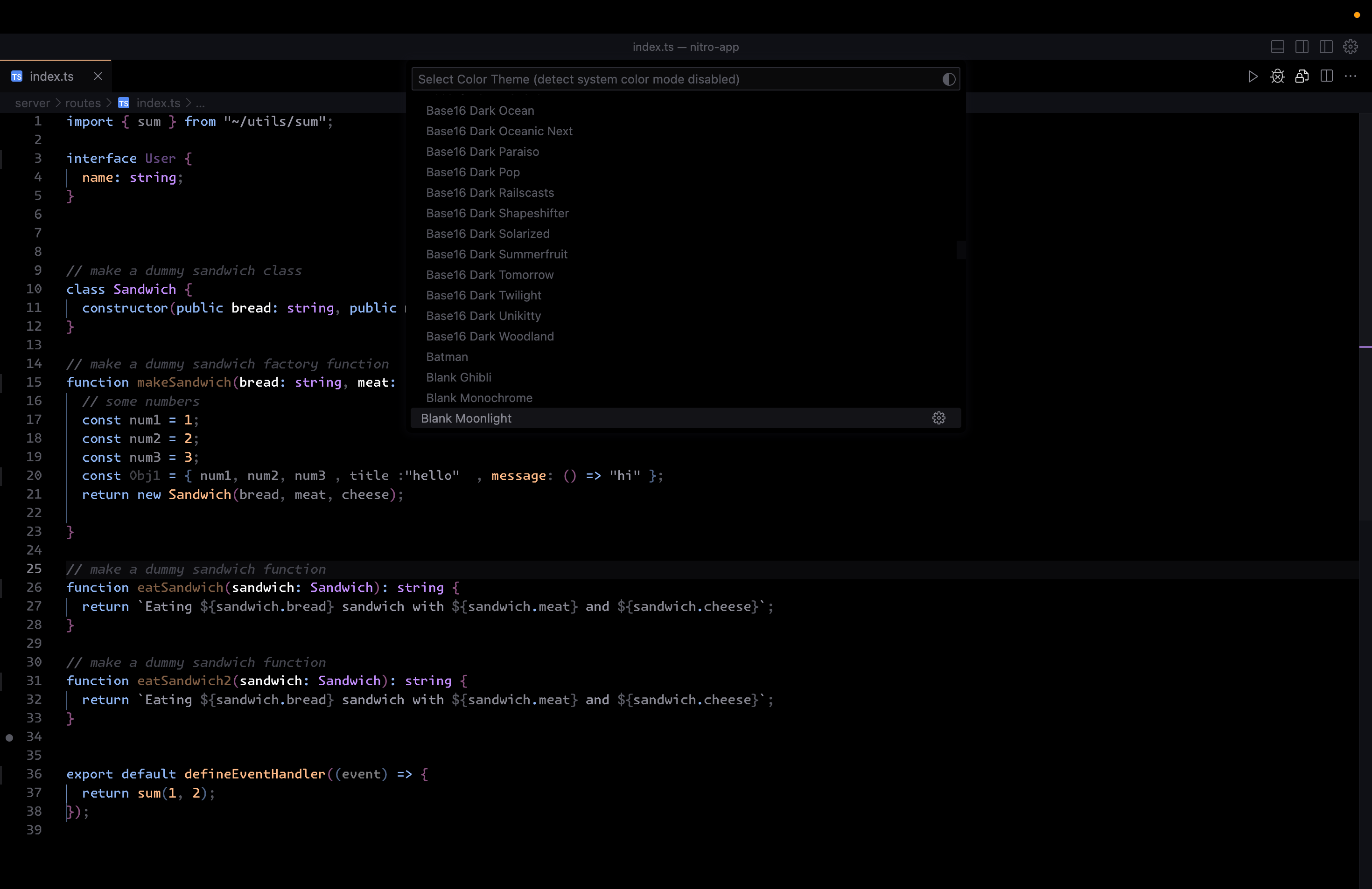
Blank Monochrome
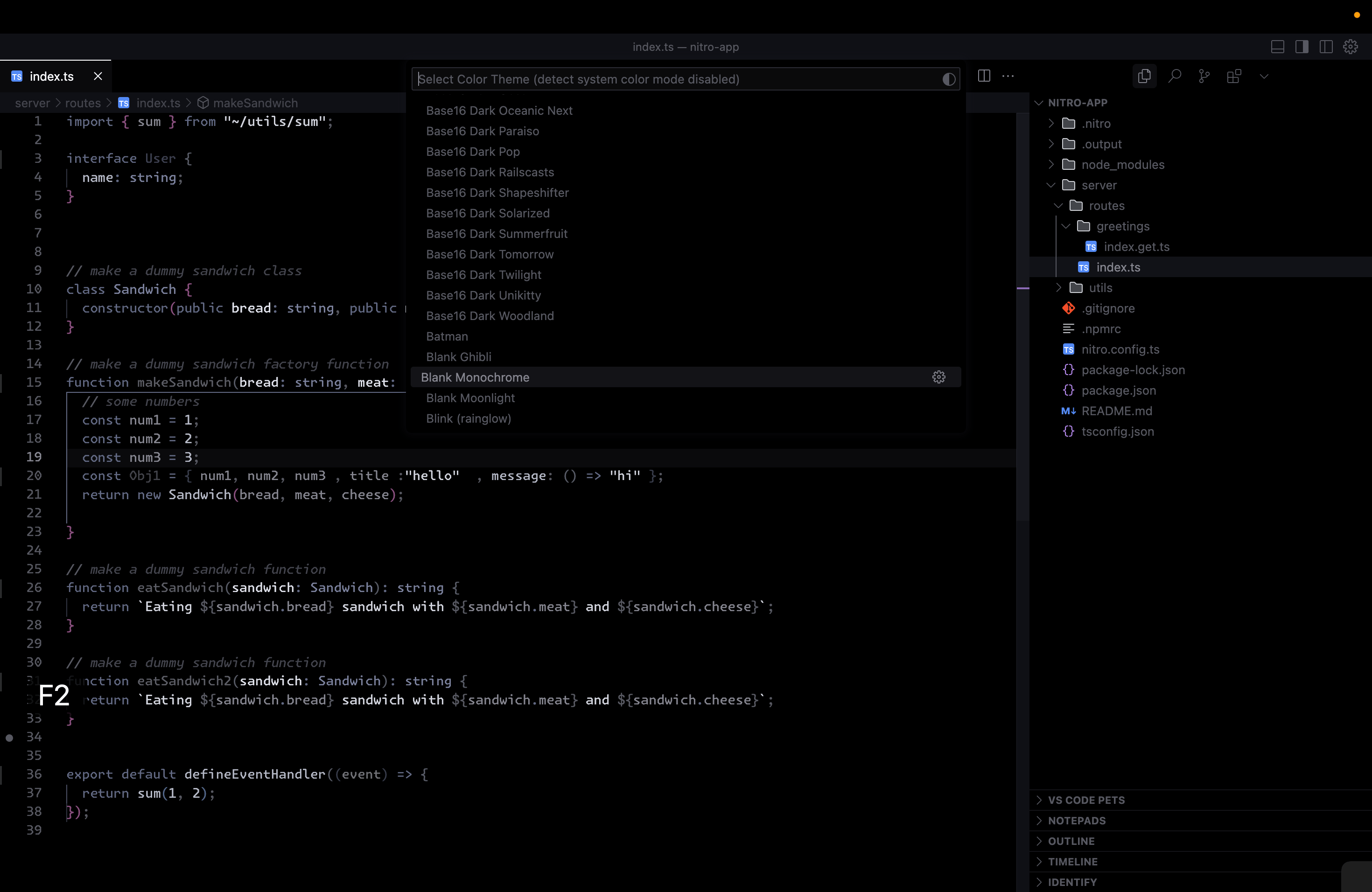
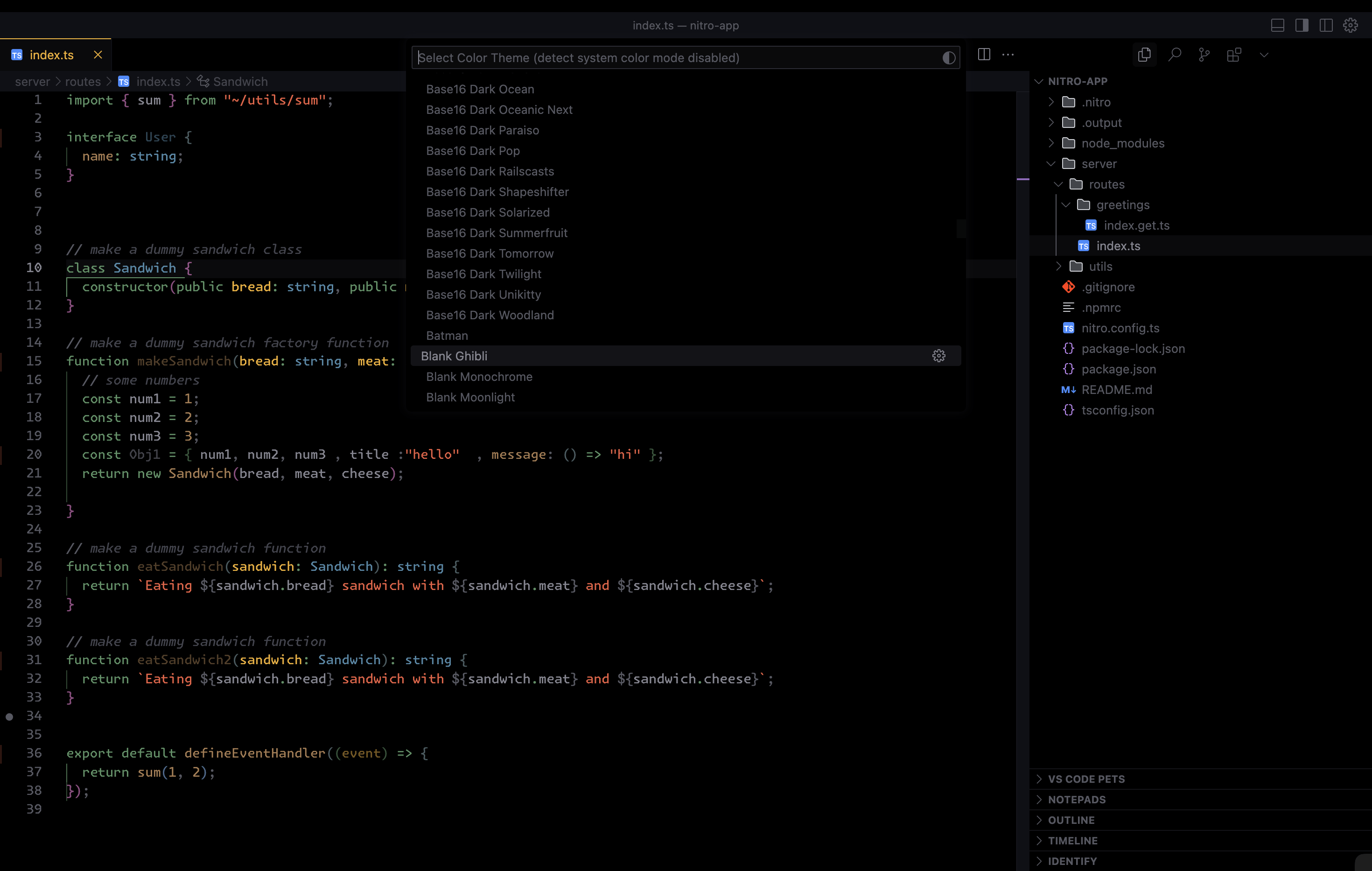
Blank Ghibli
Blank
Features
- Minimal and clean design
- High contrast colors
- Customizable colors
- Support for multiple color schemes
- Support for multiple file types
- Support for multiple file icons
- Support for multiple file extensions
Experience the future of coding with Blank Theme in Antigravity.
Installation
- Install the extension from the Visual Studio Marketplace
- Open the command palette (Ctrl+Shift+P) and select "Preferences: Color Theme"
- Select "Blank Moonlight"
Customization
You can customize the theme by editing the settings.json file.
To do this, open the command palette (Ctrl+Shift+P) and select "Preferences: Open Settings (JSON)".
Then, edit the settings.json file.
Colors
The theme supports the following colors:
| Color | Description |
|---|---|
| editor.background | Background color of the editor |
| banner.background | Background color of the banner |
| menu.background | Background color of the menu |
| sideBar.background | Background color of the side bar |
| statusBar.background | Background color of the status bar |
| panel.background | Background color of the panel |
| minimap.background | Background color of the minimap |
| badge.background | Background color of the badge |
| terminal.background | Background color of the terminal |
| tab.hoverBackground | Background color of the tab when hovered |
| activityBar.background | Background color of the activity bar |
| quickInput.background | Background color of the quick input |
| peekViewEditor.background | Background color of the peek view editor |
| peekViewResult.background | Background color of the peek view result |
Color Schemes
The theme supports the following color schemes:
| Color Scheme | Description |
|---|---|
| Blank Monochrome | A monochrome theme with a focus on simplicity and readability |
| Blank Moonlight | A theme with a focus on readability and contrast |
| Blank Ghibli | A theme with a cozy and nostalgic feel |
works best with Symbols file icon theme , open vsx version here