Blackula
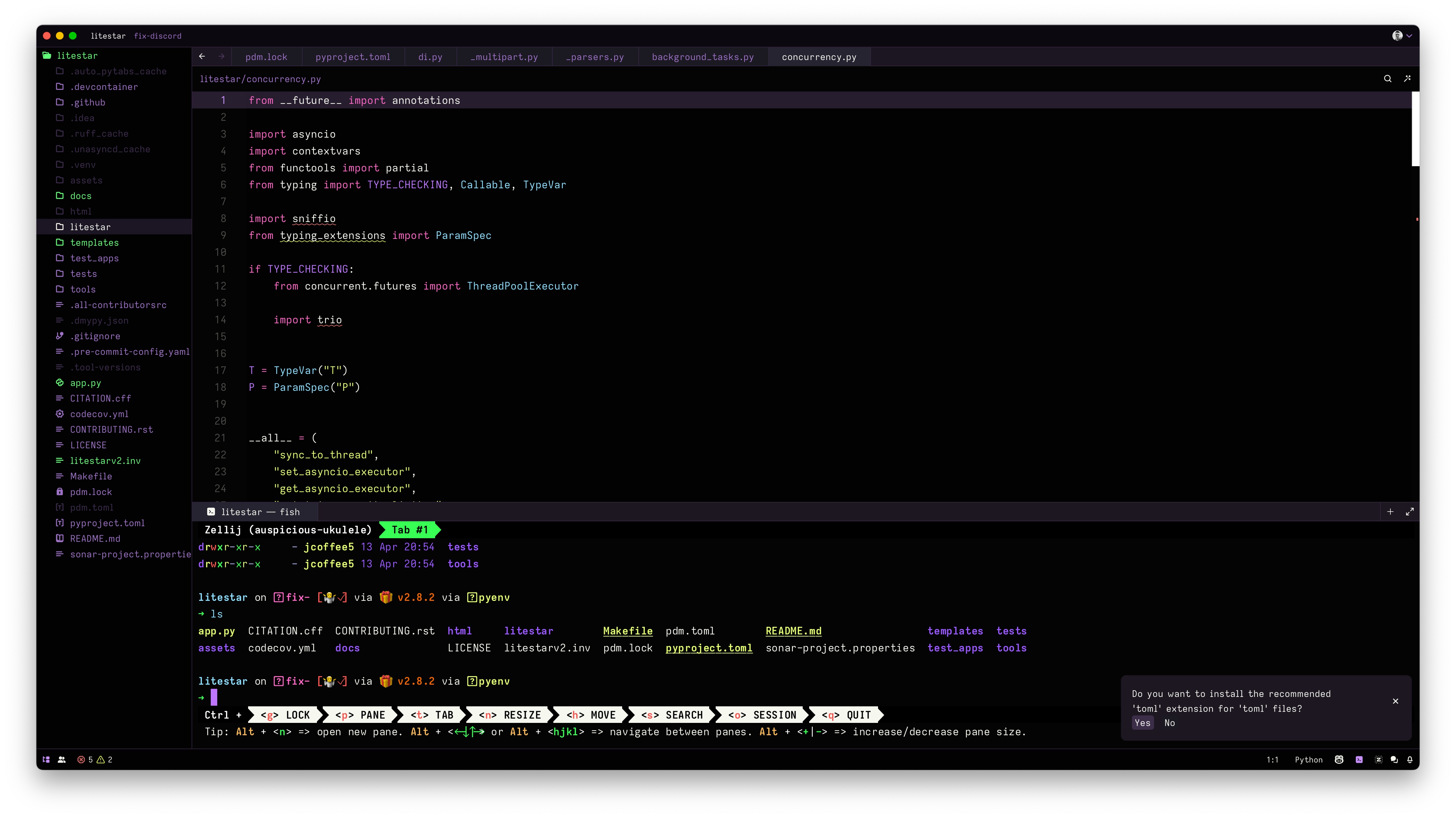
A superdark Dracula theme for Zed
How to install
With Forge Super installed, the button above opens the app on this extension, where you press Install. Nothing is installed until you do.
You can also open the Extensions panel in the app and search for Blackula. The extension's id is blackula.
Don't have Forge Super yet? Download it here.
README
From the extension's repository, written by its authors and not by Mentenaz. See the source.
blackula
[!NOTE] A dark theme for Zed, with a hint of Dracula (or maybe the other way around?)
Installation
You have a few options (in order of preference):
- Install via Zed extensions:
- Open Zed.
- Press
Cmd/Ctrl+Shift+Pto open the command palette. - Select
zed: extensions - Type
blackulaand clickInstall.
- Open
blackula.jsonand copy/paste that into your~/.config/zed/themes/directory asblackula.json - Clone this repository, move into your
~/.config/zed/themes/directory.
Usage
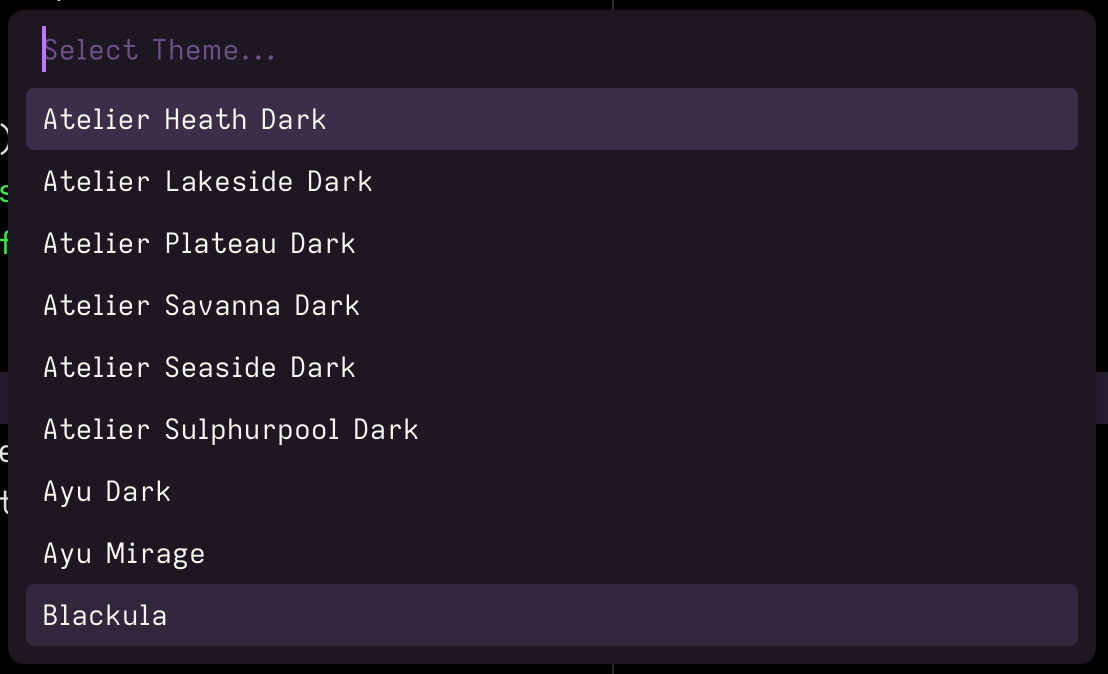
Once you have the theme installed, you can enable it by opening the theme
palette (Cmd/Ctrl+K -> Cmd/Ctrl+T) and selecting blackula.
License
MIT
Credits
I basically merged The Dark Side, my own custom JetBrains theme, and Dracula.