Basher
Bash-language-server support
How to install
With Forge Super installed, the button above opens the app on this extension, where you press Install. Nothing is installed until you do.
You can also open the Extensions panel in the app and search for Basher. The extension's id is basher.
Don't have Forge Super yet? Download it here.
README
From the extension's repository, written by its authors and not by Mentenaz. See the source.
Bash suppport for Zed
Tree-sitter: https://github.com/tree-sitter/tree-sitter-bash
Language Server: https://github.com/bash-lsp/bash-language-server
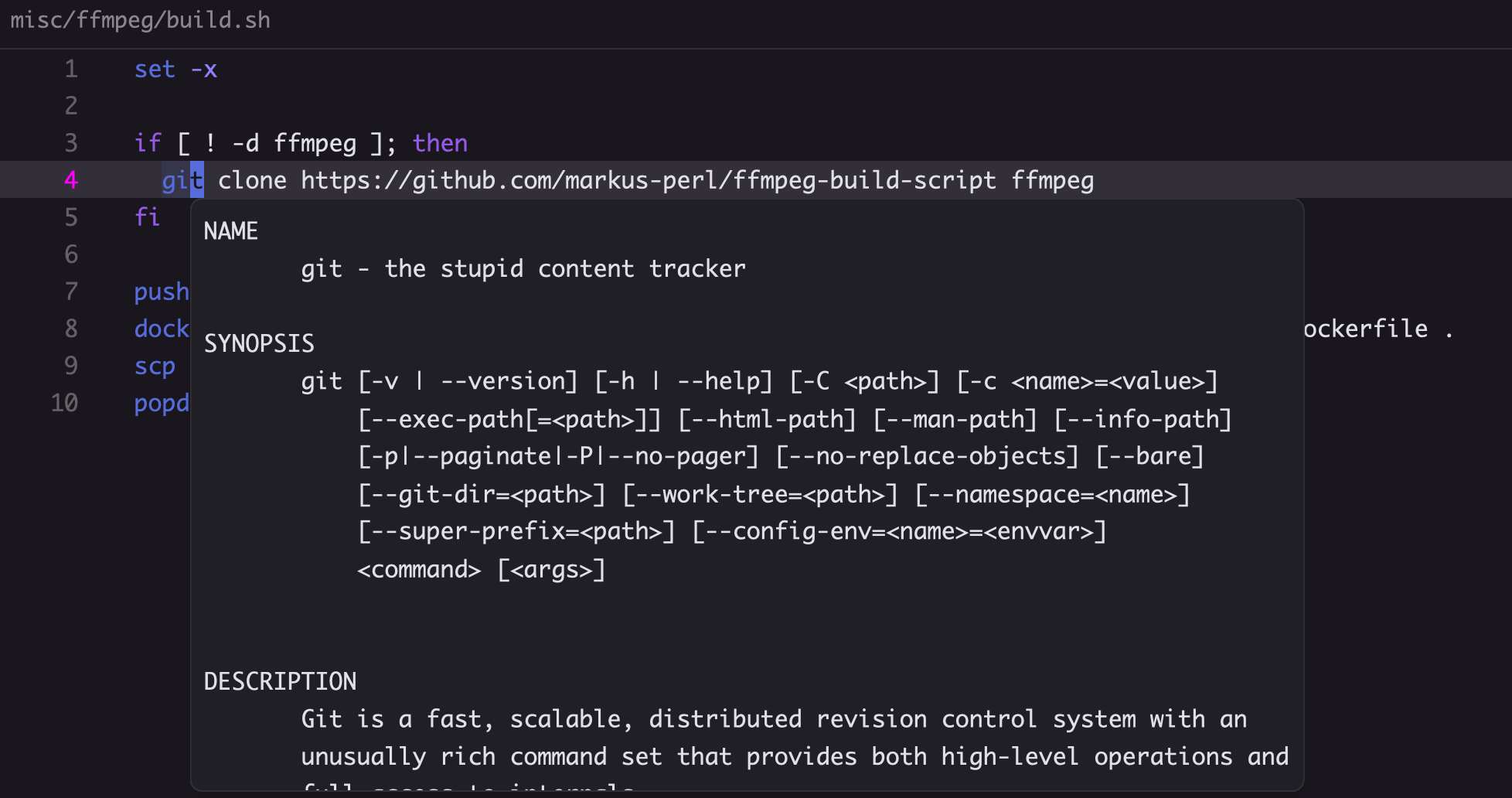
shellcheck
The bash-language-server supports shellcheck. However, you need to install shellcheclk manually
brew install shellcheck         # MacOS
sudo apt-get install shellcheck # Ubuntu / Debian
sudo pacman -S shellcheck       # Arch Linux
choco install shellcheck        # Windows (chocolatey)
Shellcheck ignores
If you wish to ignore certain ShellCheck warnings in your files, you can add an inline comment # shellcheck disable=SC0000 specifying the warning/error.
Alternatively, if you'd like to ignore something for an entire file, put the comment at the top of the file.
For example, to ignore SC2034 foo appears unused. Verify it or export it. in an .env file, it would look like so:
# shellcheck disable=SC2034
FOO=123
BAR="something"
DATABASE_URL="postgres://something"
shfmt
bash-language-server can support formatting using shfmt if it is available in your path. Install with:
brew install shfmt         # MacOS
sudo apt-get install shfmt # Ubuntu / Debian
sudo pacman -S shfmt       # Arch Linux
choco install shfmt        # Windows (chocolatey)
To control automatic formatting you can use format_on_save in your Zed settingts or manually invoke editor: format document from the command palette.