Axolosin Theme
An Axolotl-inspired theme for Zed
How to install
With Forge Super installed, the button above opens the app on this extension, where you press Install. Nothing is installed until you do.
You can also open the Extensions panel in the app and search for Axolosin Theme. The extension's id is axolosin.
Don't have Forge Super yet? Download it here.
README
From the extension's repository, written by its authors and not by Mentenaz. See the source.
Axolosin
🌸 An axolotl-inspired theme for the Zed code editor
Preview
Inspiration
-
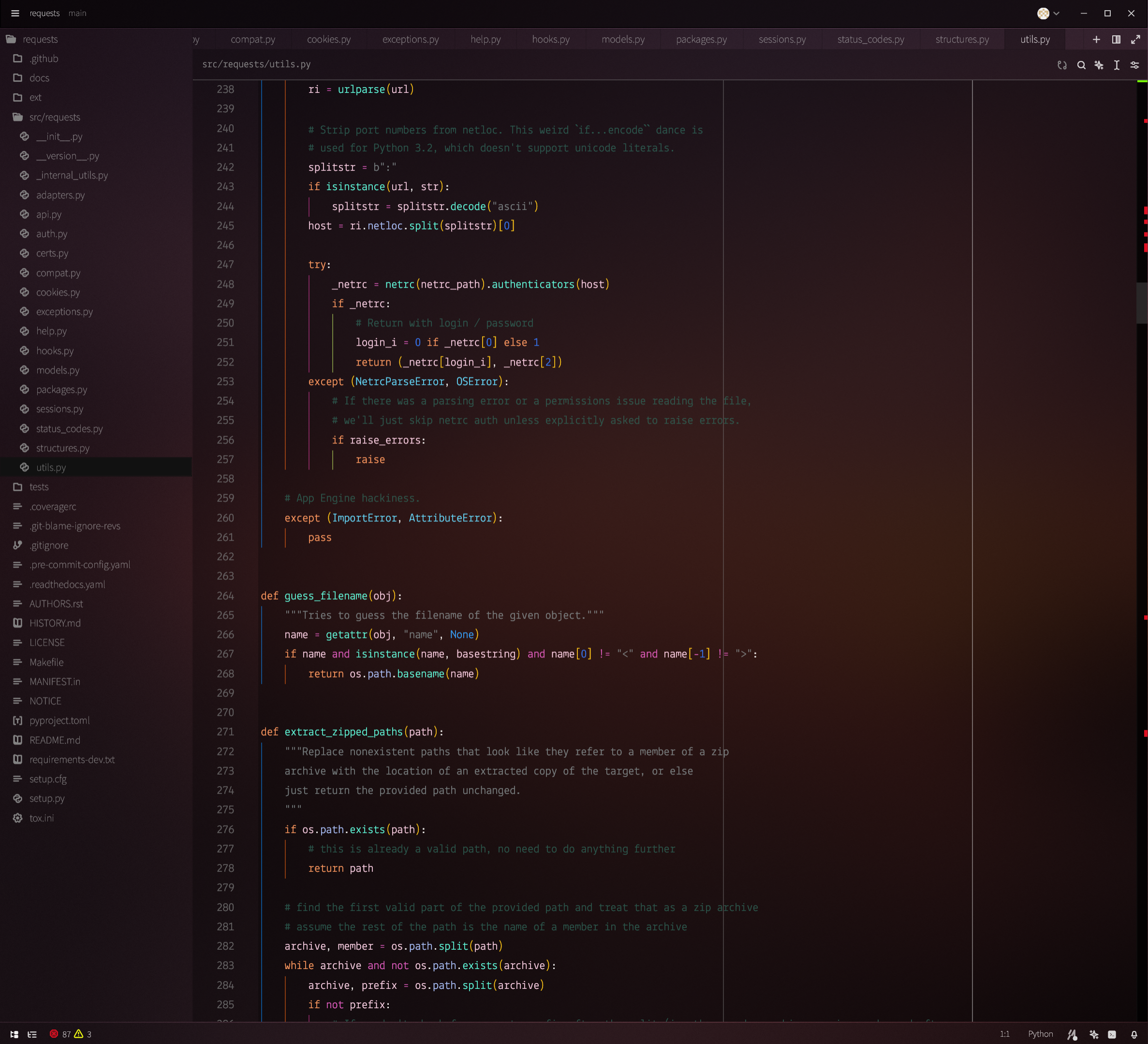
Axolotls: Syntax highlighting in Axolosin is inspired by the beautiful colours of Leucistic Axolotls and their habitats. Bright pinks, violet, orange, marine blue, and sea green are featured prominently.
-
Blur: Besides syntax highlighting, Axolosin also themes the UI of the Zed code editor. Here the emphasis is to use blur, translucency, as well as shades of white and black to imitate an aquarium effect. The use of grey, white, and black for UI elements is meant to let the colourfulness of the syntax highlighting shine through.