Aquaflow Theme
A calm, ocean-inspired greenish theme for Zed. Soft gradients and highly readable colors.
How to install
With Forge Super installed, the button above opens the app on this extension, where you press Install. Nothing is installed until you do.
You can also open the Extensions panel in the app and search for Aquaflow Theme. The extension's id is aquaflow-theme.
Don't have Forge Super yet? Download it here.
README
From the extension's repository, written by its authors and not by Mentenaz. See the source.
🌊 Aquaflow — Zed Theme
Aquaflow is a sleek, cool, greenish-aqua theme for Zed, inspired by the calm yet vibrant colors of ocean water.It is my personal zed theme give it a try.
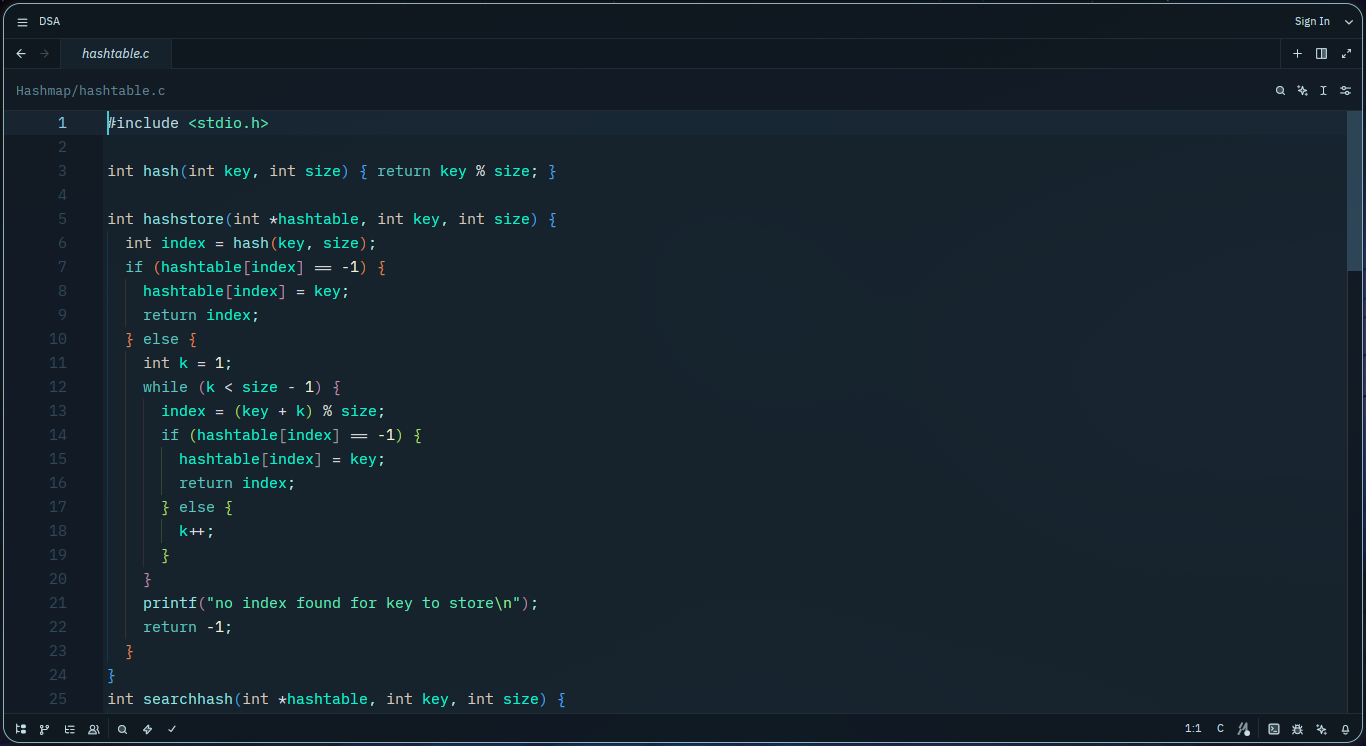
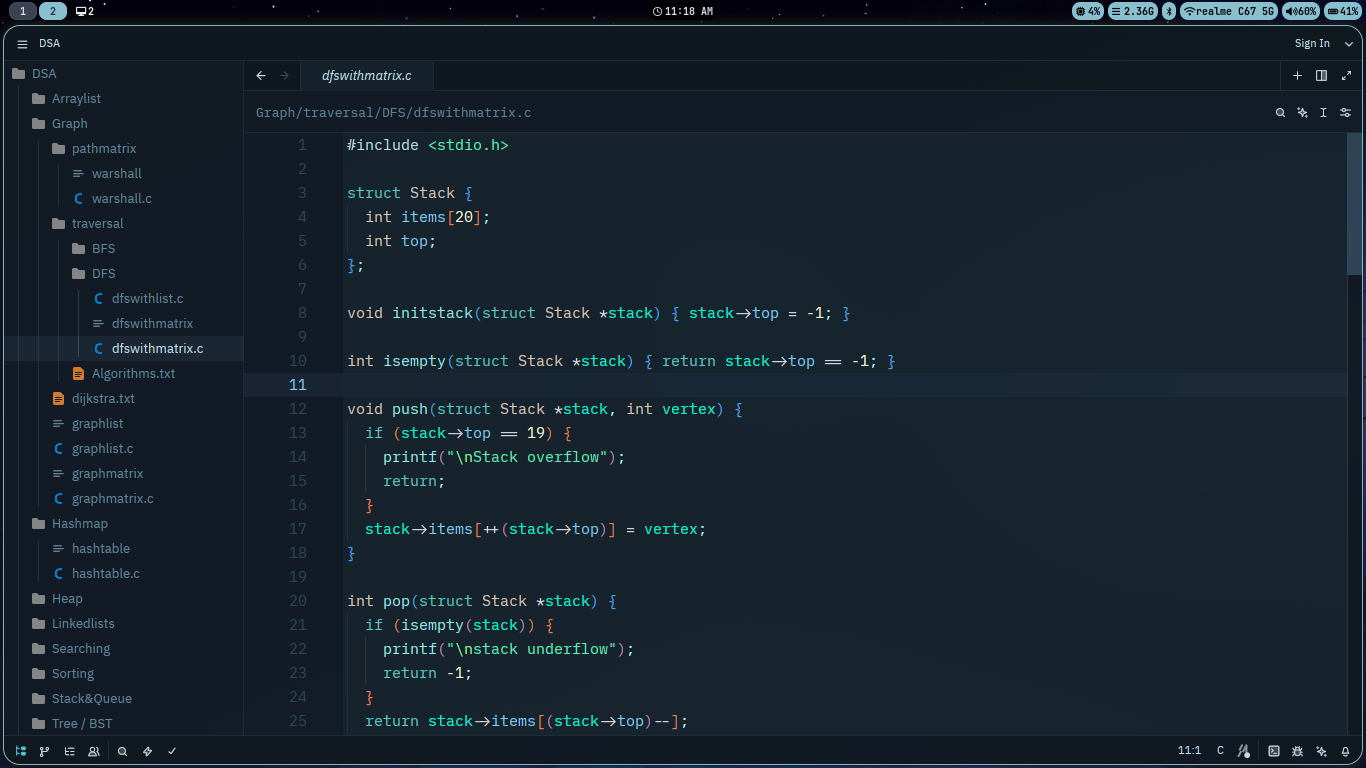
✨ Features
- Smooth aqua gradients with dark ocean tones
- Minimal eye strain, no contrasts
- Great for late-night coding sessions 🌙
🧩 Installation
- Open Extensions in Zed using
Ctrl + Shift + X. - Search for aquaflow-theme.
- Click on Install.
That's it! The Aquaflow Theme is now installed.
👥 Contributions
Feel free to contribute to this project! Your suggestions and improvements are always welcome.