Aira Theme
A calm green theme for Zed, crafted to enhance focus and visual comfort.
How to install
With Forge Super installed, the button above opens the app on this extension, where you press Install. Nothing is installed until you do.
You can also open the Extensions panel in the app and search for Aira Theme. The extension's id is aira.
Don't have Forge Super yet? Download it here.
README
From the extension's repository, written by its authors and not by Mentenaz. See the source.
Aira Theme for Zed
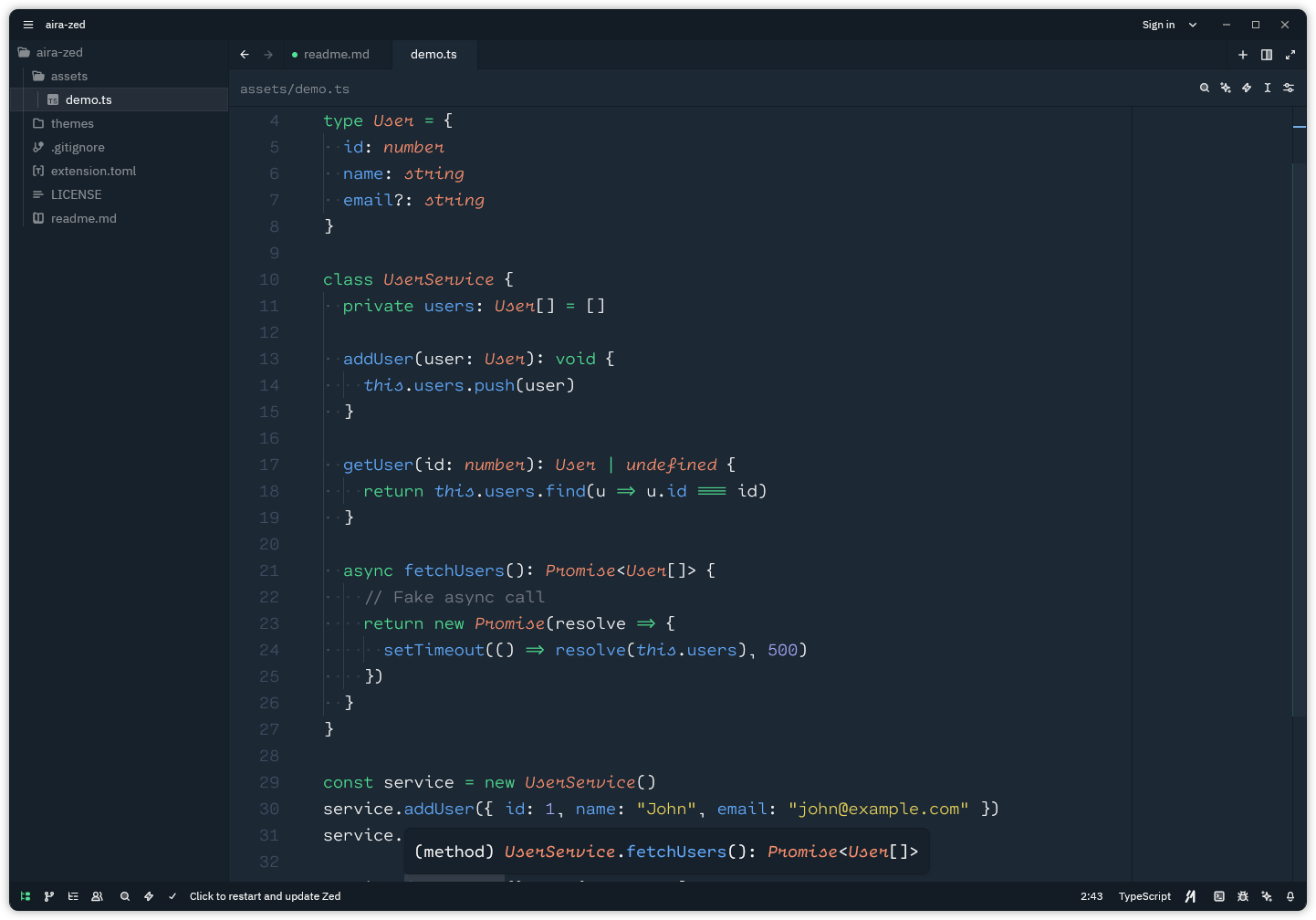
Aira is a clean, modern, and comfortable theme for the Zed text editor — designed to enhance focus and readability for long coding sessions.
🖼️ Preview
✨ Features
- Minimal and balanced color palette
- Syntax highlighting optimized for readability
- Supports multiple programming languages
- Subtle UI elements that stay out of your way
- Comfortable contrast ratios for extended use
⚙️ Installation
Manual Installation
-
Clone this repository or download the theme file
-
Copy the
themesdirectory into your Zed configuration folder:macOS / Linux
~/.config/zed/themes/Windows
%APPDATA%\Zed\themes\ -
Restart Zed
-
Select the Aira theme from the theme dropdown in the settings (or use the keyboard shortcut
Ctrl + Shift + Pand typetheme) -
Enjoy!
🤝 Contributing
Contributions are always welcome! If you’d like to improve the theme or fix an issue, feel free to open a Pull Request.
📄 License
This project is licensed under the MIT License.