Ad Astra
Dark and light themes for Zed with vibrant cyan and pink accents
How to install
With Forge Super installed, the button above opens the app on this extension, where you press Install. Nothing is installed until you do.
You can also open the Extensions panel in the app and search for Ad Astra. The extension's id is ad-astra-theme.
Don't have Forge Super yet? Download it here.
README
From the extension's repository, written by its authors and not by Mentenaz. See the source.
🌌 Ad Astra Theme for Zed
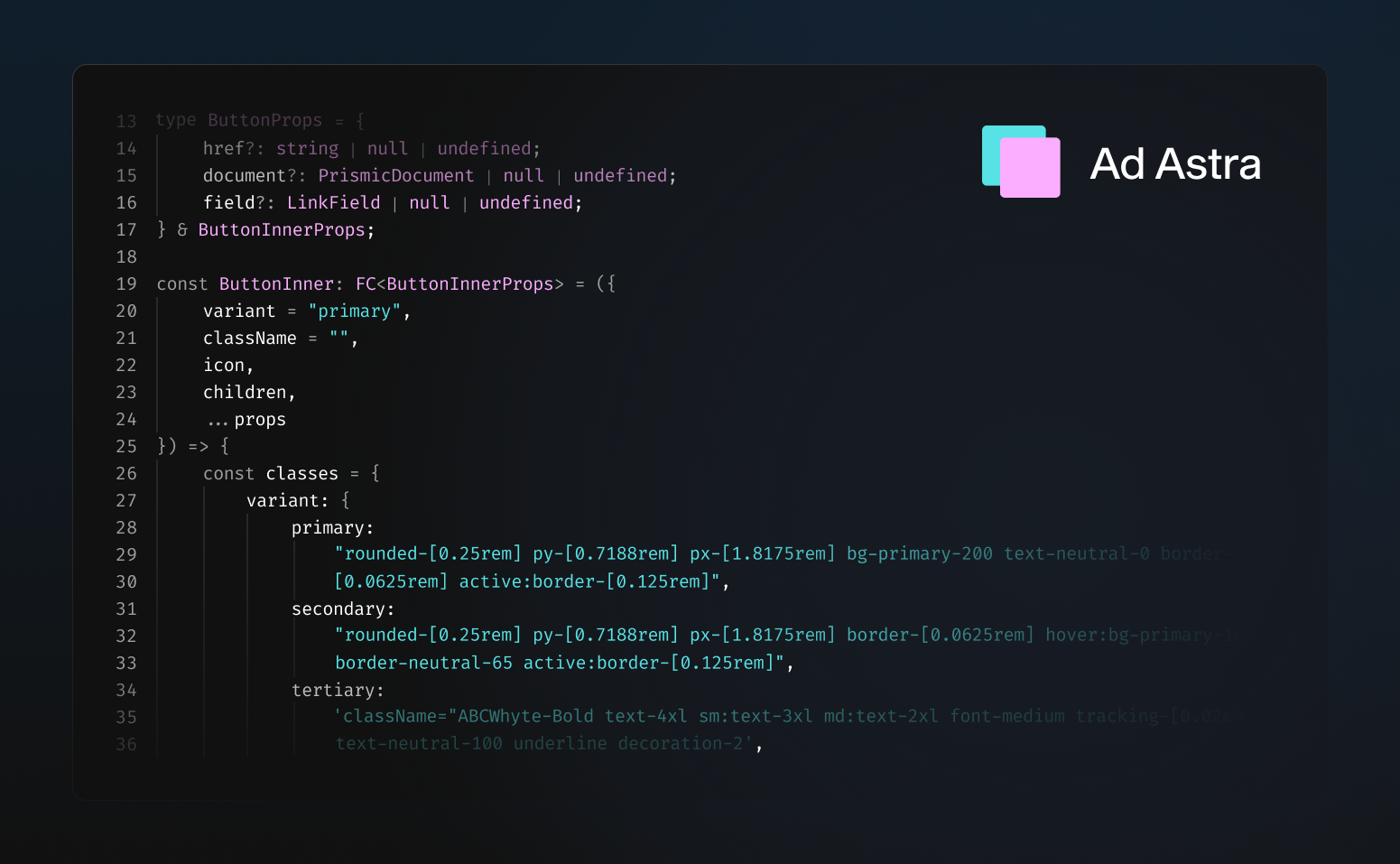
Ad Astra's space-inspired design not only helps you focus on your work and increase productivity but adds a touch of personality and style to your workspace.
The carefully selected contrasting blue and lavender colors improve readability and make your code stand out. The extension includes both:
- Ad Astra Dark
- Ad Astra Light
Both variants keep a similar palette, while the light mode is tuned for stronger contrast and readability on bright backgrounds.
Installation
From Zed Extensions (Recommended)
- Open Zed
- Press
cmd+shift+p(macOS) orctrl+shift+p(Linux/Windows) - Type "extensions" and select Extensions: Install Extensions
- Search for "Ad Astra"
- Click Install
Manual Installation (Development)
-
Clone this repository:
git clone https://github.com/ugi-dev/ad-astra-zed.git -
Open Zed and run the command palette (
cmd+shift+porctrl+shift+p) -
Run Zed: Install Dev Extension and select the cloned directory
-
Select the theme:
- Open settings (
cmd+,orctrl+,) - Search for "theme"
- Choose "Ad Astra Dark" or "Ad Astra Light"
- Open settings (
Themes Included
- Ad Astra Dark - Minimal dark theme with
#111111background - Ad Astra Light - Clean light theme with soft blue-gray tones
Color Palette
Dark Theme
- Background:
#111111 - Foreground:
#FFFFFF - Cyan Accent:
#57E2E5 - Pink Accent:
#FBADFF - Error:
#C74E39
Light Theme
- Background:
#F5F7FC - Foreground:
#1C2230 - Teal Accent:
#0A8E97 - Purple Accent:
#8F4AB8 - Error:
#B23A2A
About
Created by ugi-dev
Part of the Ad Astra theme family, also available for:
License
MIT © ugi-dev