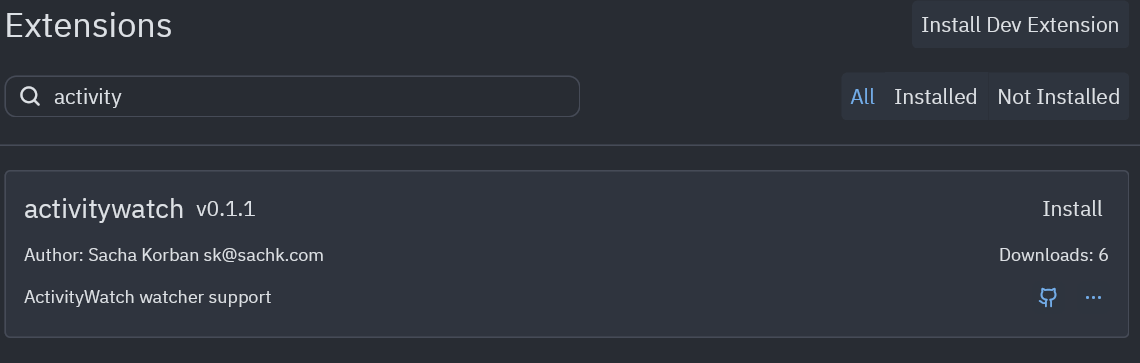
activitywatch
ActivityWatch watcher support
How to install
With Forge Super installed, the button above opens the app on this extension, where you press Install. Nothing is installed until you do.
You can also open the Extensions panel in the app and search for activitywatch. The extension's id is activitywatch.
Don't have Forge Super yet? Download it here.
README
From the extension's repository, written by its authors and not by Mentenaz. See the source.
aw-watcher-zed
This extension allows ActivityWatch, the free and open-source time tracker, to track what you are doing when using the Zed editor.
Installation
Search for activitywatch on Zed's extension page, (accessible from the command palette) and press install
Configuration
This extension defaults to connecting to an ActivityWatch server at http://127.0.0.1:5600. To connect to a different server specify it by adding this to your Zed configuration.
"lsp": {
  "activitywatch": {
    "settings": {
      "host": "192.168.0.10"
      "port": 5609
    }
  }
}
Implementation Details
Uses the activitywatch-ls to receive edit events from Zed and send hearbeats to an ActivityWatch server using the aw-client-rust library.
This is a not very nice hacky approach with a few issues, such as langauges not hardcoded into the extension in extension.toml not working and time looking at a file before changes not being counted without a complex workaround.
This plugin is heavily based on the WakaTime plugin for Zed, thanks to them for making this a lot easier to figure out.