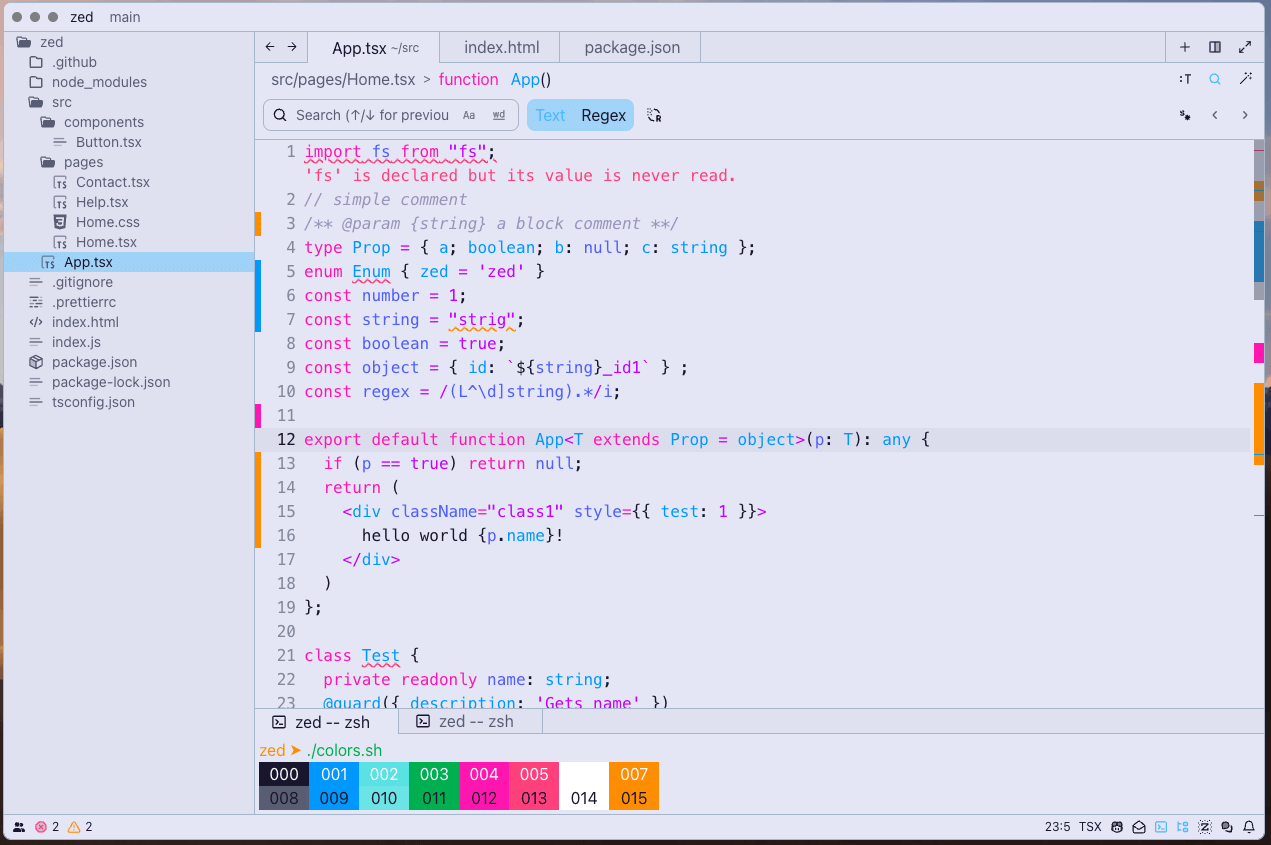
1984 Theme
1984 theme for Zed
How to install
With Forge Super installed, the button above opens the app on this extension, where you press Install. Nothing is installed until you do.
You can also open the Extensions panel in the app and search for 1984 Theme. The extension's id is 1984-theme.
Don't have Forge Super yet? Download it here.
README
From the extension's repository, written by its authors and not by Mentenaz. See the source.
1984 Theme for Zed IDE
A Zed theme extension based on juanmnl's VSCode theme 1984 Cyberpunk Color Theme. Special thanks to juanmnl.
As a big fan of the Cyberpunk theme, I've adapted juanmnl's 1984 theme for Zed's UI. The primary modifications involved adjusting the color scheme to seamlessly integrate with Zed. I highly recommend using the Cyberpunk theme paired with JetBrains Mono or Fira Code fonts.
For more details, please refer to juanmnl's 1984 project repository.
Here is the zed editor config file that I often use, you can copy it to initialize.
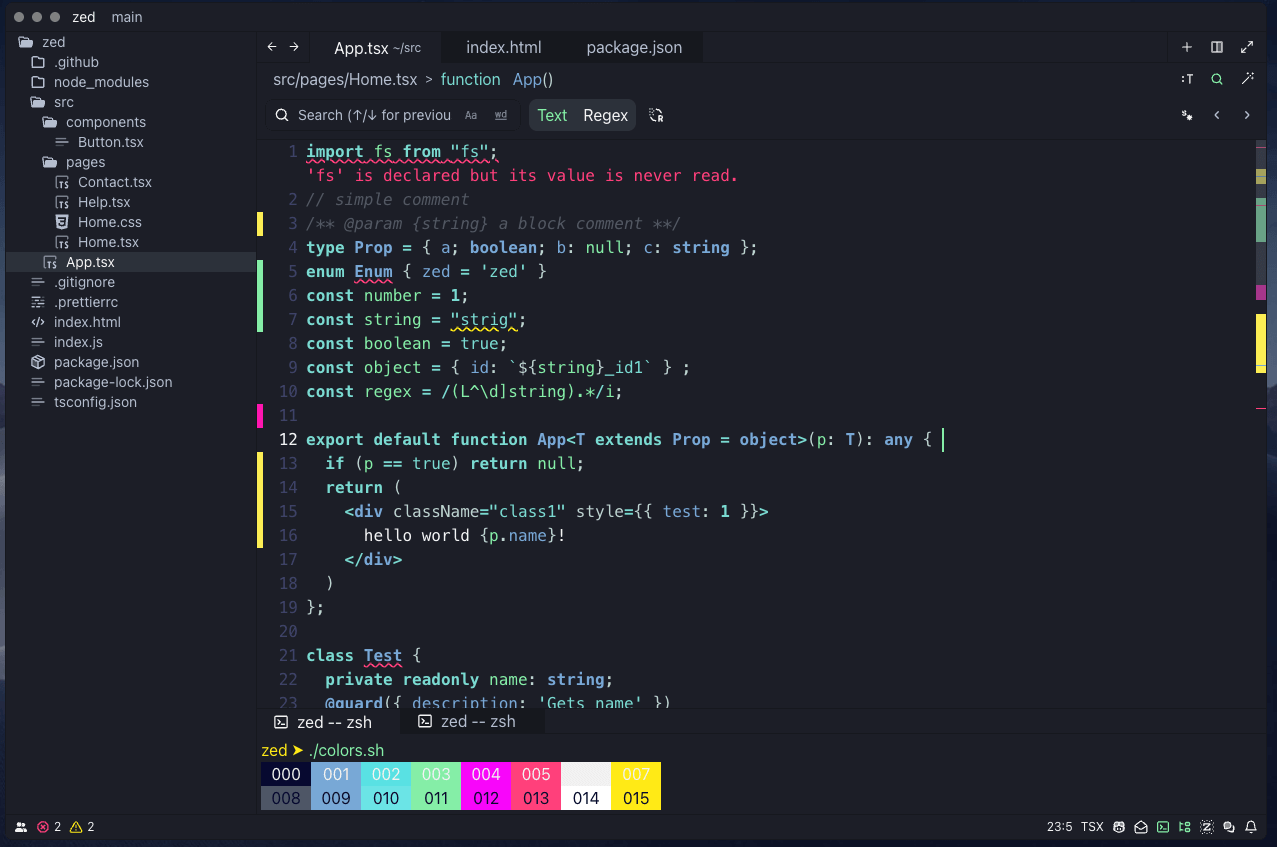
Cyberpunk
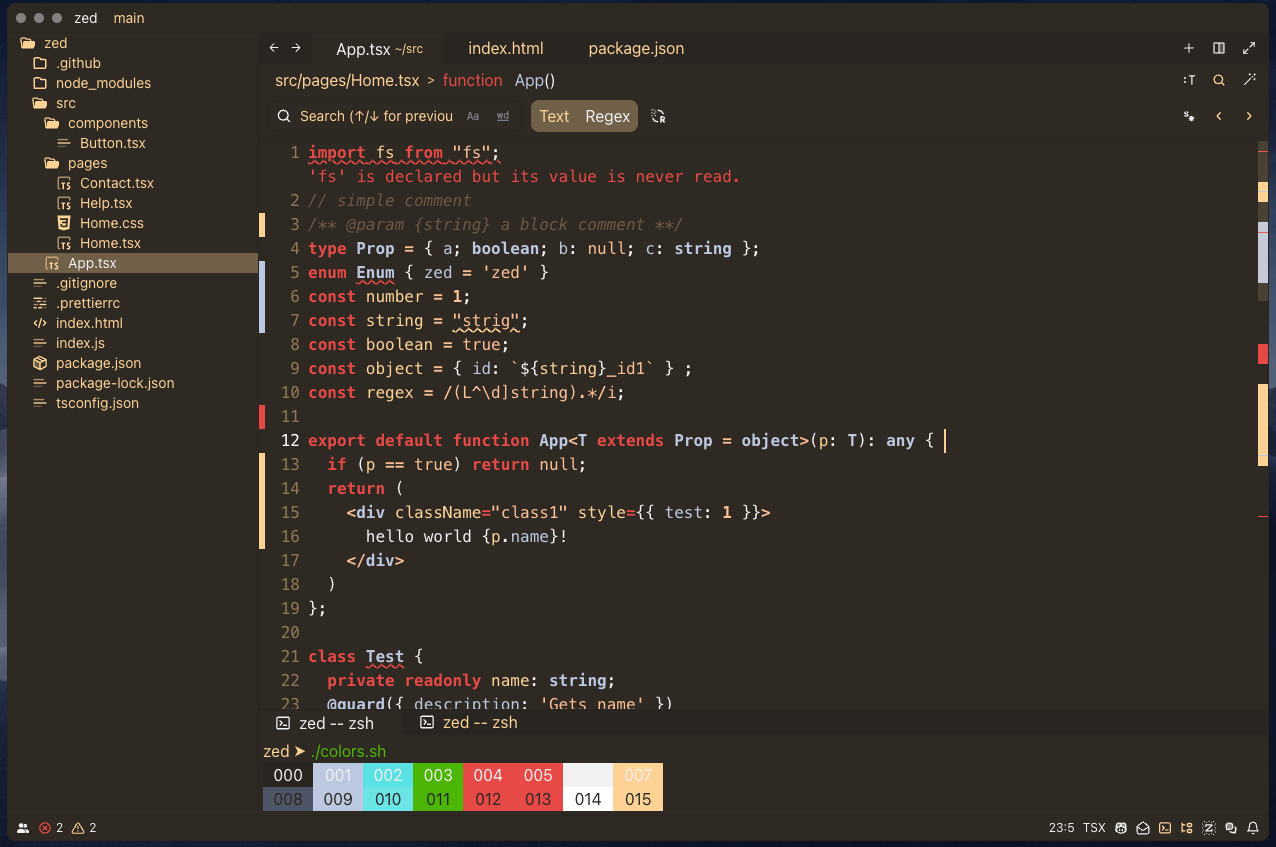
Orwellian
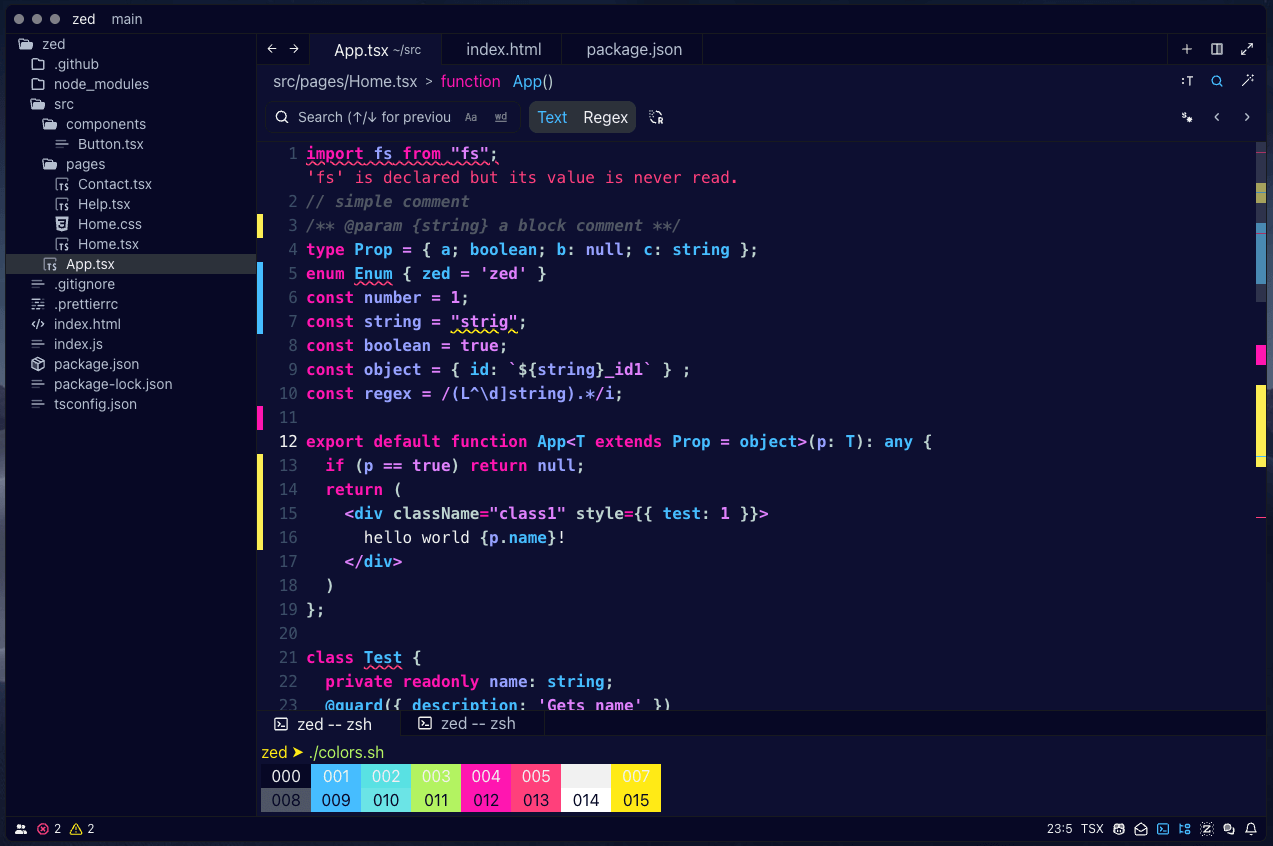
1984
1984: Regular + Bold font weights
1984 Unbolded: Only Regular font weight
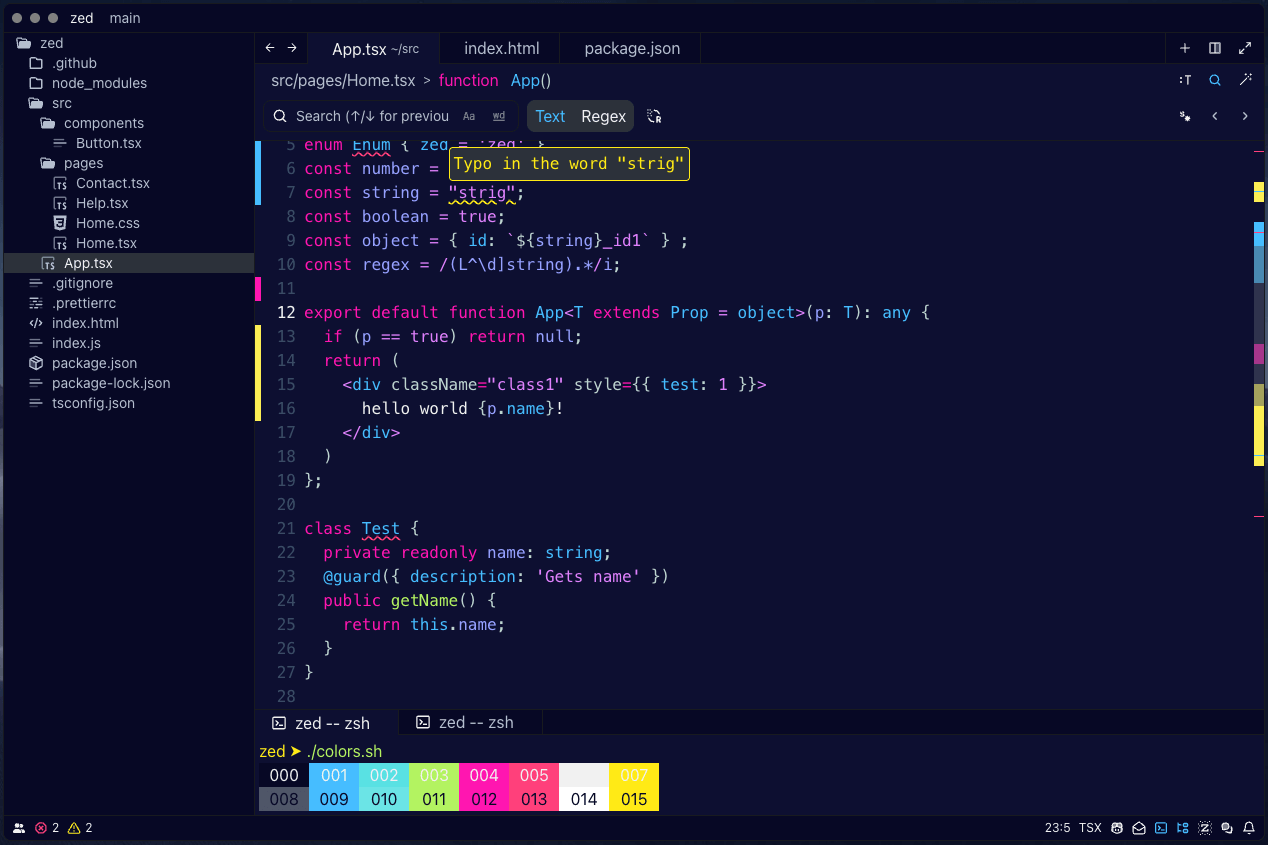
1984 Fancy: Regular + Italic font weights (recommended for long term usage)
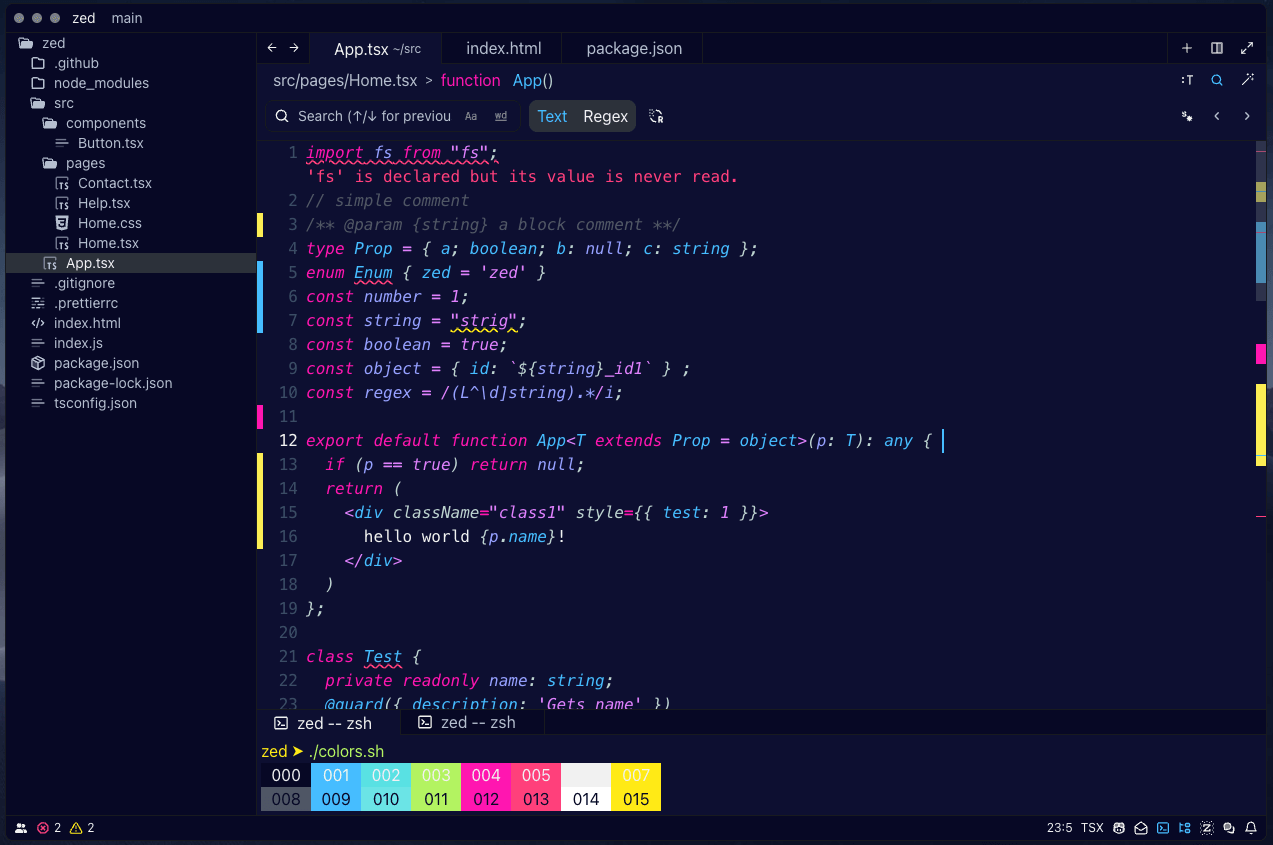
1984 Light: Regular font weights (Works better w/o bracket pair colorizer)